Brevera Breast Biopsy System User Guide
Chapter 8: The Images
Page 90 MAN-04303-002 Revision 006
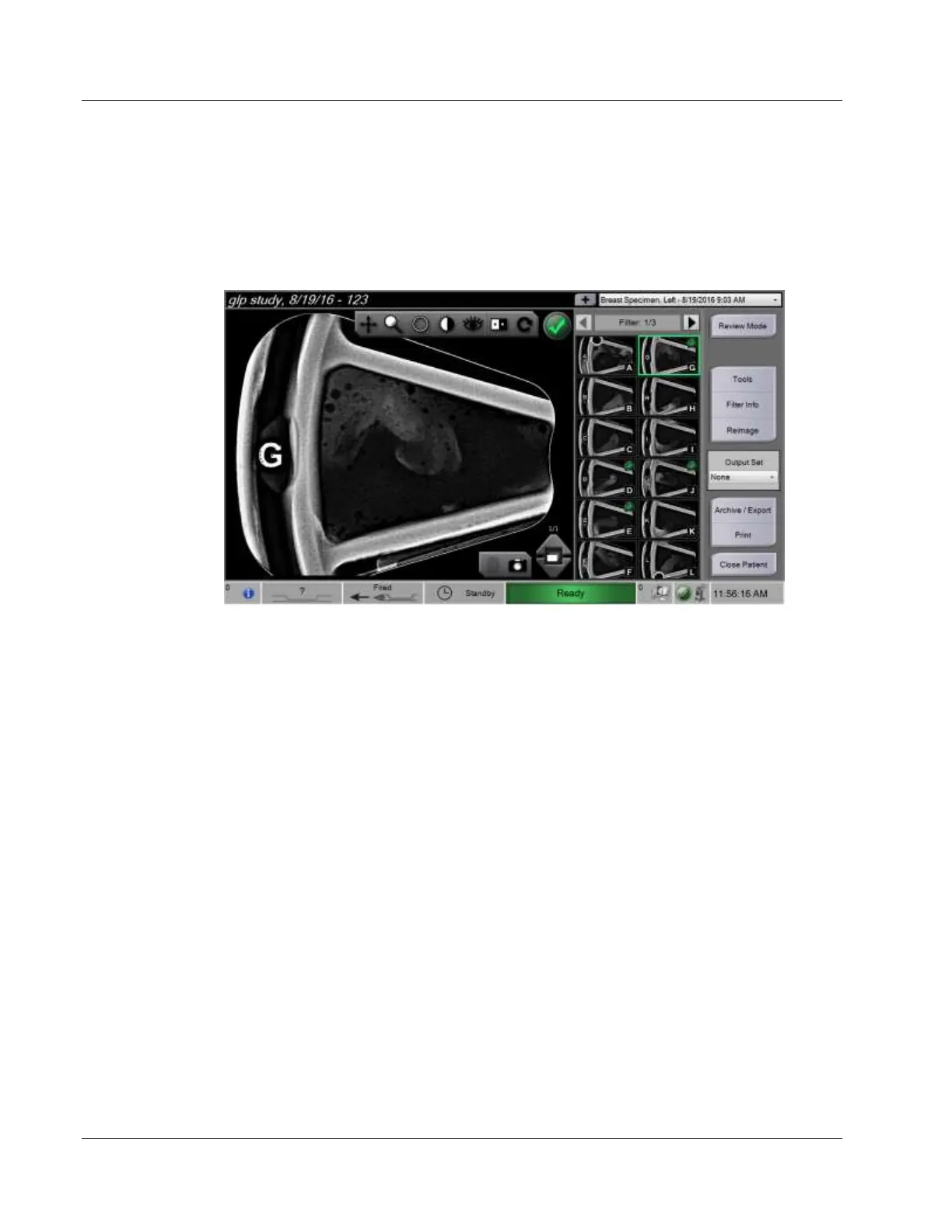
8.2.1 How to Tag an Image
The Tag tool is the round button in the upper right corner of the image. Pressing this
button selects or deselects the active image. Tagged images show a green check mark in
the upper right of the image and the image thumbnail. The check mark is burned into the
tagged images that are exported, archived, or printed.













 To Next Page