Brevera Breast Biopsy System User Guide
Chapter 4: User Interface - Imaging Display
MAN-04303-002 Revision 006 Page 55
How to Archive
The archive function sends data to a PACS device.
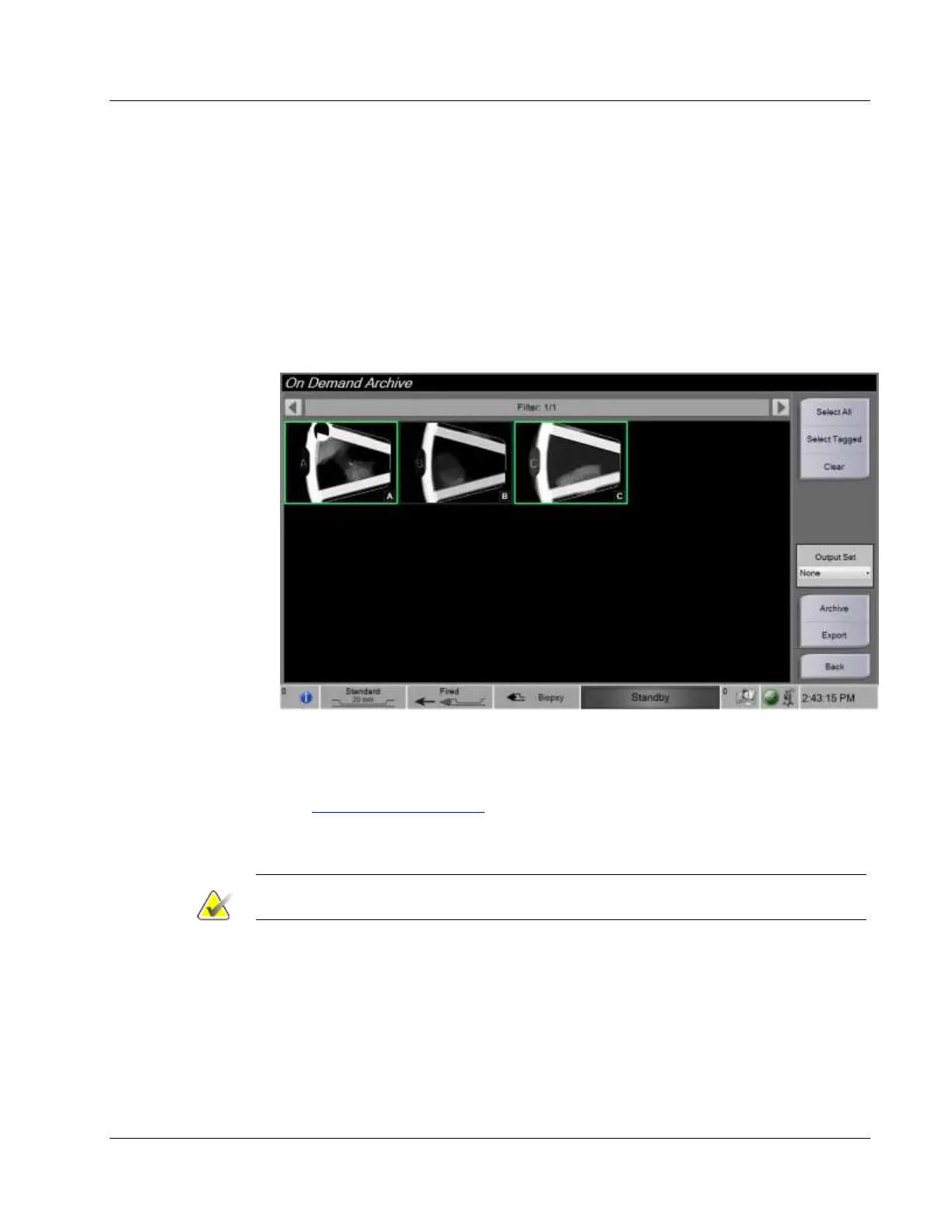
1. Select the Archive/Export button. The images from the current procedure appear in
the main window.
2. Touch one or more images to select the images to archive or export. Touch again to
deselect an image. Use the Select All button to select all of the images for the current
procedure. Use the Select Tagged button to select only the images marked with a
green check mark.
3. Select the Archive button.
4. Select a storage device from an existing Output Group, or create an Output Group.
(See How to Use the Output Set on page 53 for more information.)
5. Select the Send button to copy all selected images from the open case study to the
selected device.













 To Next Page