Brevera Breast Biopsy System User Guide
Chapter 6: Imaging System Modes
Page 66 MAN-04303-002 Revision 006
6.3 Single Chamber Mode
The system has a specialized mode that enables the user to perform a biopsy without
taking any images when the Imaging system cannot detect or index the tissue filter. The
Single Chamber tissue filter does not move or change position during the biopsy
acquisition cycle. The number of biopsy cycles/acquisitions completed is displayed on the
Technologist display (same as the other system modes). Standby, Test, Biopsy, Lavage,
and Aspirate modes operate in normal fashion.
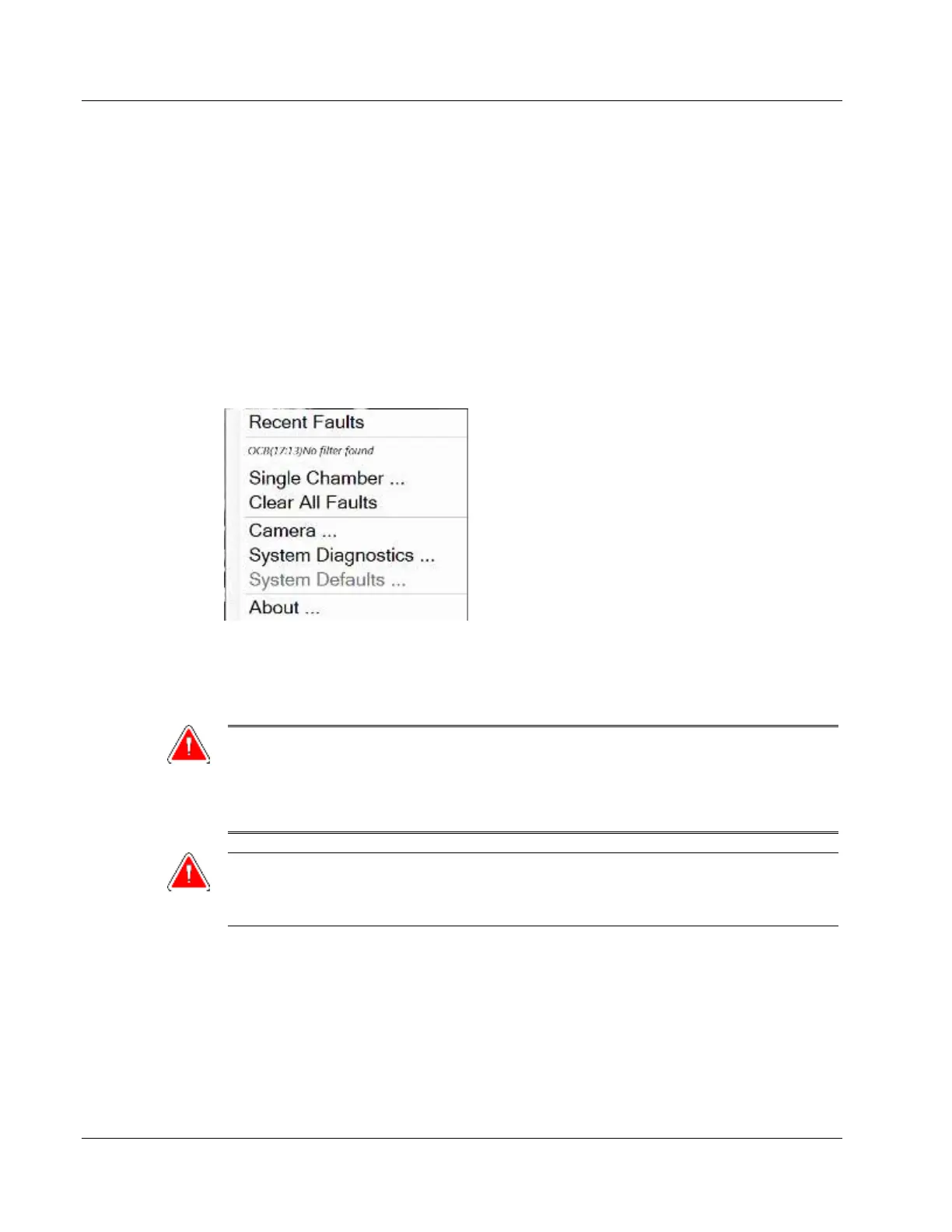
To enter Single Chamber mode, select the System Status icon on the taskbar, then select
Single Chamber from the menu.
In Single Chamber mode, only a Single Chamber tissue filter can be used. The system
prompts the user to install the Single Chamber tissue filter.
WARNING!
Do not proceed with the biopsy until the single chamber tissue filter is
installed. Failure to install the single chamber tissue filter can result in
lost cores.
Warning:
Using a twelve chamber tissue filter during single chamber mode causes all
cores to collect in one chamber and can cause system damage.













 To Next Page