Brevera Breast Biopsy System User Guide
Chapter 5: User Interface - Technologist Display
Page 60 MAN-04303-002 Revision 006
Test
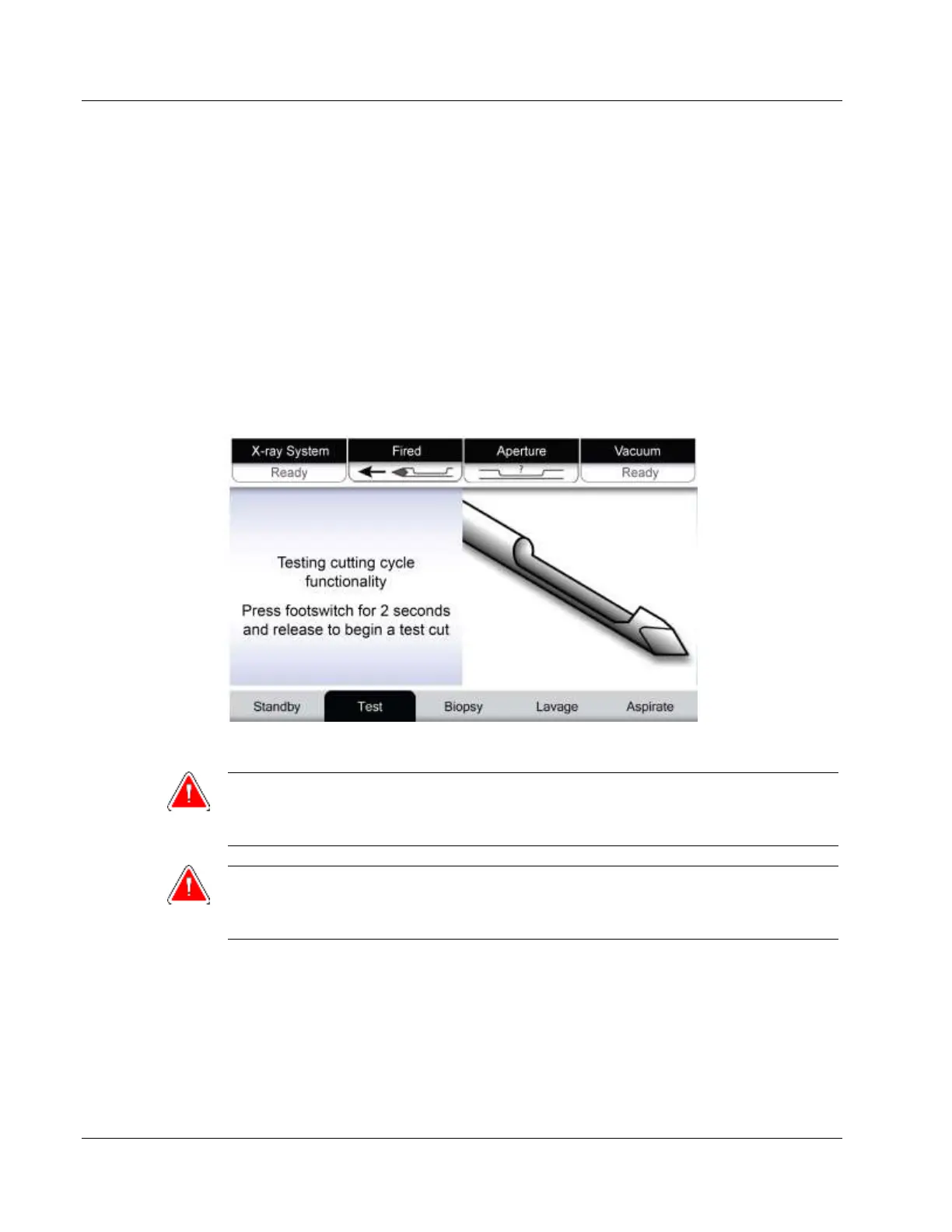
After setup is successful, the system requires testing. The device driver, biopsy needle,
and tissue filter must be connected and installed to run Test mode. It is not necessary for
the X-ray system to be ready to run Test mode. When the system is in Test mode, it tests
the vacuum, prompts the user to confirm saline flow at the tip of the needle, then tests
the cutting cycle. The system cannot use the x-ray function in Test mode.
When the system is ready for testing, the green light above the Test button flashes. Press
the Test button to begin the testing procedure. Follow the prompts to complete testing.
The Arm and Fire functions can also be tested. After testing is complete, the system can
be put into Standby mode.













 To Next Page