Brevera Breast Biopsy System User Guide
Chapter 3: Components, Controls, and Indicators
Page 40 MAN-04303-002 Revision 006
3.6 How to Start the System
Warning:
Do not place fingers on the metal parts of the device driver. These parts can
move when the system powers on.
Note
The console beeps three times before resetting the position of the metal parts of the
device driver.
1. Lock the console casters.
2. Connect the system to power and the network.
3. Press the Power button on the side of the console.
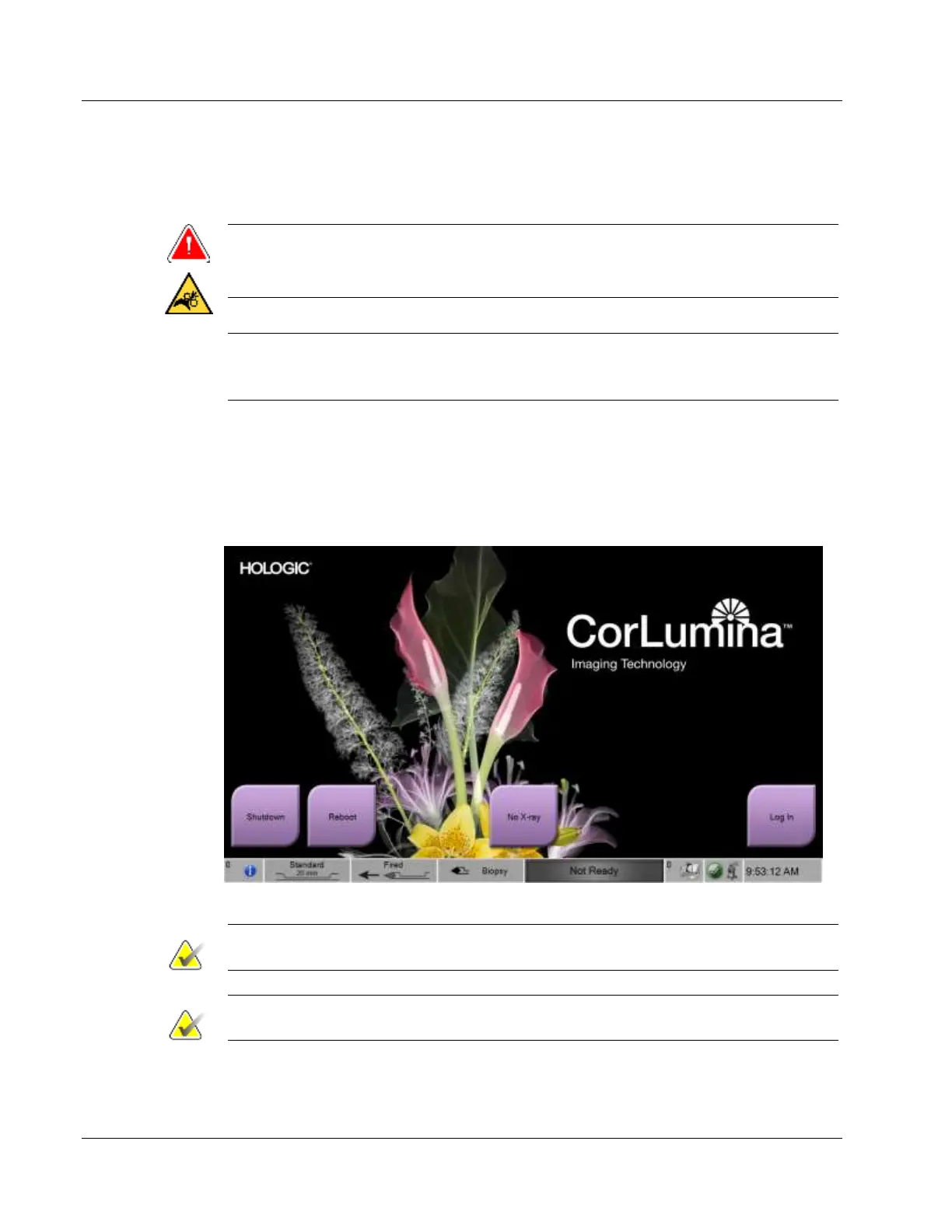
4. When the Startup screen appears on the Imaging display, select the Log In button.
Figure 20: Startup Screen
Note
The control panel LEDs can blink when the system starts.
Note
The Startup screen includes a Reboot button that restarts only the computer.













 To Next Page