Brevera Breast Biopsy System User Guide
Chapter 7: Biopsy
MAN-04303-002 Revision 006 Page 85
7.10 How to Change the Biopsy Needle Between Procedures
Follow these instructions to change the biopsy needle for a new procedure.
1. Confirm that the console is in Standby mode.
2. Press the buttons on the sides of the biopsy needle to disengage it from the device
driver. Detach the needle from the driver and place it in a sharps container.
Warning:
Do not place fingers on the metal parts of the device driver. These parts can
move before a biopsy needle is installed.
Note
The console beeps three times before resetting the position of the metal parts of the
device driver.
3. Slide the device driver onto the device driver holder on the console until it clicks.
4. Wait for the device driver to automatically home in preparation for a new biopsy
needle.
5. Follow the instructions in Conclude the Procedure on page 84 to disconnect and
remove the biopsy supplies.
6. Install the new biopsy supplies and the new biopsy needle. Refer to Connect the
Device Driver and the Biopsy Supplies on page 69 for detailed instructions.
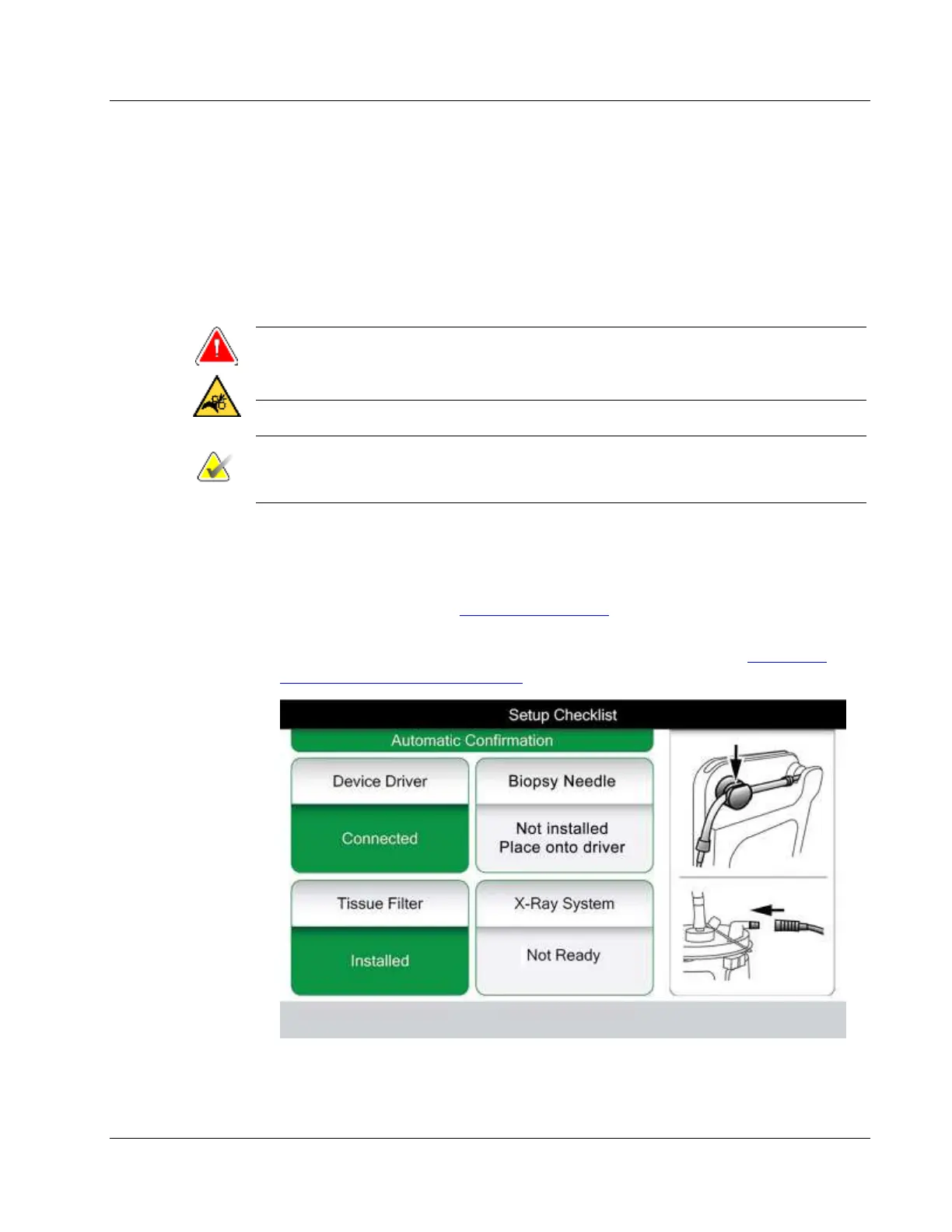
Figure 52: System Recognizes When the Device Driver Is Ready













 To Next Page