Brevera Breast Biopsy System User Guide
Chapter 4: User Interface - Imaging Display
Page 48 MAN-04303-002 Revision 006
4.2.5 How to Delete a Patient
1. In the Select Patient screen, select one or more patients.
2. Select the Delete button.
3. To the Confirmation Required prompt, select Yes.
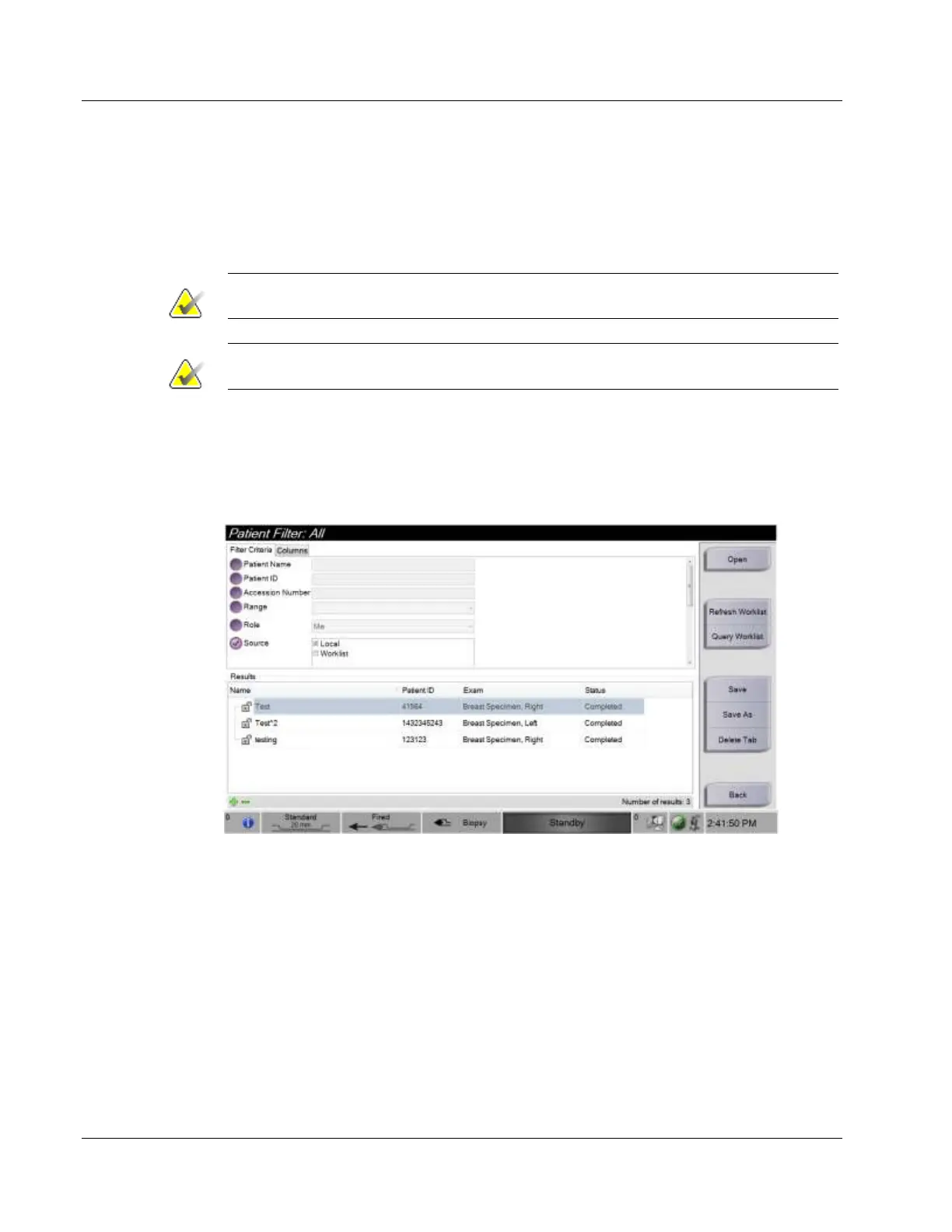
4.2.6 The Patient Filter Screen
When you select the Filter Criteria button in the Select Patient screen, the Patient Filter
screen appears.













 To Next Page