EasyManua.ls Logo

Hologic Brevera - Figure 25: the Edit Patient Information Screens; How to Edit the Patient Information

Hologic Brevera
148 pages
Print Icon
To Next Page IconTo Next Page
To Previous Page IconTo Previous Page
Loading...
Brevera Breast Biopsy System User Guide
Chapter 4: User Interface - Imaging Display
MAN-04303-002 Revision 006 Page 47
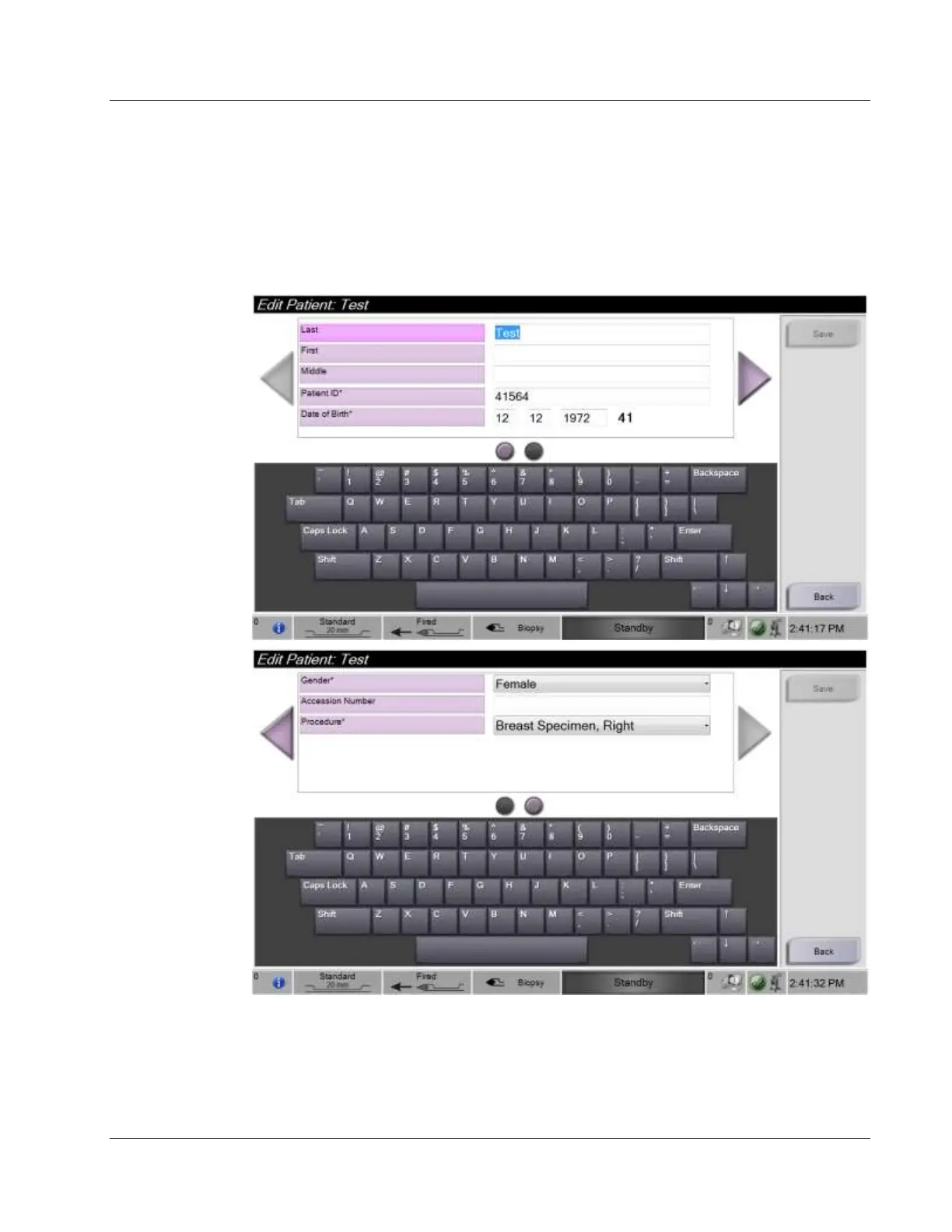
4.2.4 How to Edit the Patient Information
1. In the Select Patient screen, select the patient name, then select the Edit button.
2. In the Edit Patient screens, make the changes. Use the arrows to access the next or
previous screen.

Figure 25: The Edit Patient Information Screens
3. Select Save.
4. When the Update Successful message is displayed, select OK.

Table of Contents

Other manuals for Hologic Brevera

Related product manuals