HT2000H_en_n.doc Page 41 of 167
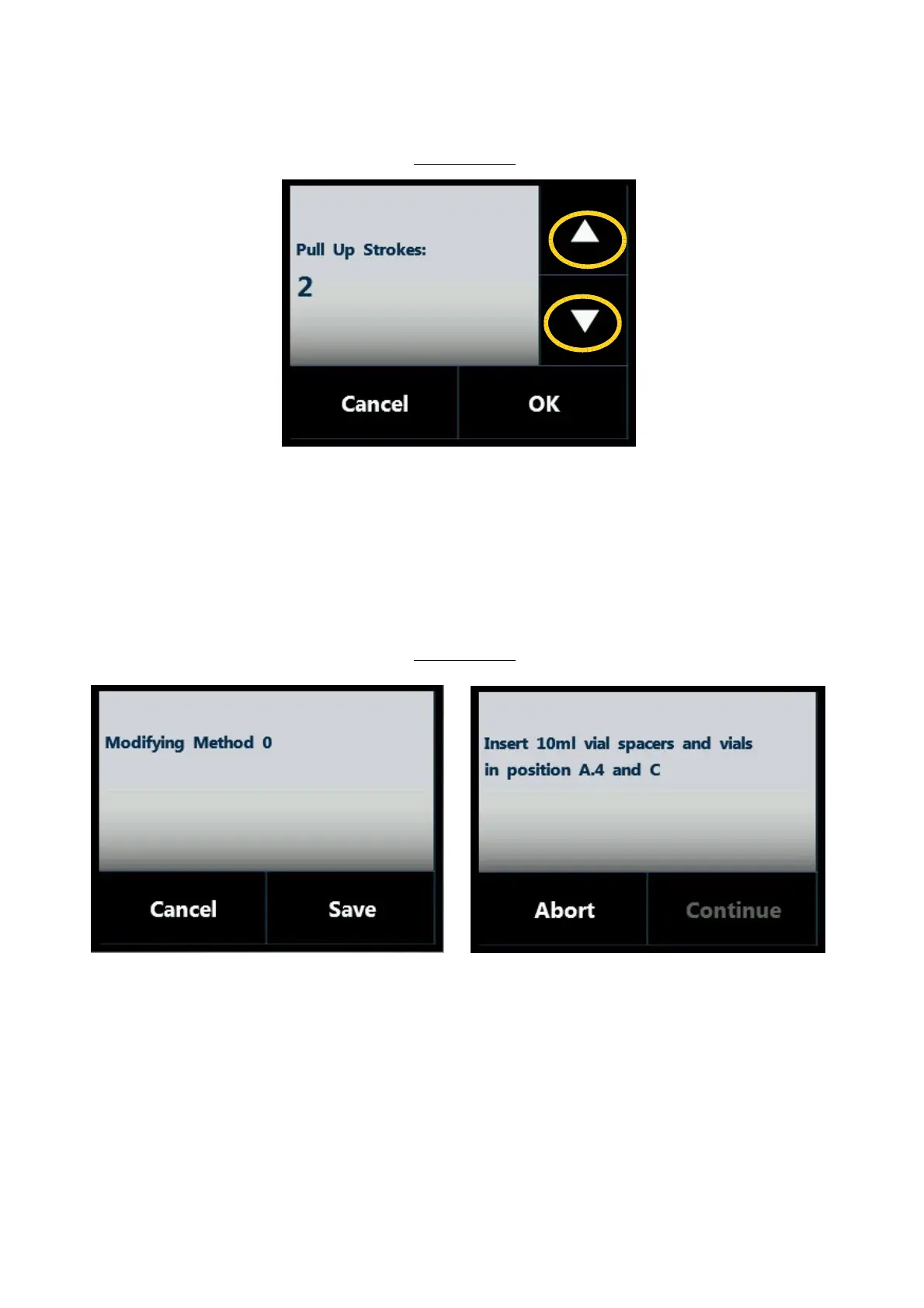
Screen type 4:
Figure 32: Screen type 4
This screen type is used for parameter editing.
Use the arrows on the right (yellow circles) to change the value of the parameter.
Tap “OK” or “SAVE” (not present in this particular example) to confirm the modification, otherwise
“CANCEL” .
2.4.2.5 Screen type 5: Pop-up Message
Screen type 5:
Figure 33: Screen type 5_example A Figure 34: Screen type 5_example B
The grey area shows a notification/confirmation message. The lower part of the screen shows the action
buttons.
These include:
• “SAVE” to store the editing,
• “CANCEL” to exit without saving,



 To Next Page