HT2000H_en_n.doc Page 61 of 167
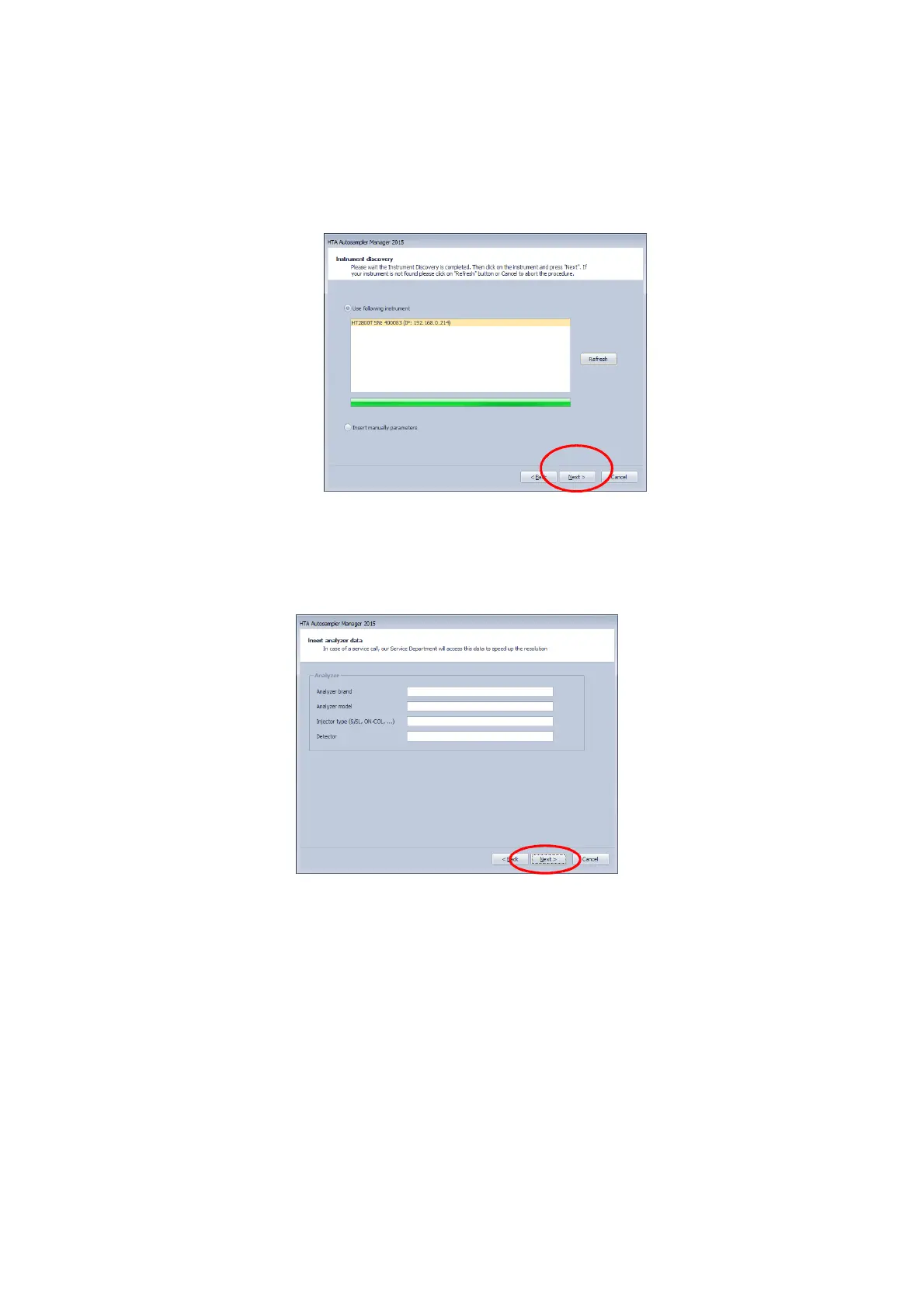
10) All the instruments currently connected by Ethernet (LAN) are shown in the following
screen. Click on one instrument and then on "Next". If your instrument is not found you can
re-try pressing “Refresh”.
Figure 66: HTA Autosampler manager screenshot
11) Fill in the form with your data. Click on “Next”:
12) Fill in the form with the analyzer data. Click on “Next”:
Figure 67: HTA Autosampler Manager screenshot
13) Insert the Activation key supplied with the instrument:



 To Next Page