HT2000H_en_n.doc Page 62 of 167
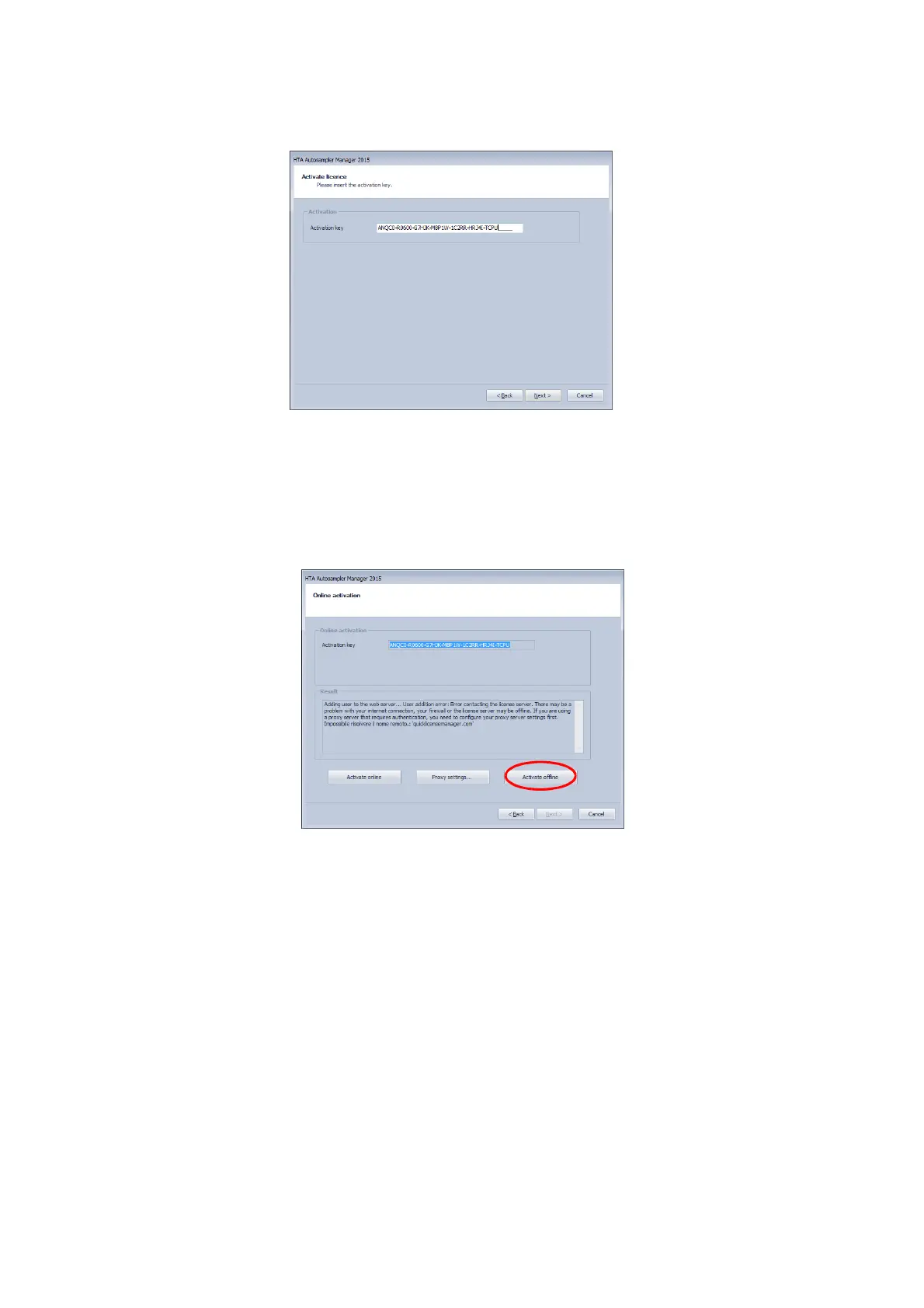
Figure 68: HTA Autosampler Manager screenshot
14) The ending of the activation procedure depends on your type of Internet connection:
a) If you have an Internet connection (not via Proxy server) an automatic activation starts.
b) If you do not have an internet connection available on the PC you are working with,
click on “Activate offline”.
Figure 69: HTA Autosampler Manager screenshot
15) The following window appears:



 To Next Page