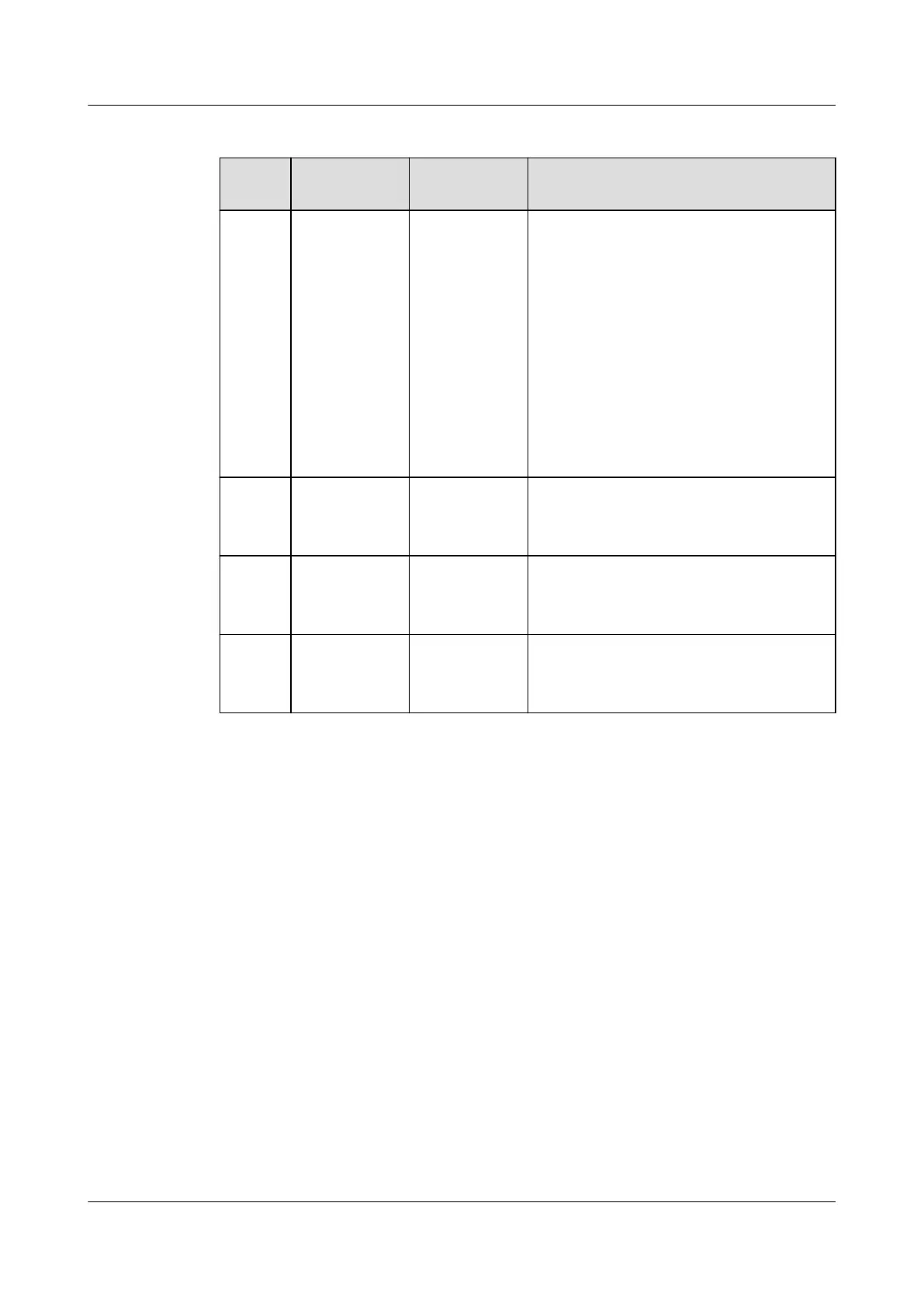
Table 3-80 LED indicator description
Silk
Screen
Item Color Description
RUN Run indicator Green Steady on: Communication is normal
(including board startup, self-check,
software loading, and board power-on
when not loaded; excluding sleep
when the power port or PWR port is
energized).
O: The ESM is shut down or
hibernating.
Blinking at long intervals: The LUI is
querying data.
Blinking at short intervals:
Communication is interrupted.
ALM Fault
indicator
Red Steady on: There is a fault or major
alarm.
O: There is no fault or major alarm.
CHG Charge
indicator
Green Steady on: The ESM is being charged.
O: The ESM is open-circuited or
discharging.
DCHG Discharge
indicator
Green Steady on: The ESM is discharging.
O: The ESM is open-circuited or
being charged.
iSitePower Integrated Smart Site (ICC1000-A1-E1)
User Manual 3 Components
Issue 04 (2022-10-15) Copyright © Huawei Technologies Co., Ltd. 103









 To Next Page