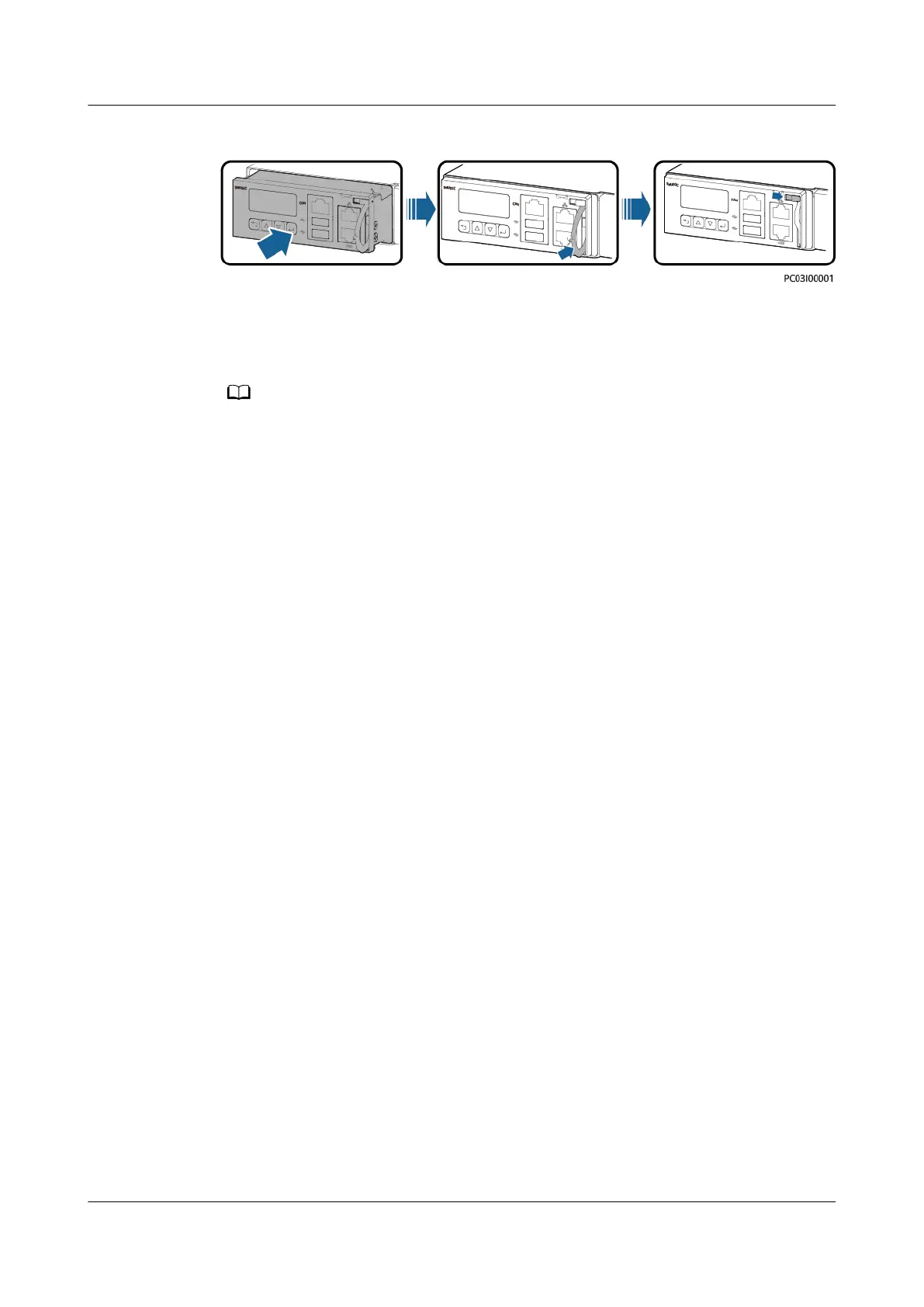
Figure 4-2 Installing the SMU02C
Step 7 Reconnect the communications cable to the SMU02C panel based on the recorded
information.
Step 8 Set SMU02C parameters.
After installing the new SMU, power on the SMU and check the software version of the
new SMU. If the software version of the new SMU is earlier than that of the old SMU,
upgrade the software.
Step 9 Disconnect the ground cable of the ESD wrist strap, and remove the ESD wrist
strap and ESD gloves.
----End
Follow-up Procedure
Put the removed component in an ESD box or bag and return it to the local
warehouse.
4.3.2 Replacing a UIM05B1
Prerequisites
● The ESD wrist strap, ESD gloves, ESD box or bag, and toolbox are available.
● The new UIM05B1 is intact.
Procedure
Step 1 Connect the ESD wrist strap ground cable, and wear the ESD wrist strap and ESD
gloves.
Step 2 Record the connection positions of cables on the UIM05B1 panel and remove the
cables.
Step 3 Loosen the screws on the UIM05B1 panel, pull the handle until it is engaged, and
take out the UIM05B1.
iSitePower Integrated Smart Site (ICC1000-A1-E1)
User Manual 4 Maintenance
Issue 04 (2022-10-15) Copyright © Huawei Technologies Co., Ltd. 119









 To Next Page