3. Connect the gateway power cable.
Step 7 Set the circuit breaker corresponding to the smart ETH gateway to ON.
Step 8 Disconnect the ground cable from the ESD wrist strap, and remove the ESD wrist
strap and ESD gloves.
----End
4.3.29 Replacing a Circuit Breaker
Prerequisites
● Tools are available.
● The new circuit breaker is intact.
● Power o the system before replacing a circuit breaker. Do not operate
with power on.
●
Power-o will disconnect the power supply to loads. Obtain prior consent
from customers before replacing a circuit breaker.
Procedure
Step 1 Switch o the circuit breaker to be replaced.
Step 2 Record the connection positions of cables, remove the cables, and insulate them.
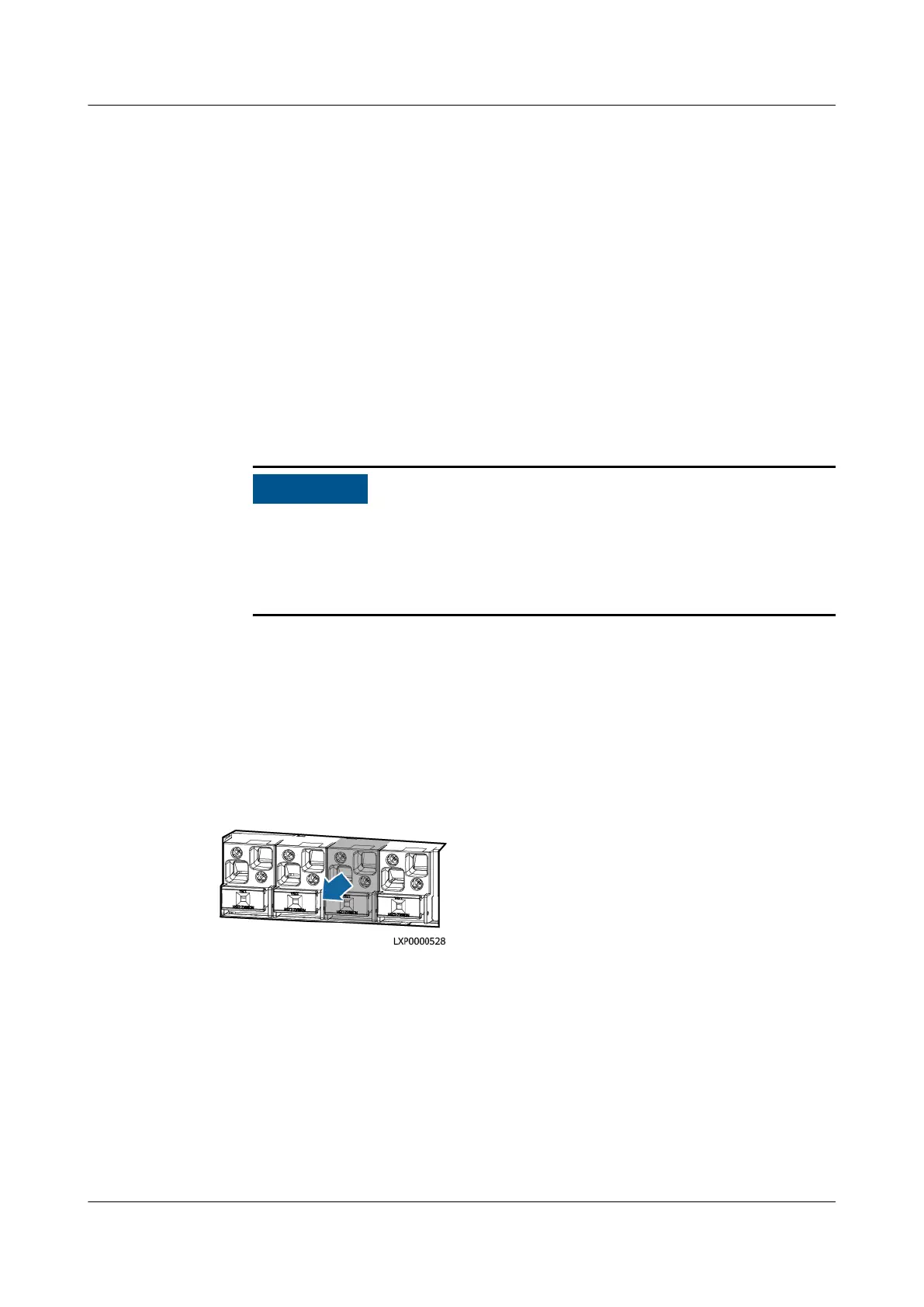
Step 3 Remove the faulty circuit breaker.
Figure 4-51 Removing a circuit breaker
Step 4 Install the new circuit breaker.
Step 5 Connect cables to the circuit breaker based on the recorded cable information.
Step 6 Switch on the circuit breaker.
----End
Follow-up Procedure
Pack the removed component and send it to the local warehouse.
iSitePower Integrated Smart Site (ICC1000-A1-E1)
User Manual 4 Maintenance
Issue 04 (2022-10-15) Copyright © Huawei Technologies Co., Ltd. 156









 To Next Page