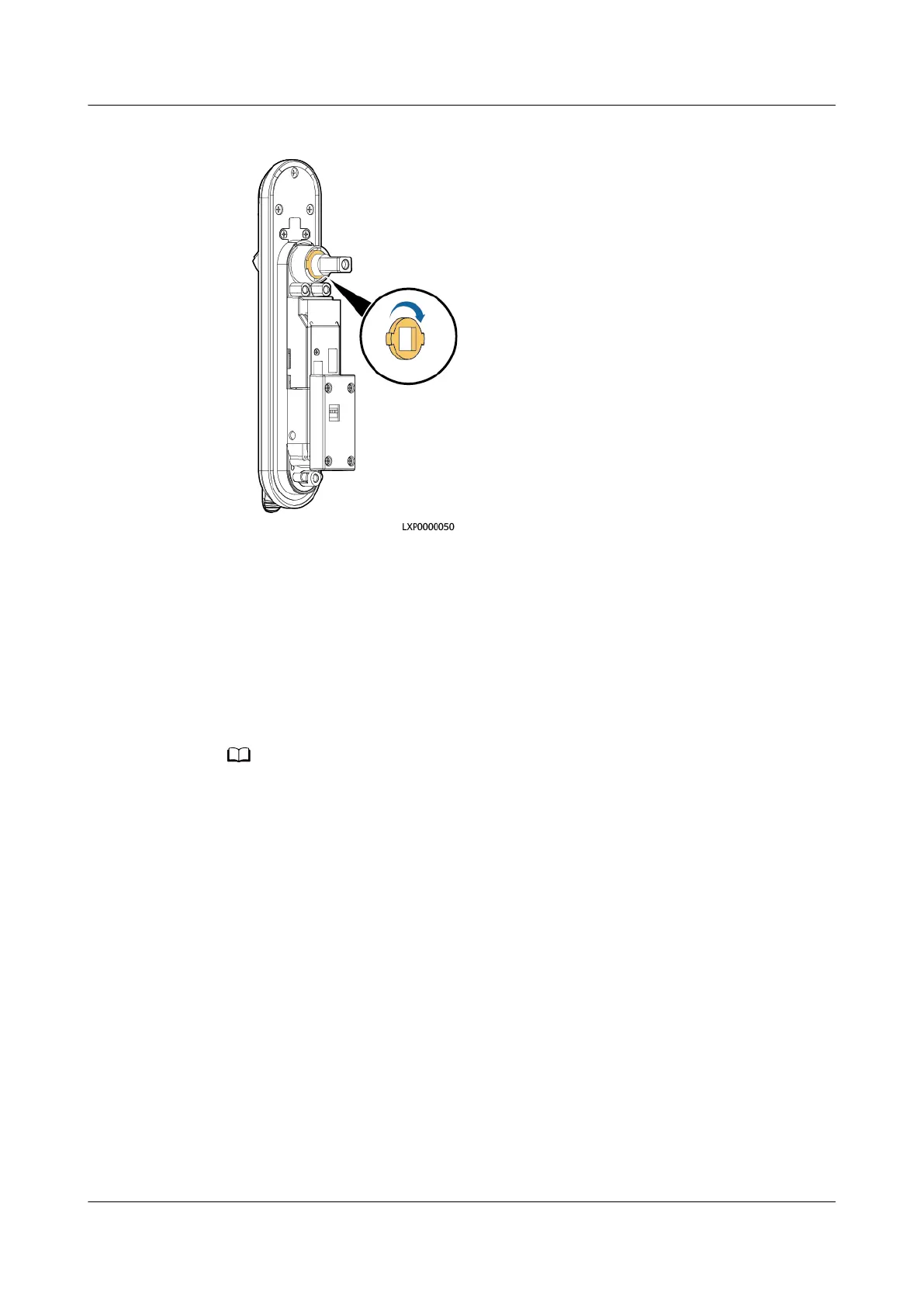
Figure 4-45 Rotating the positioning kit
4. Reinstall the shaft sleeve and bolt.
Step 9 Remove the other screws from the lock, reinstall the lock on the cabinet door, and
tighten screws on the lock cover.
Step 10 Install screws on the electronic lock rotation axis.
Step 11 Connect the electronic lock cable to the cable connector.
Step 12 On the SMU LCD, choose Running Control> Elock >E-lock Group and see if Del.
Com. Fail Lock is displayed. If yes, set Del. Com. Fail Lock to Yes.
Del. Com. Fail Lock is displayed when an electronic lock communication failure alarm is
generated.
Step 13 Apply sealant to the joint between the electronic door lock and the cabinet door
outside the cabinet.
Step 14 Disconnect the ground cable for the ESD wrist strap, and take
o the ESD wrist
strap and ESD gloves.
----End
Follow-up Procedure
Pack the removed component and send it to the local warehouse.
4.3.23 Replacing a Smoke Sensor
Prerequisites
● You have obtained an ESD wrist strap, a pair of ESD gloves, an ESD box or
bag, the cabinet door key, and tools.
iSitePower Integrated Smart Site (ICC1000-A1-E1)
User Manual 4 Maintenance
Issue 04 (2022-10-15) Copyright © Huawei Technologies Co., Ltd. 150









 To Next Page