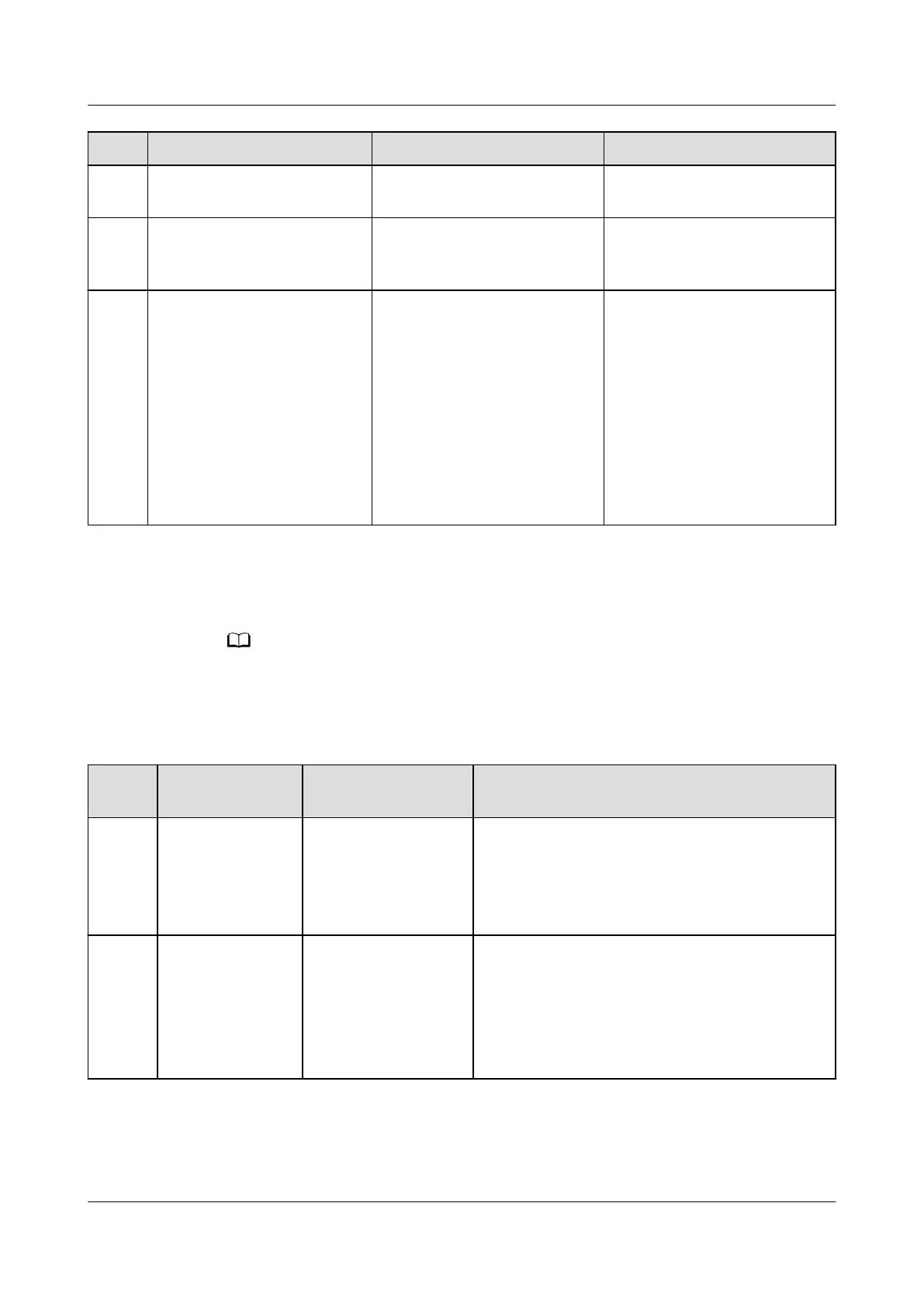
No. Maintenance Item Possible Cause Suggestion
3 Check whether the cabinet
door lock is damaged.
The door lock is rusty or has
been tampered with.
Replace the door lock.
4 Check whether the front
and rear of rectiers are
blocked or dusty.
The front or rear of rectiers
is blocked or dusty.
Remove the blockage or
clean up the dust.
5 Whether there are traces of
animals such as insects,
mice, and snakes inside the
cabinet
Animals entered the cabinet. 1. Clear the traces and take
precautions during
clearance to prevent
secretions of animals
from entering monitoring
boards or energized
components.
2. Seal the cable holes to
prevent animals from
entering the cabinet
again.
4.1.2 Air Conditioner
Alarms such as Internal Fan Fault, External Fan Fault, Compressor Fault, Cab Ret Air TS
Fault, Evaporator Frozen, or Frequent High Press are displayed on the SMU liquid crystal
display (LCD).
Table 4-2 Air conditioner maintenance
No.
Maintenance
Item
Possible Cause Troubleshooting
1 The air
conditioner fails
to start.
● The circuit is
open-circuited or
short-circuited.
● The controller is
faulty.
1. Check the short-circuit or open-circuit
point, and maintain the general power
supply.
2. Replace the controller.
2 The internal
circulation fan
fails to start.
● The terminal is
loose.
● The power supply
is faulty.
● The fan is stuck.
1. Check that the power terminal of the fan is
tightened.
2. Check that the voltage of the DC power is
within the operating range.
3. Check that the fan is not stuck by foreign
matters.
iSitePower Integrated Smart Site (ICC1000-A1-E1)
User Manual 4 Maintenance
Issue 04 (2022-10-15) Copyright © Huawei Technologies Co., Ltd. 107









 To Next Page