4.3.24 Replacing a Digital Temperature and Humidity Sensor
Prerequisites
● Tools and the key to the cabinet door are available.
● The new digital temperature and humidity sensor is intact.
Procedure
Step 1 Record cable information and installation positions.
Step 2 Record the DIP switch settings.
Step 3 Disconnect the cable from the communications port on the sensor.
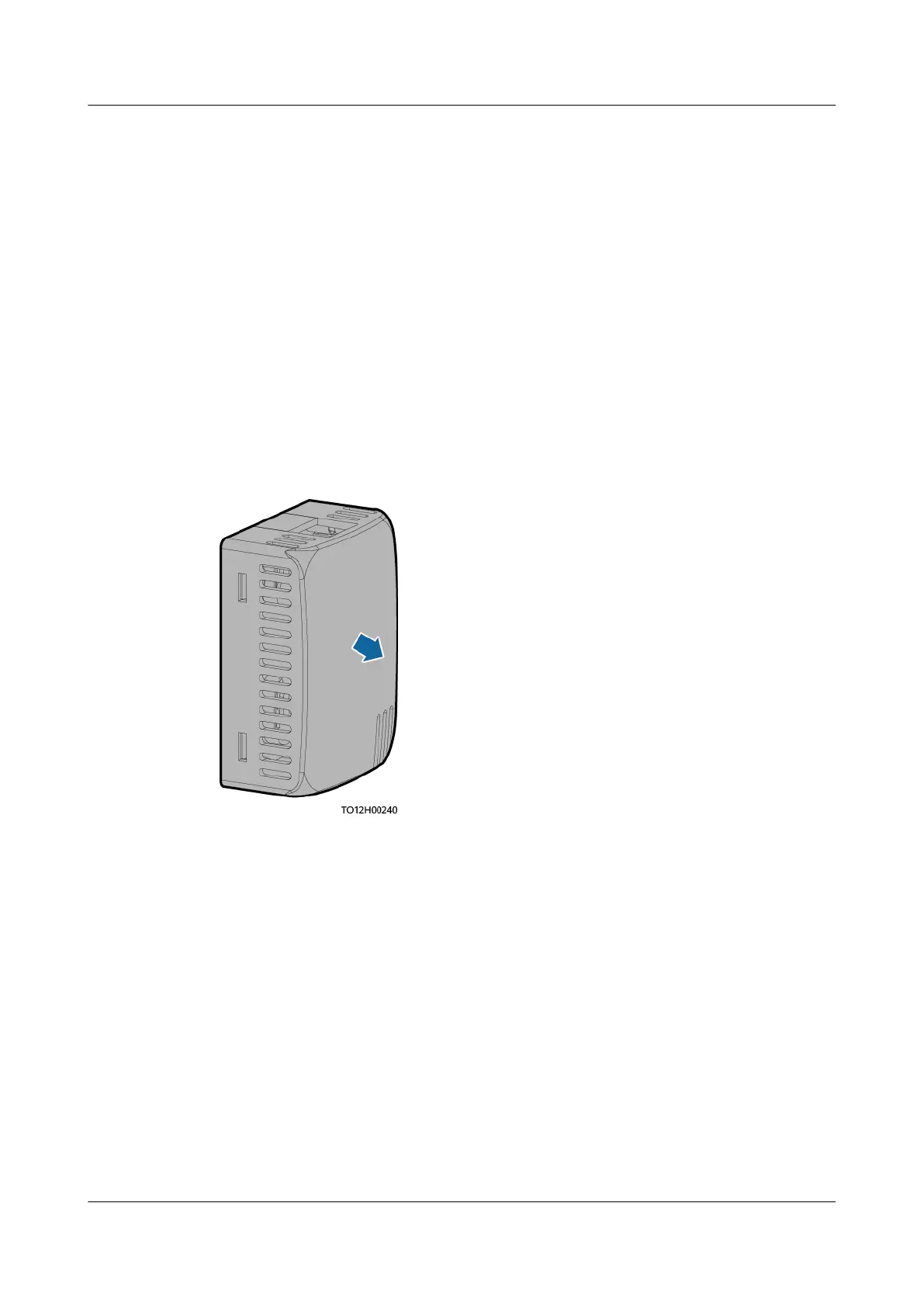
Step 4 Remove the faulty sensor.
Figure 4-47 Removing a sensor
Step 5 Put the new sensor at the side of the cabinet.
Step 6 Connect cables based on the recorded information.
Step 7 Set the DIP switch based on the recorded DIP switch information.
----End
Follow-up Procedure
Pack the removed component and send it to the local warehouse.
4.3.25 Replacing a Water Sensor
Prerequisites
● An ESD wrist strap, ESD gloves, ESD box or bag, door key, and required tools
are available.
iSitePower Integrated Smart Site (ICC1000-A1-E1)
User Manual 4 Maintenance
Issue 04 (2022-10-15) Copyright © Huawei Technologies Co., Ltd. 152









 To Next Page