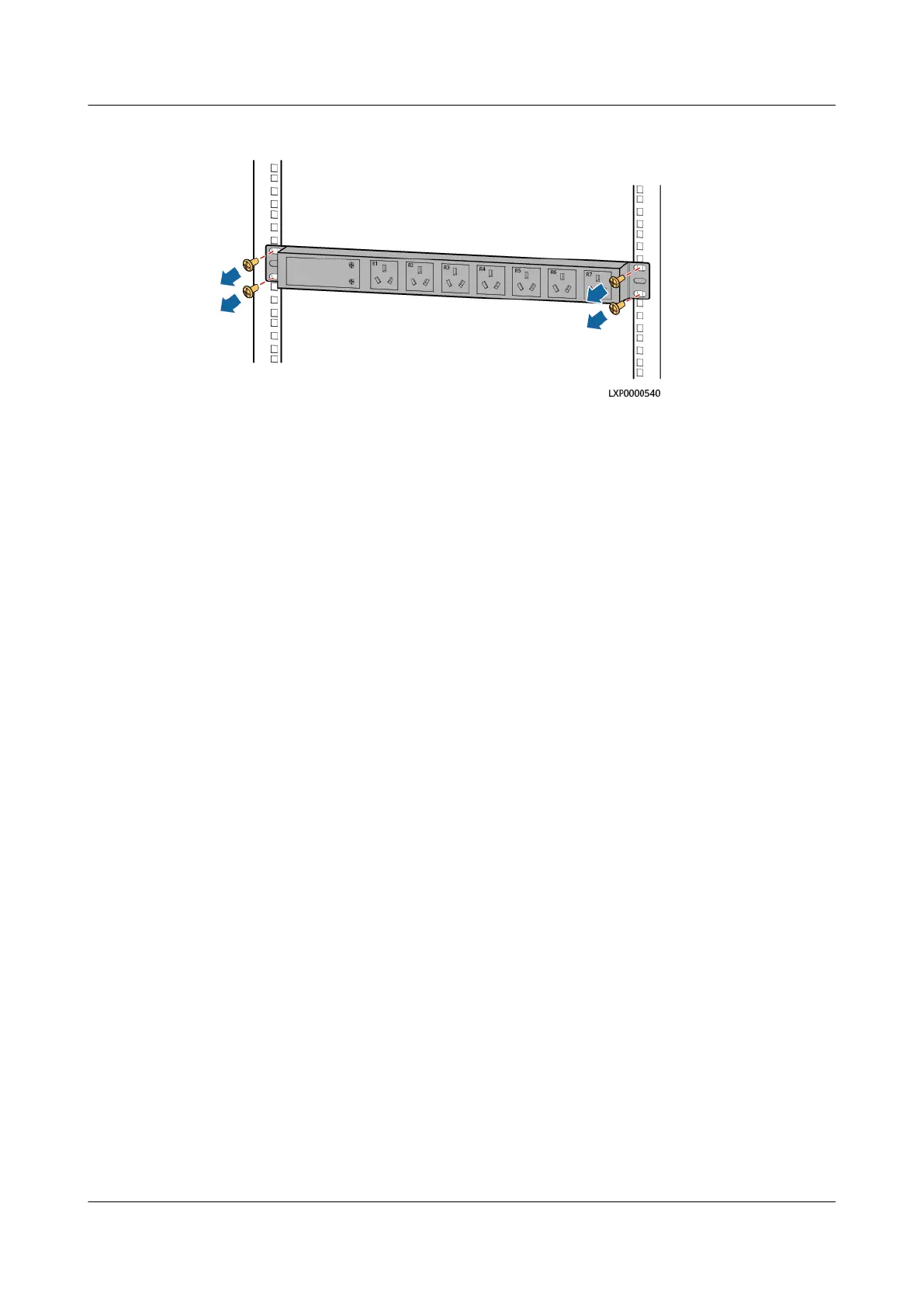
Figure 4-26 Removing a PDU2000
Step 6 Install the new PDU2000.
Step 7 Open the cover on the PDU2000 input wiring terminals.
Step 8 Install the PDU2000 ground cable.
Step 9 Connect one end of the PDU2000 input cable to the PDU2000 input terminal and
the other end to the ACDB220-63-12B output terminal.
Step 10 Reinstall the cover on the PDU2000 input wiring terminals.
Step 11 Connect the load cable plugs to the PDU2000 output sockets.
Step 12 Switch on the circuit breaker of the PDU2000 on the ACDB220-63-12B.
----End
Follow-up Procedure
Pack the removed components and send them to the local warehouse.
4.3.16 Replacing an ACDB220-63-12B
Perform the following steps to replace an ACDB220-63-12B.
Prerequisites
● The ESD wrist strap or ESD gloves, Phillips screwdriver, ESD box or bag, and
cabinet door key are available.
● You are authorized to enter the site with the key.
Procedure
Step 1 Connect the ESD wrist strap ground cable, and wear the ESD wrist strap and ESD
gloves.
Step 2 Record the cable connection positions on the ACDB220-63-12B and disconnect the
cables.
Step 3 Remove the ACDB220-63-12B.
iSitePower Integrated Smart Site (ICC1000-A1-E1)
User Manual 4 Maintenance
Issue 04 (2022-10-15) Copyright © Huawei Technologies Co., Ltd. 136









 To Next Page