Table 3-66 Indicator description
Name Color Status Description
Power indicator
(PWR)
Green Steady on The power input is
normal.
O There is no power input.
Run indicator (RUN) Green Steady on Power supply is normal or
data is being transmitted
or received.
O The power supply is
abnormal.
Blinking slowly
(0.5 Hz)
The software is running
properly.
Alarm indicator
(ALM)
Red Steady on An alarm is generated.
O No alarm is generated.
Power Ports
Table 3-67 Power port description
Port Type
Silk Screen Description
PWR_IN/PWR_OUT port RTN Power supply +
-48 V Power supply -
48V_OUT1/48V_OUT2 port + Power supply +
- Power supply -
Communication Ports
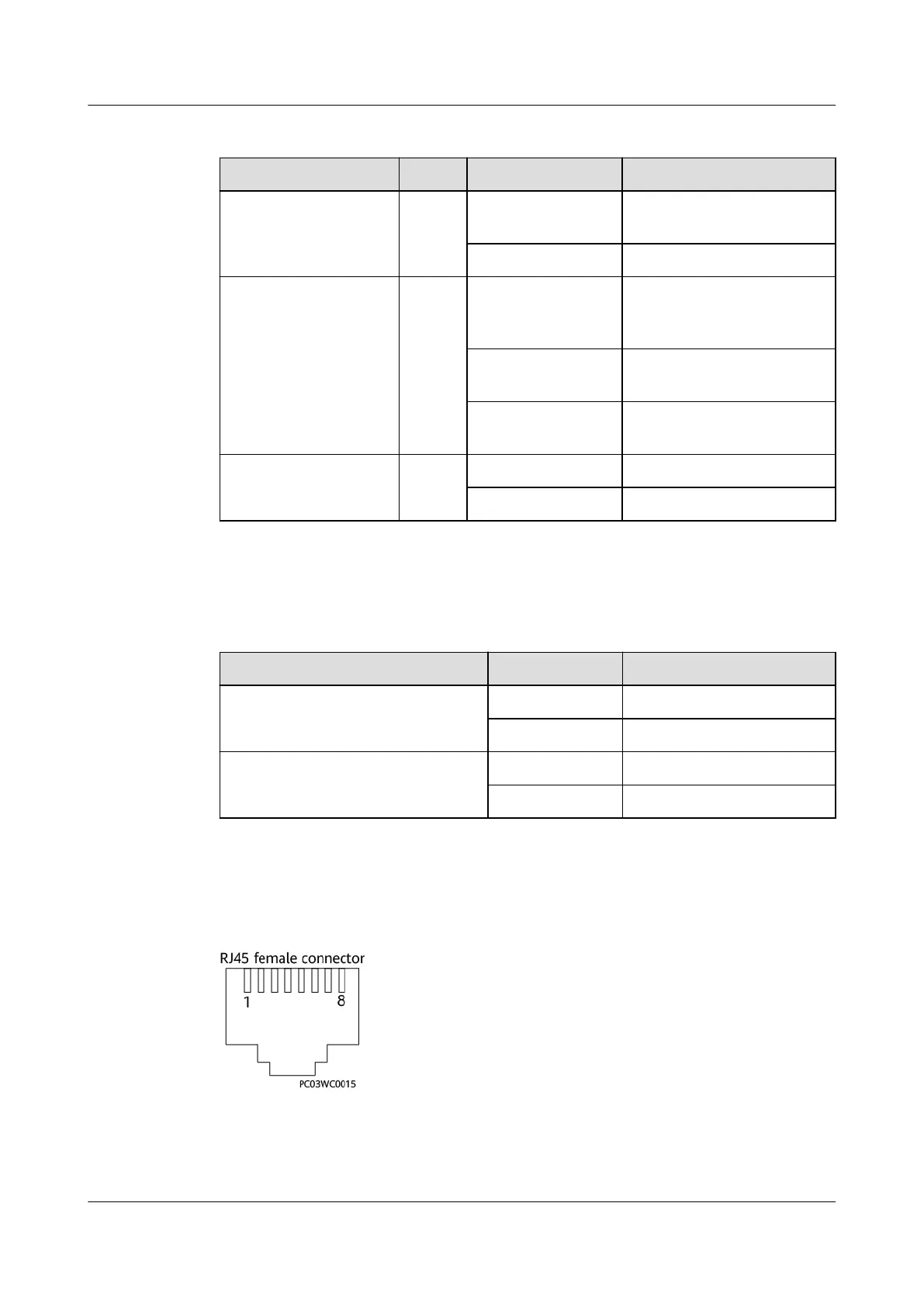
Figure 3-76 FE and PoE port pins
iSitePower Integrated Smart Site (ICC1000-A1-E1)
User Manual 3 Components
Issue 04 (2022-10-15) Copyright © Huawei Technologies Co., Ltd. 88









 To Next Page