Procedure
Step 1 Connect the ESD wrist strap ground cable, and wear the ESD wrist strap and ESD
gloves.
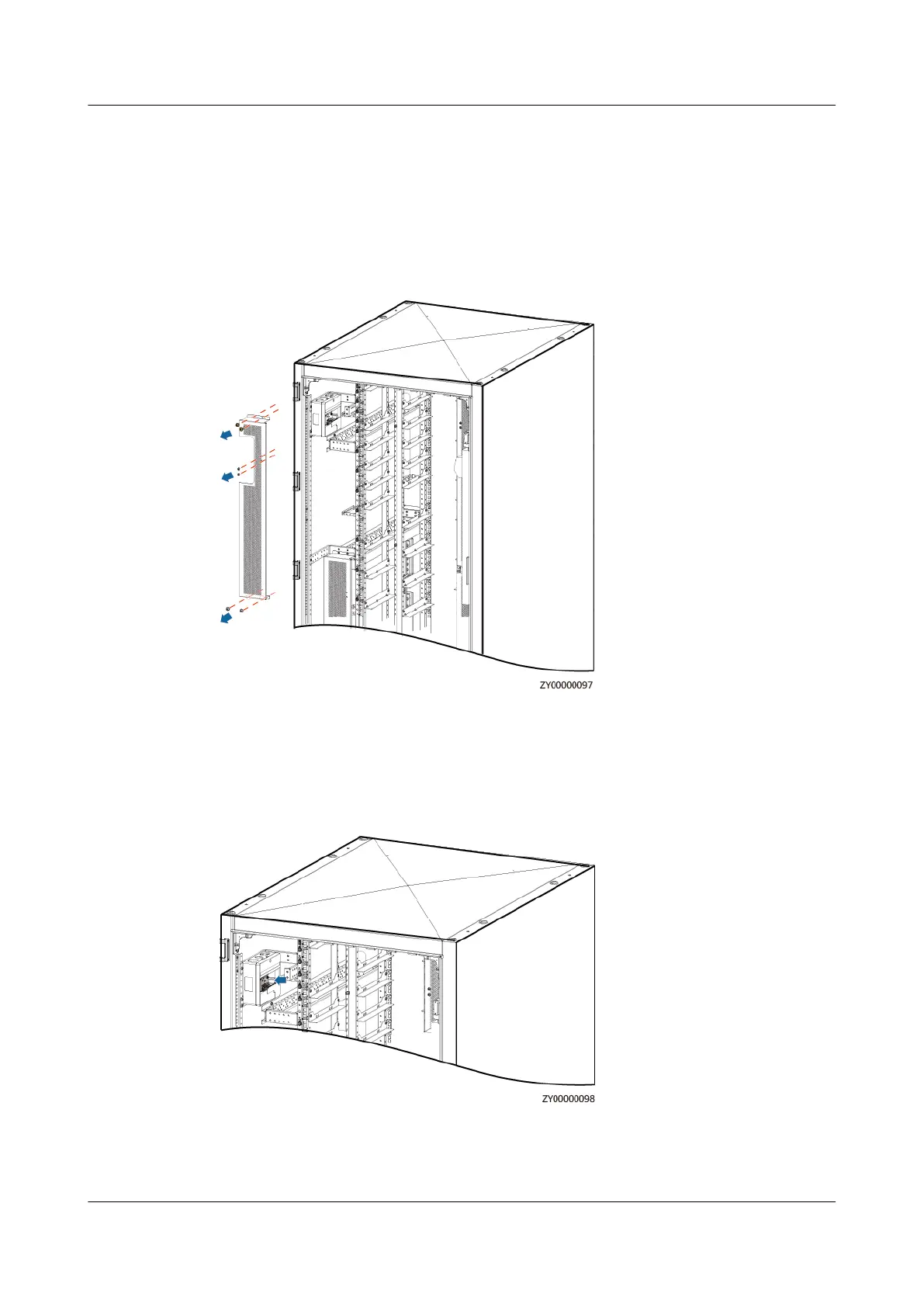
Step 2 Remove the bae plate.
Figure 4-29 Removing the bae plate
Step 3 Record the cable connection of the automatic reclosing residual current device
(RCD) to be replaced, and disconnect the cables.
Step 4 Remove the automatic reclosing RCD.
Figure 4-30 Removing the automatic reclosing RCD
Step 5 Install the new automatic reclosing RCD.
Step 6 Connect the cables to the ACDB220-40-1B based on the recorded information.
iSitePower Integrated Smart Site (ICC1000-A1-E1)
User Manual 4 Maintenance
Issue 04 (2022-10-15) Copyright © Huawei Technologies Co., Ltd. 138









 To Next Page