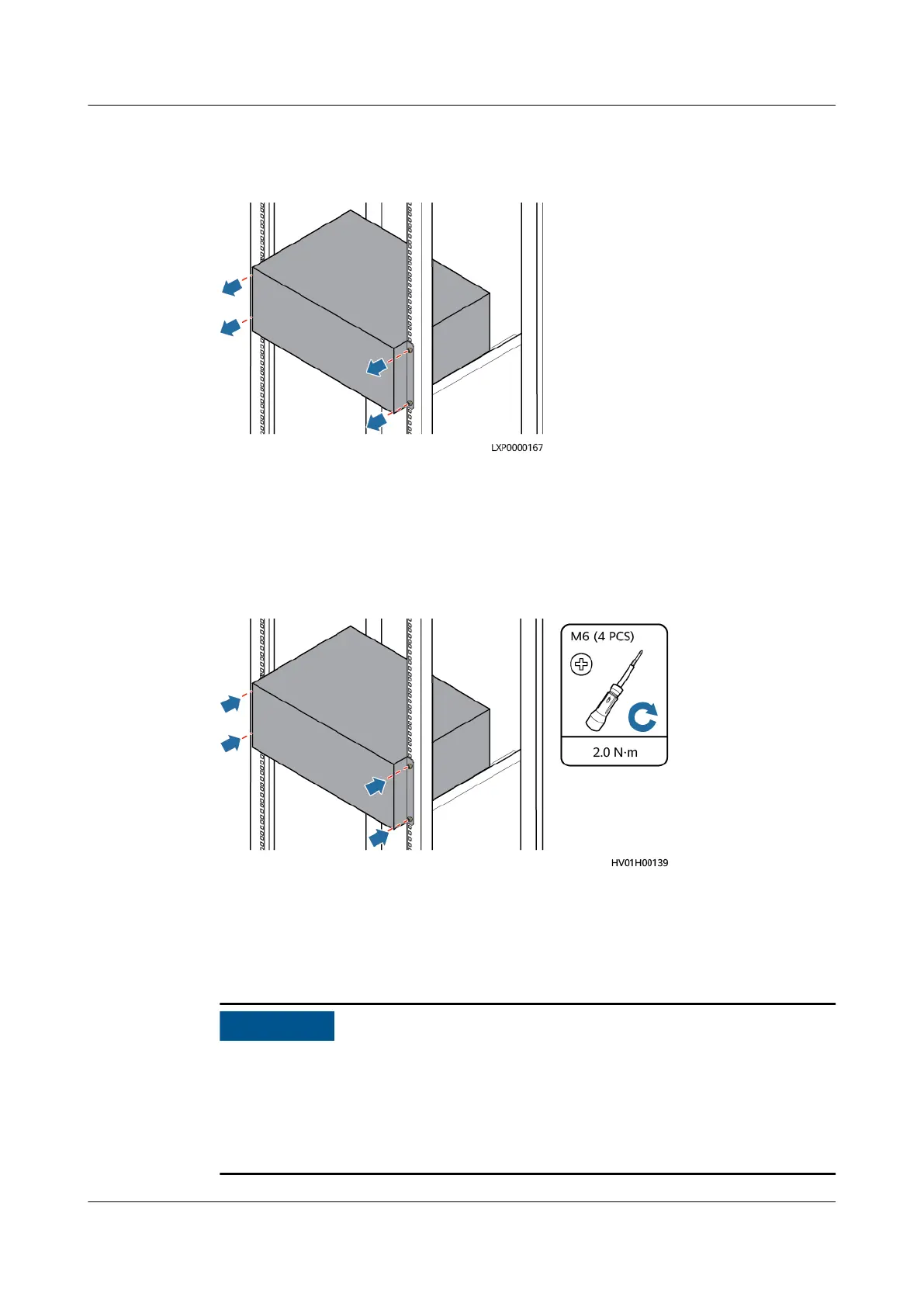
Step 4 Loosen the screws on the panel and remove the ESM.
Figure 4-31 Removing the old ESM
----End
Installing the New ESM
Step 1 Install the new ESM and tighten the screws.
Figure 4-32 Installing the new ESM
Step 2 Hold down the Manual ON/OFF button for 15s for the ESM to enter the
maintenance mode. In this mode, all indicators blink, the ESM board is activated,
but the ESM will not be charged or discharged.
Step 3 Connect the cables to the new ESM based on the cable labels.
● When installing battery cables, connect the negative cable and then the
positive cable.
● If an ATS is
congured, connect the ATS to the ESM using a communications
cable.
● The ground bar and busbar in the following gure are for reference only.
iSitePower Integrated Smart Site (ICC1000-A1-E1)
User Manual 4 Maintenance
Issue 04 (2022-10-15) Copyright © Huawei Technologies Co., Ltd. 140









 To Next Page