Context
You need only to disconnect the air conditioner power supply, but not the AC input
to the system.
Procedure
Step 1 Connect the ground cable of the ESD wrist strap, and wear the ESD wrist strap and
ESD gloves.
Step 2 Power o the air conditioner and record the cable information.
Step 3 Record the positions where cables are connected to the air conditioner, and
disconnect the cables.
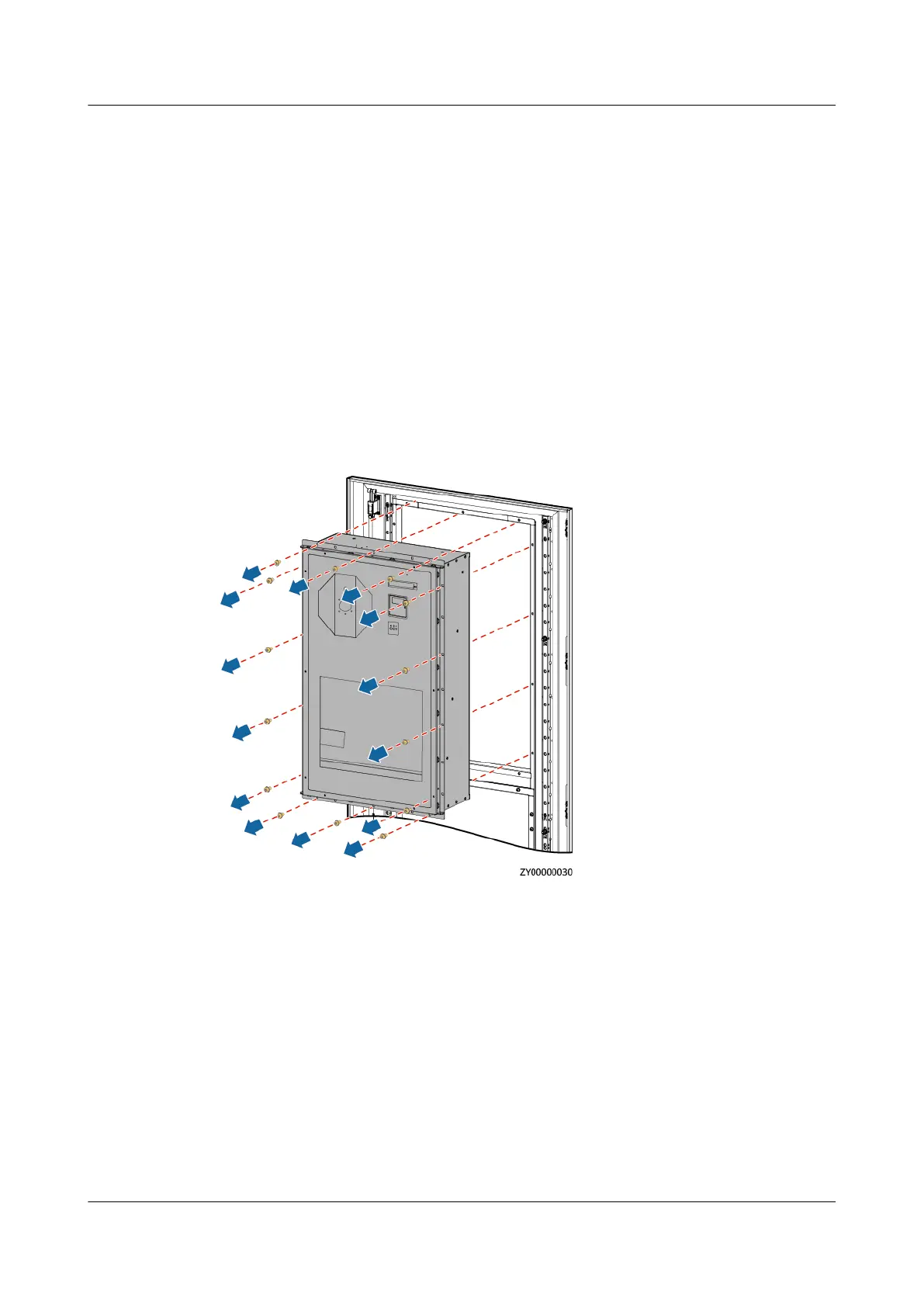
Step 4 Remove the air conditioner.
Figure 4-34 Removing the air conditioner
Step 5 Install the new air conditioner.
iSitePower Integrated Smart Site (ICC1000-A1-E1)
User Manual 4 Maintenance
Issue 04 (2022-10-15) Copyright © Huawei Technologies Co., Ltd. 142









 To Next Page