Multitron - Incubation Shaker
Operation
25 February 2019 Page 99 of 146
4. Tap the Select key to quit the parameter setting mode.
The display returns to the normal operating mode and shows
the current values of the parameters.
Parameters of any phase
Procedure 1. Use the TIMER key to select the desired phase.
After taping the TIMER key once, the remaining time of
the active phase appears with the message run.
After tapping the TIMER key twice, the time entered for
the first phase (Time 1) appears.
After tapping the TIMER key three times, the time en-
tered for the second phase (Time 2) appears.
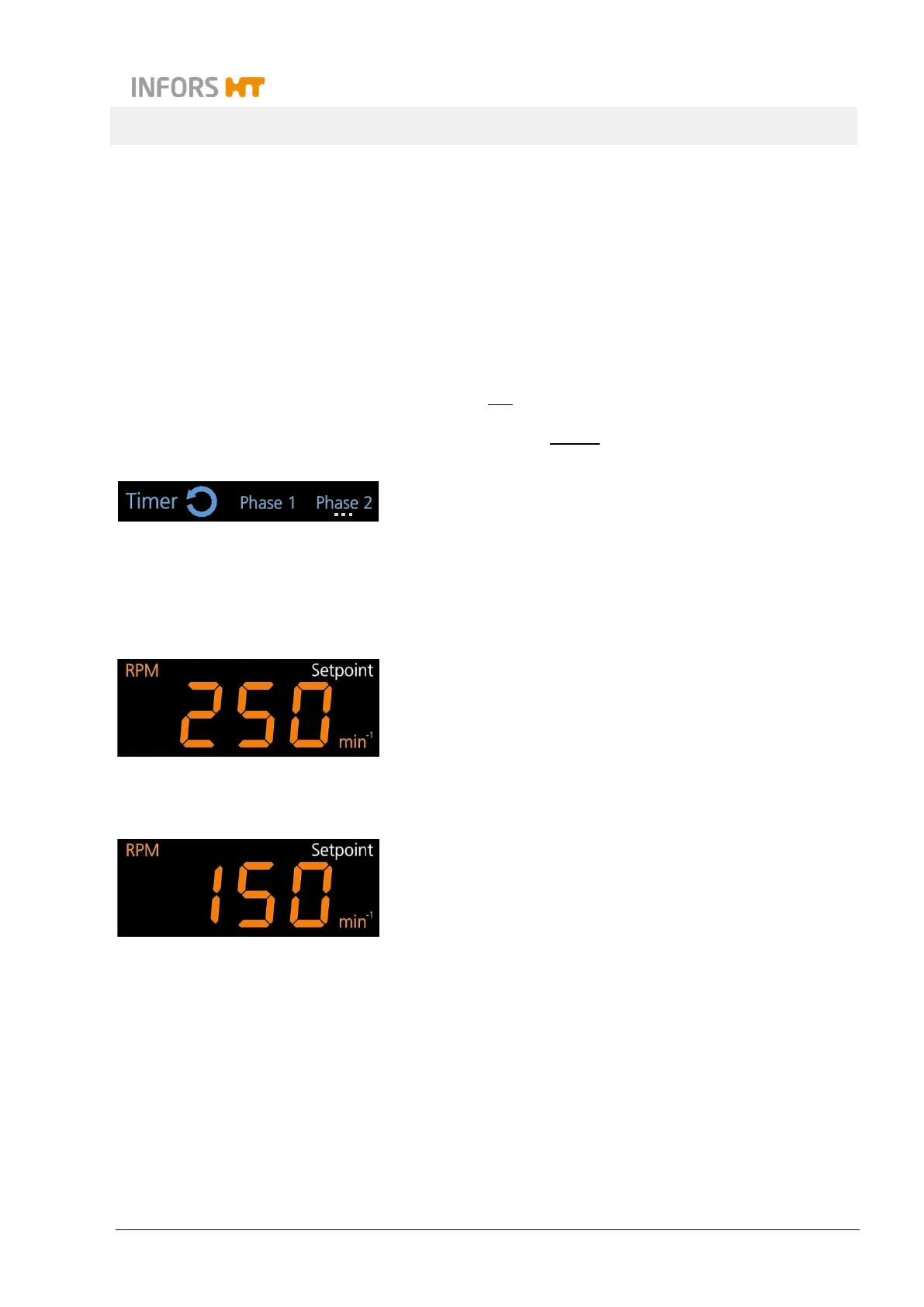
The selected phase is indicated by the sign Phase 1 or
Phase 2. If this phase is not the active phase, then in addition
the sign of the active phase is blinking. In the example on the
left the second phase is active while the parameters for the
first phase can be changed.
2. Use the Select key to select the desired parameters within the
phase chosen.
In the two alphanumeric display areas the setpoint values of
the selected pair of parameters are shown.
The sign Setpoint indicates, that a setpoint can be set.
3. Tap the Plus or Minus key in the according setting key area
to set the new setpoint value.
The new setpoint value for the parameter appears on the ac-
cording alphanumeric display.
4. Use the Select key to get to the next pair of parameters or
quit the parameter setting mode with the TIMER key.
5. Tap the Select key to return to the normal operation mode of
the display.



 To Next Page