Multitron - Incubation Shaker
Operation
25 February 2019 Page 81 of 146
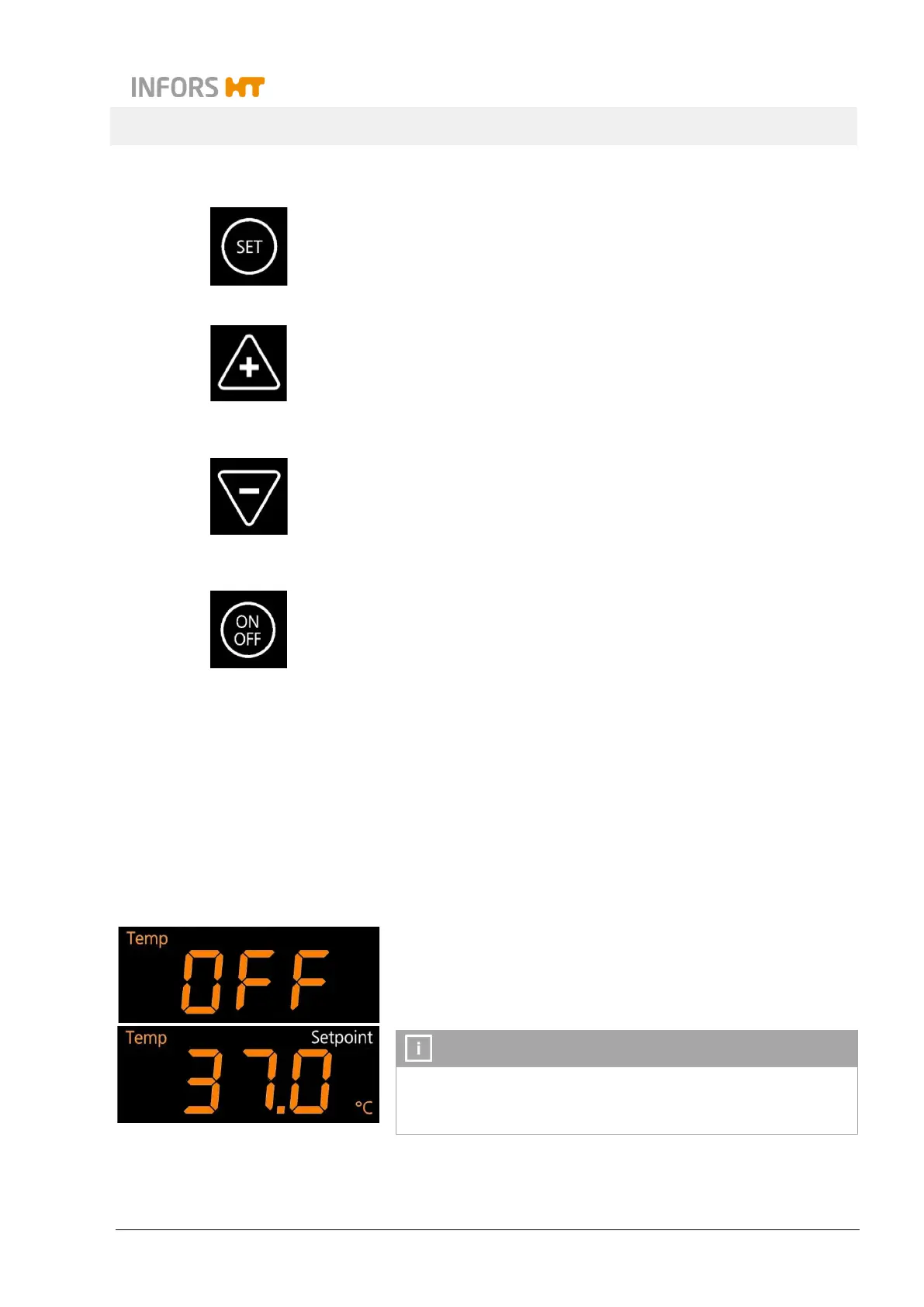
Keys for setting
After tapping the SET key the parameter setpoints or the duration
for the timer can be entered.
In the according display area the sign Setpoint lights up.
With the Plus key the values for the parameters or the time are in-
creased.
By tapping the key once, the value is increased with the smallest
increment for the particular parameter. By holding the key, the in-
crement increases in ever bigger steps.
With the Minus key the values for the parameters or the time are
reduced.
By tapping the key once, the value is reduced with the smallest in-
crement for the particular parameter. By holding the key, the incre-
ment increases in ever bigger steps.
The ON/OFF key serves to turn the parameters and timers on or
off.
7.4 Adjusting, Activating and Deactivating Parameters
Has the equipment been turned on via the main switch and is the
initialisation process terminated, the equipment is ready for getting
programmed.
7.4.1 Overview about the Parameters
Temperature (Temp)
The parameter temperature (Temp) belongs to the standard scope
of delivery.
When entering the setpoint value for the temperature it is shown in
degrees Celsius with an accuracy of one decimal place.
Which temperatures can effectively be reached depends on var-
ious factors, like the ambient temperature, the ventilation or the
temperature of the other equipment in a stack.



 To Next Page