Multitron - Incubation Shaker
Operation
Page 96 of 146 25 February 2019
7.5.3 Programming the Timer - Cyclic Change
Programming the timer for a cyclic change consists of the following
steps:
a) Entering the time for the first phase (Time 1).
b) Entering the setpoint values for the first phase and switching
on the parameters.
c) Entering the time for the second phase (Time 2).
d) Entering the setpoint values for the second phase and
switching on the parameters.
e) Starting the timer.
Programming the timer for a cyclic change works the same way as
programming the timer for a single change. The only difference is
that for a cyclic change the second timer (Time 2) is switched on
as well.
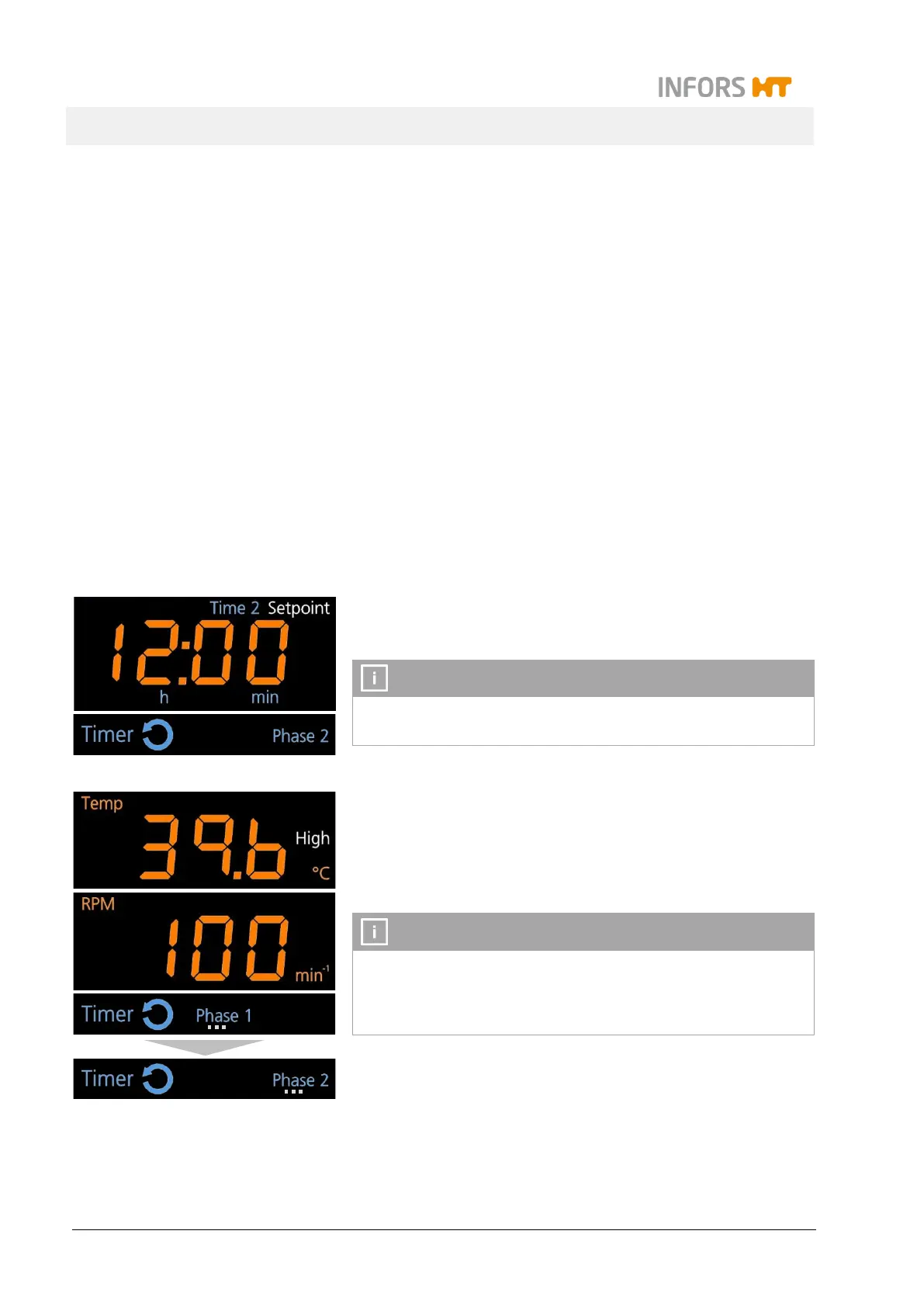
As soon as the second timer is switched on, the symbol cycle
up in the separate timer display area.
It is not possible to activate the timer for the second phase as
long as the timer for the first phase has not been activated.
After starting the timer, the cultivating process runs with the alter-
nating setpoint values of the first and the second phase until the
equipment is stopped manually by turning the parameters off. The
symbol of the currently active phase (Phase 1 or Phase 2) is blink-
ing.
The timer function can at any time be deactivated separately or
by turning off the first timer. When the first timer is turned off,
also the second timer is deactivated and the cultivating process
continues with the last active parameter setpoint values.



 To Next Page