Multitron - Incubation Shaker
Operation
25 February 2019 Page 95 of 146
13. Tap the Select key to quit the timer programming mode.
If the Select key is not used, the display changes to the nor-
mal operating mode automatically after 60 seconds.
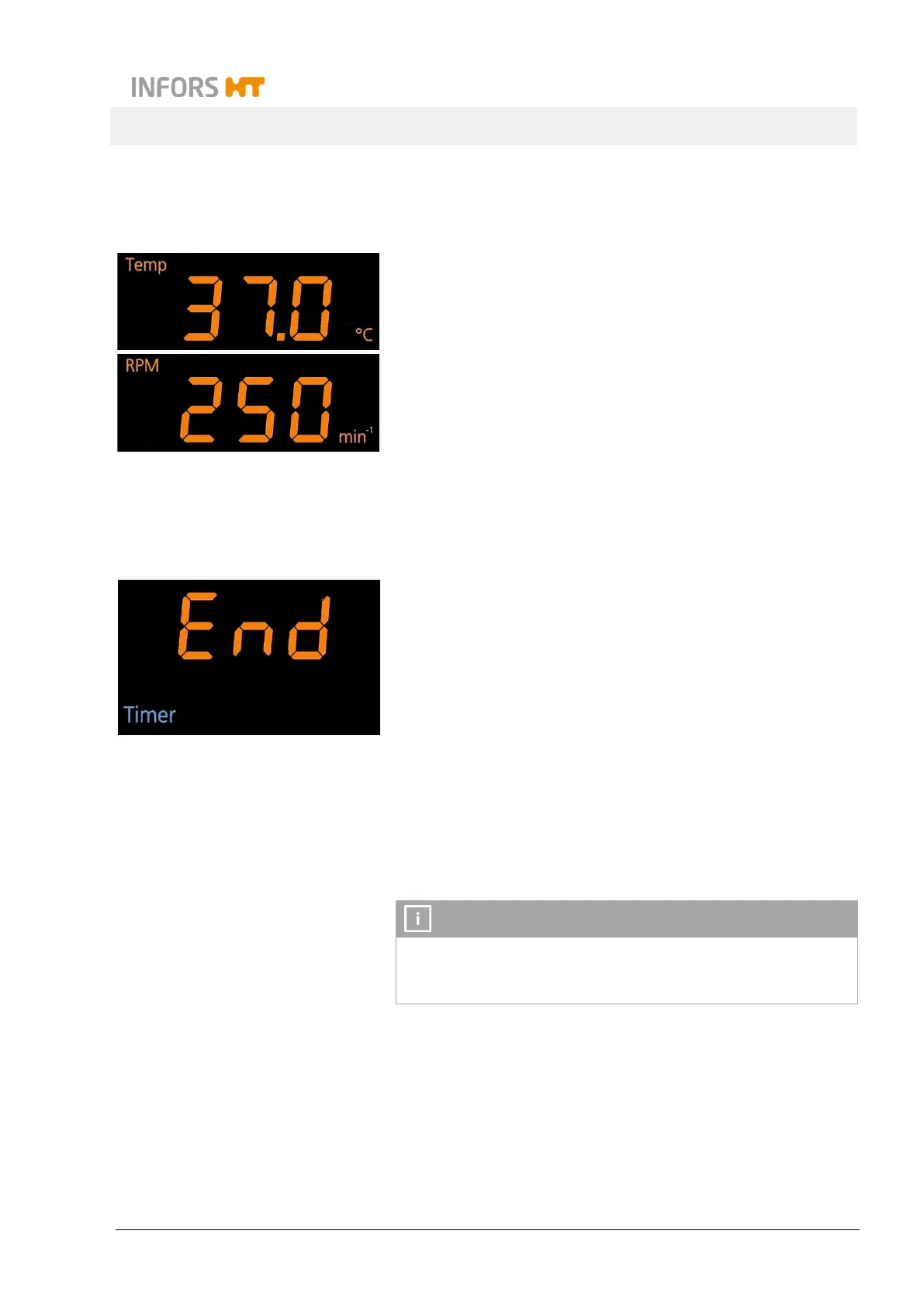
The displays now show the current values of the integral pa-
rameters temperature and rotation speed. If other parameters
are installed, the display shows t
he current values of each pair
of parameters for 20 seconds.
The cultivating process now runs with the parameter setpoint val-
ues for the first phase, until the time entered for the first timer
(Time 1) has elapsed.
After the time for the first phase has lapsed, the message End ap-
pears on the lower alphanumeric display. This message alternates
every 20 seconds with the current values of the parameters for the
second phase. In addition, there is an acoustic alarm every 60 sec-
onds.
The cultivating process now runs with the setpoint values of the
second phase until the equipment is stopped manually by turning
the parameters off. If the alarm is confirmed by tapping the TIMER
key, the acoustic alarm stops, the message End does not appear
anymore.
The timer function can at any time be deactivated separately or
by turning off the first timer. The cultivating process then contin-
ues with the last active parameter setpoint values.



 To Next Page