Multitron - Incubation Shaker
Rectifying Faults
25 February 2019 Page 109 of 146
8 Rectifying Faults
The following section describes possible reasons for faults and
how to rectify them.
Fault messages
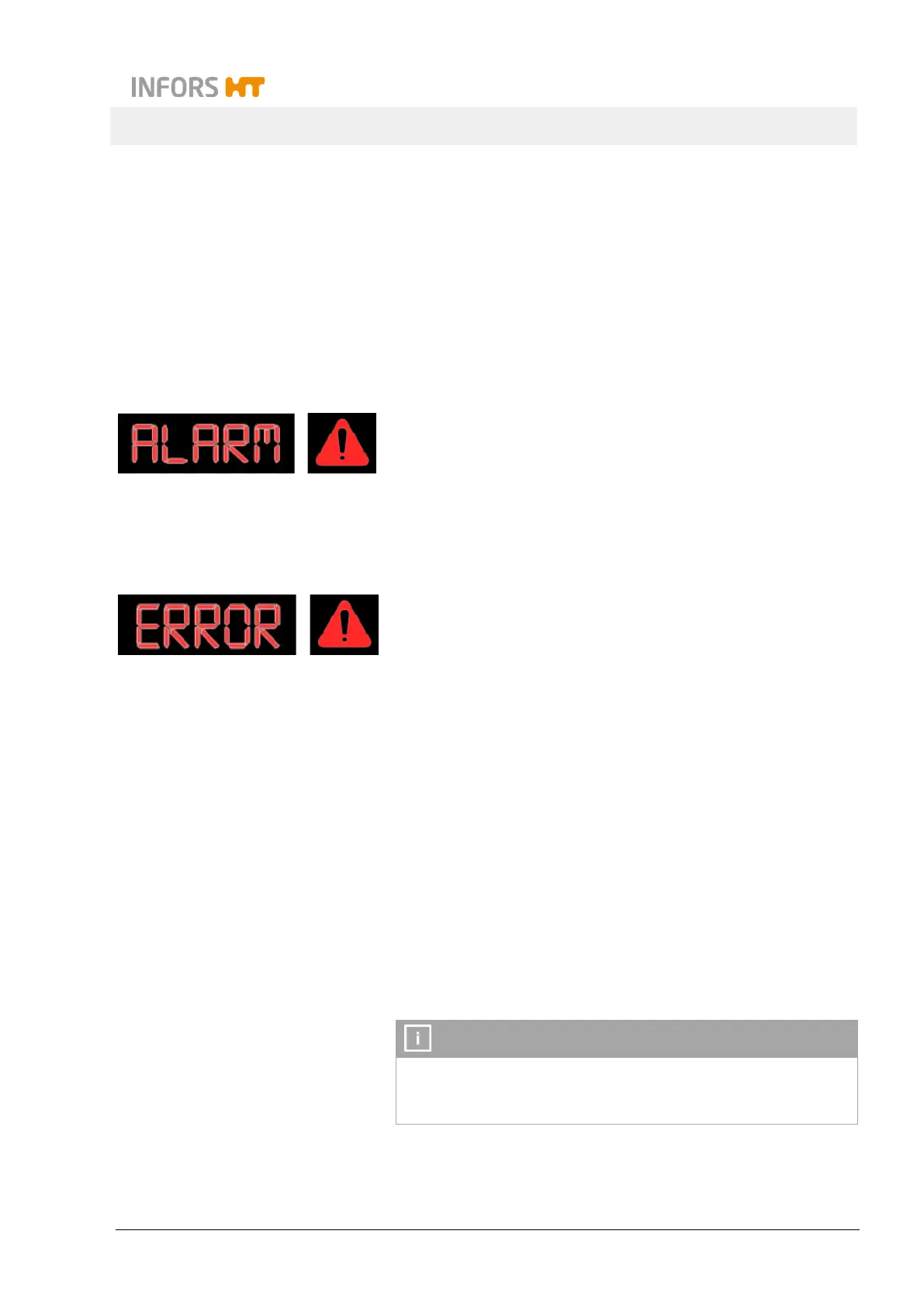
A distinction is made between alarms (ALARM) and error mes-
sages (ERROR):
Alarms refer to errors in the process, for example, when the
actual parameter values deviate from the setpoints. Alarms
are indicated with the warning symbol and an acoustic sig-
nal. The alarm message can be confirmed by tapping any
key. If an alarm is not confirmed manually, it disappears as
soon as the condition, that has triggered the alarm, is not ful-
filled anymore.
Error messages relate to technical faults in the equipment.
The affected functions are stopped automatically. Error mes-
sages are indicated with the warning symbol and an acoustic
signal. The error can be confirmed by tapping the Select
key.
Contact the manufacturer in case of faults that cannot be resolved
by following the instructions below. For service contact details, see
page 2.
8.1 Alarm Messages
8.1.1 Parameter-Specific Alarm Messages
These messages always relate to a deviation of the actual value
from the set setpoint of an installed parameter. To trigger an alarm
message, certain conditions must be met.
An alarm is only triggered if the value of the parameter does not
change for a certain period. If there is a fluctuation, the counter
for triggering the alarm is reset.



 To Next Page