Multitron - Incubation Shaker
Operation
25 February 2019 Page 73 of 146
Tray cannot be inserted
If you are unable to insert the tray correctly, perform the following
checks:
Remove the tray and check it is not twisted or bent.
Check the incubation chamber for foreign matter and other
objects.
If it is still not possible to insert the tray correctly, contact your
local Infors representative.
7.2.3 Fitting the Holders
The threaded holes of the tray can be damaged if the fastening
screws are not screwed straight into the thread:
– Place the screws vertically on the drill holes.
– Ensure they can be tightened easily.
All holders are supplied with pre-fitted screws. If a test tube
holder or a box for microtiter plates is placed on the «Sticky
Stuff» adhesive matting, there is a risk that the adhesive matting
is damaged by protruding screws.
Remove the screws before you place test tube holders or boxes
for microtiter plates on the «Sticky Stuff» adhesive matting.
Fitting a holder
Clamps, test tubes and boxes for microtiter plates are fixed to the
tray using screws. The equipment is delivered with pre-fitted
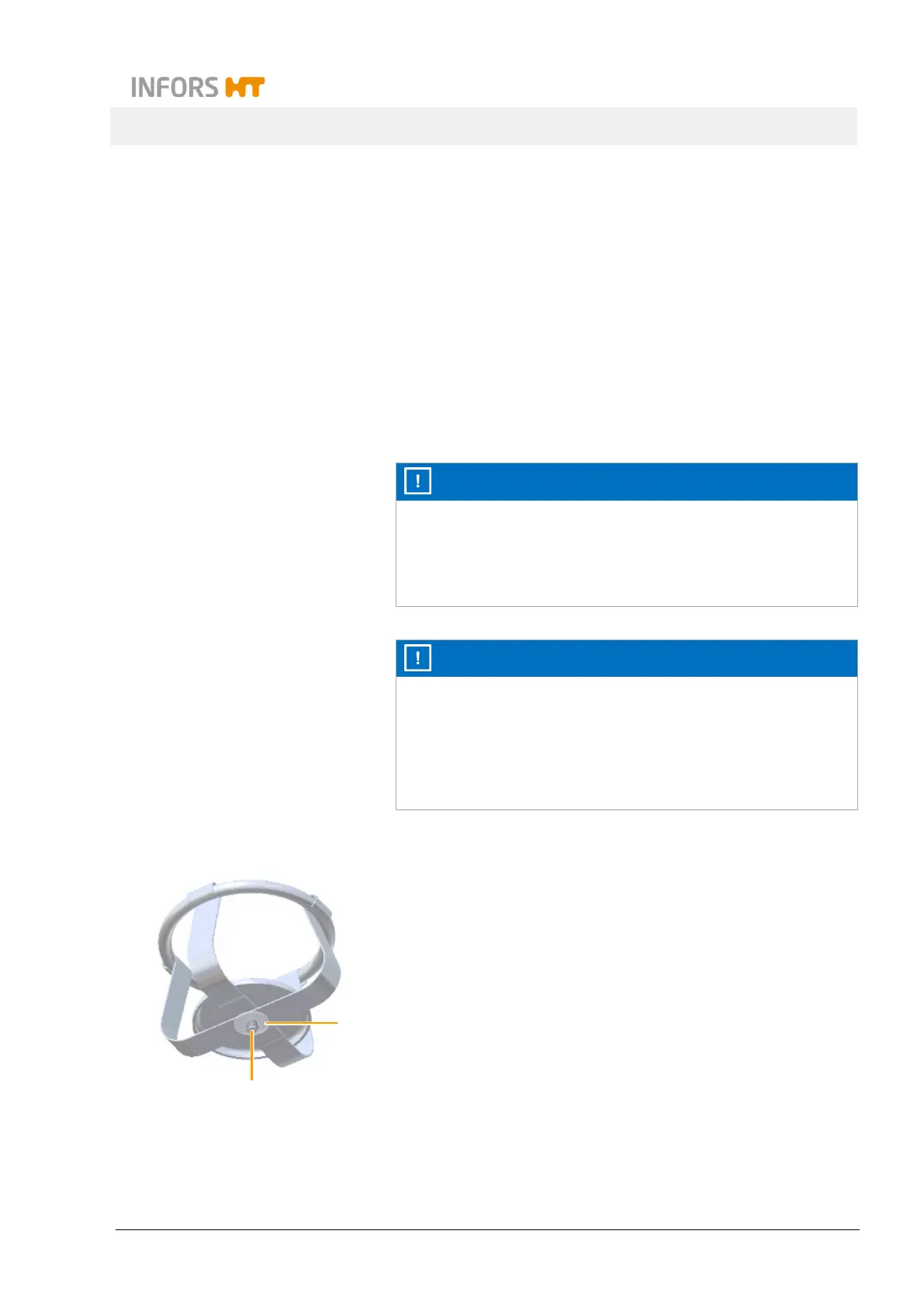
screws (2). The screws are each secured with one flat gasket at
the bottom (1) so that they cannot fall out. Only use the screws
provided or screws of the same size for assembly.
To fit a holder, proceed as follows:
Procedure 1. Loosen flat gaskets.
1
2



 To Next Page