Multitron - Incubation Shaker
Operation
25 February 2019 Page 79 of 146
They also indicate for which phase (Time 1 or Time 2) the para-
meter setpoints can be entered or the actual values of the para-
meters are shown on the alphanumeric display.
7.3.3 Error, Warning, and Alarm Signs
Between the upper and the lower alphanumeric display area there
is a separate field with various signs associated with error, warn-
ing, and alarm messages.
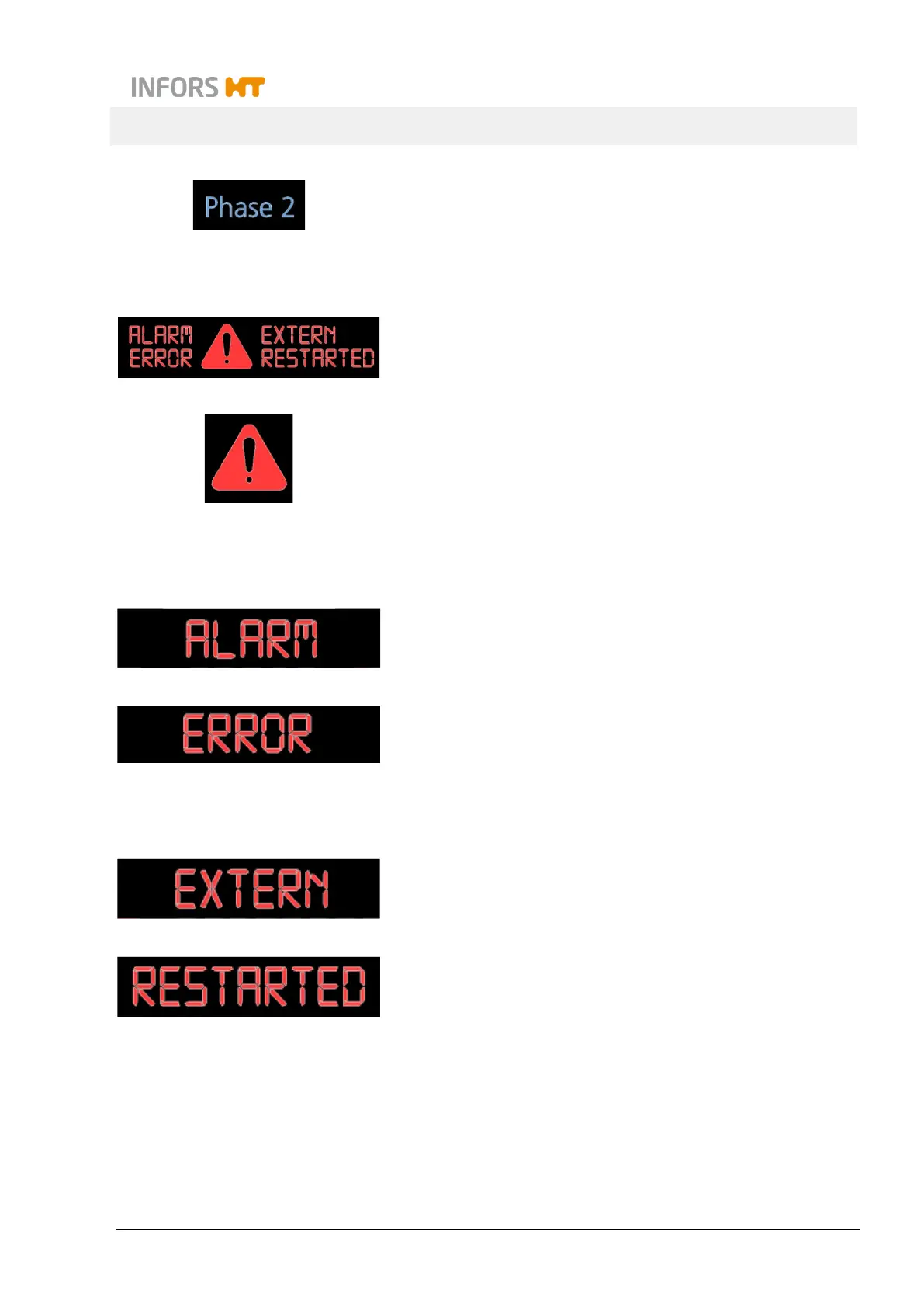
The big red general symbol for warnings lights up in connection
with error messages and alarms to emphasise the importance of
the message.
It always flashes up when the setpoints are changed to avoid mis-
takes. The warning symbol also lights up, if somebody tries to en-
ter a setpoint value or tapping the ON/OFF key without tapping the
SET key first. In addition, it also appears if someone tries to enter
an invalid setpoint value.
The sign ALARM appears in connection with other signs like ER-
ROR, High or Low and it indicates that there is a problem with the
equipment. In addition, there will be an acoustic alarm.
ERROR
indicates that an error occurred in the operation
of the equipment which provoked an error message.
In connection with the sign ERROR there are often messages on
the alphanumeric display which give some more detailed informa-
tion on what happened. For the according abbreviations (see chap-
ter 8 "Rectifying Faults", page 109).
The sign EXTERN lights up when the equipment is controlled ex-
ternally (e.g. by means of a bioprocess software).
The sign RESTARTED indicates that the equipment had been dis-
connected from the power supply and did restart automatically on
the basis of the saved parameter setpoints.



 To Next Page