Multitron - Incubation Shaker
Operation
25 February 2019 Page 103 of 146
7.7 Settings Menu (Option Function)
The Settings menu enables you to adjust the main equipment set-
tings. To open the equipment’s Settings menu, proceed as follows:
Procedure 1. Tap the OPTION key for at least 2 seconds.
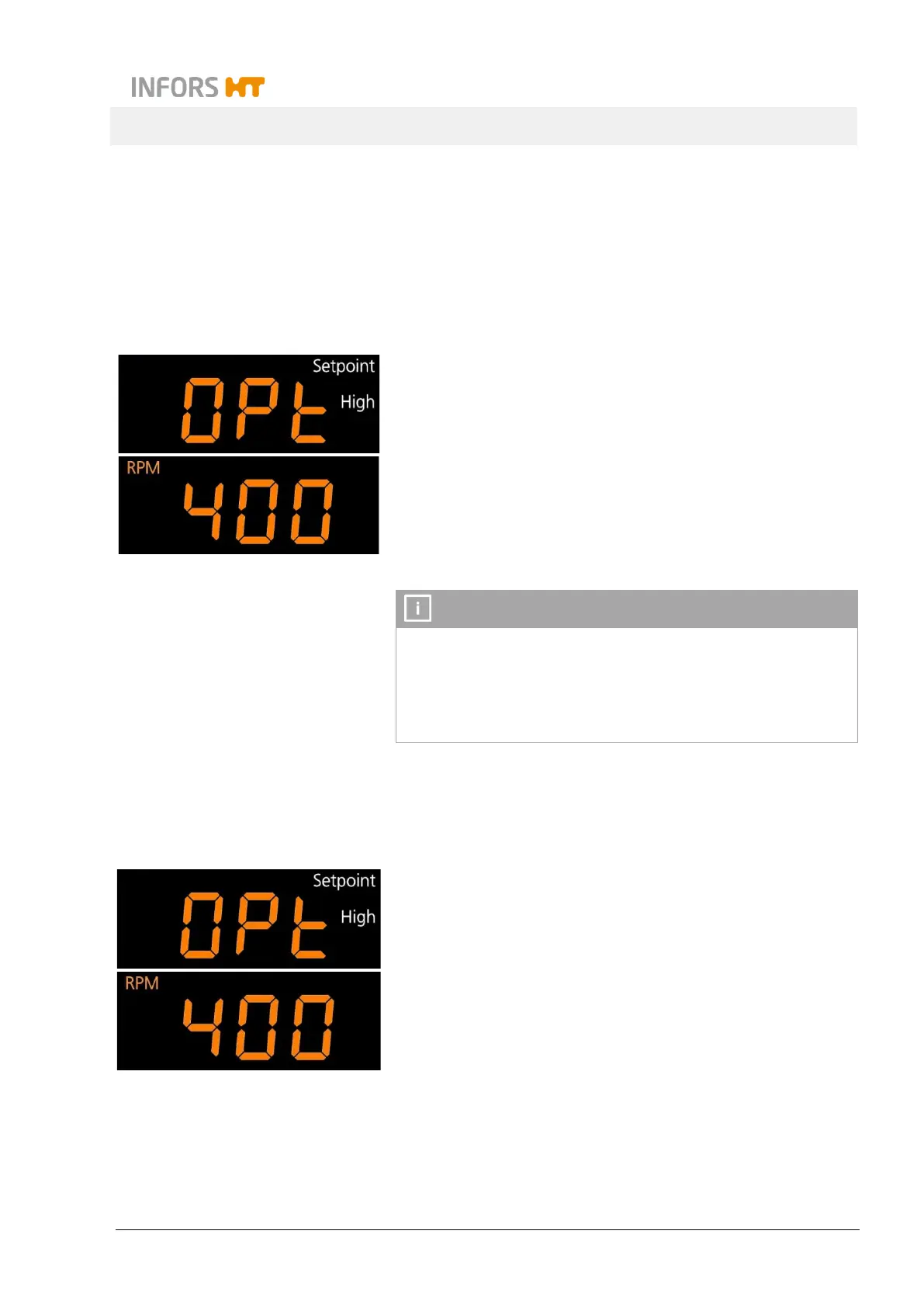
On the top display, the OPt message appears with the sym-
bols Setpoint and High. The Settings menu is thus open and
you can make the desired settings.
Tapping the OPTION key again lets you switch to the next
function. If no key is tapped for 60 seconds, the display re-
turns to normal operating mode. If all functions are clicked
through, the equipment also returns to normal operating
mode.
The limits for the allowed setpoints of the parameters can only
be set within a few factory-set values.
If the setpoint for a parameter is limited in the settings menu of
the equipment and an attempt is made to enter a higher value,
the bLoc message appears.
The following chapters explain the individual functions.
7.7.1 Setting the Upper Limit for the Rotation Speed
Top display: OPt, Setpoint and High
Bottom display: RPM
The maximum rotation speed that can be entered as a setpoint can
be restricted. To do so, tap the SET key (the sign Setpoint ap-
pears) and then use the Plus or Minus key to set the desired
value.
Default value:
25 mm throw: 400 min
1
50 mm throw: 350 min
1
3 mm throw: 1000 min
1



 To Next Page