Multitron - Incubation Shaker
Operation
25 February 2019 Page 101 of 146
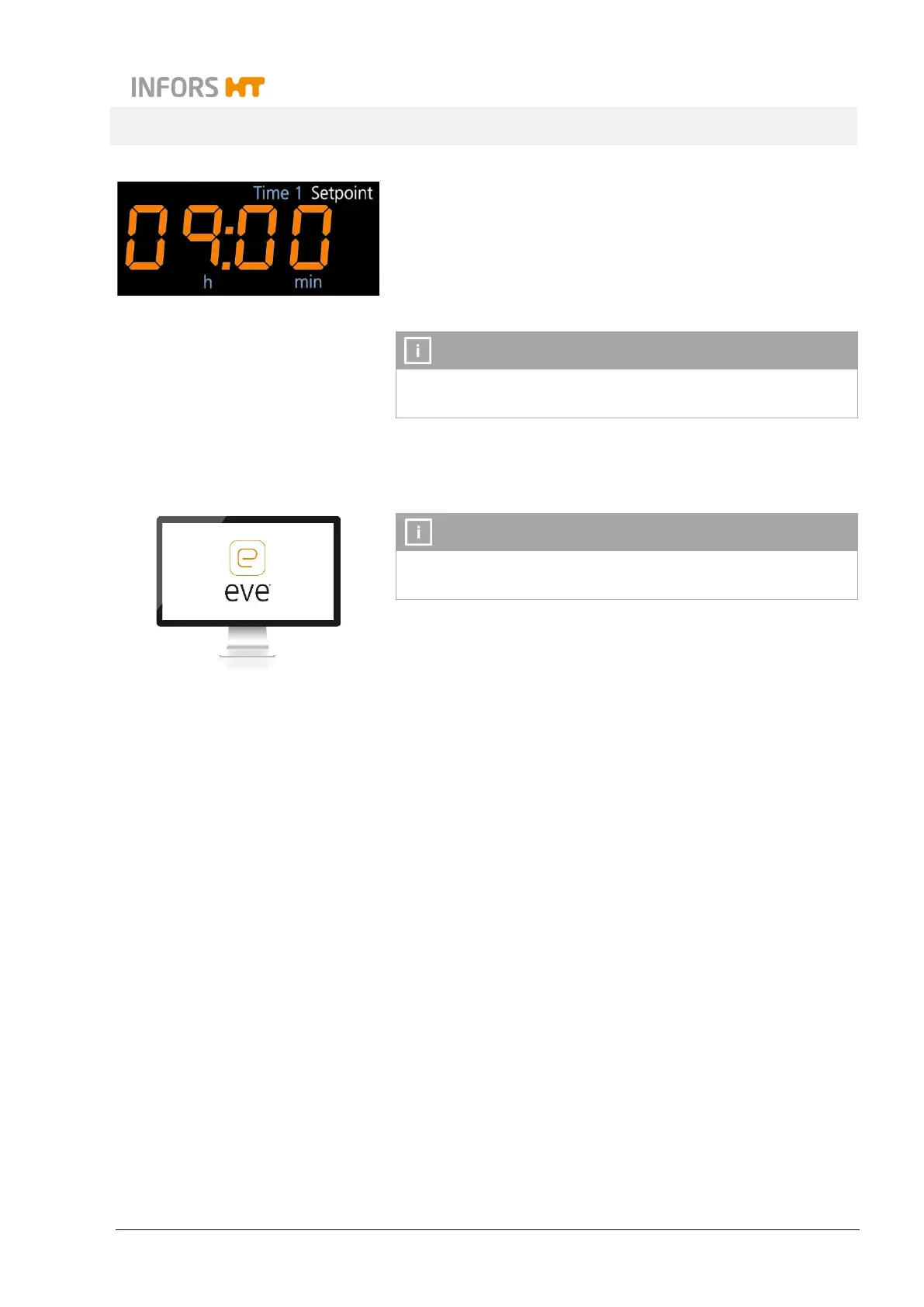
1. To switch off a timer individually, select the desired timer
(Time 1 or Time 2) by tapping the TIMER key and switch it off
by tapping the corresponding ON/OFF key.
The timer function is not deactivated by opening the door or by
an interruption in the power supply.
7.6 Using eve
®
to Operate the Equipment
For detailed information on how to use eve
®
to operate the
equipment, refer to the documentation supplied with eve
®
The equipment comes with the option of being operated from an
external computer via the Ethernet interface. This requires use of
the eve
®
platform software for bioprocesses. The Ethernet inter-
face can be used to send or receive data. For example, setpoints
can be sent to the equipment or parameters can be activated or
deactivated. In addition, the actual values of the parameters and
the values measured on the sensors as well as alarm and error
messages can be transferred to eve
®
and thus logged.
Points to be observed
The following points must be observed if you want to use eve
®
to
control the equipment:
Via eve
®
, the parameters cannot be activated/deactivated
manually. If a permissible setpoint is sent to the equipment,
the parameter is activated automatically. A parameter can be
deactivated by sending the setpoint 0 to the equipment.
If the equipment is connected to eve
®
, all setpoints set in eve
®
are applied automatically. Any setpoints manually set on the
equipment are overwritten.
The timer function cannot be activated via Ethernet. The timer
function must be programmed and activated directly on the



 To Next Page