Multitron - Incubation Shaker
Operation
25 February 2019 Page 105 of 146
When opening the door of the equipment, the table is stopped
with the maximum brake force, regardless which brake force is
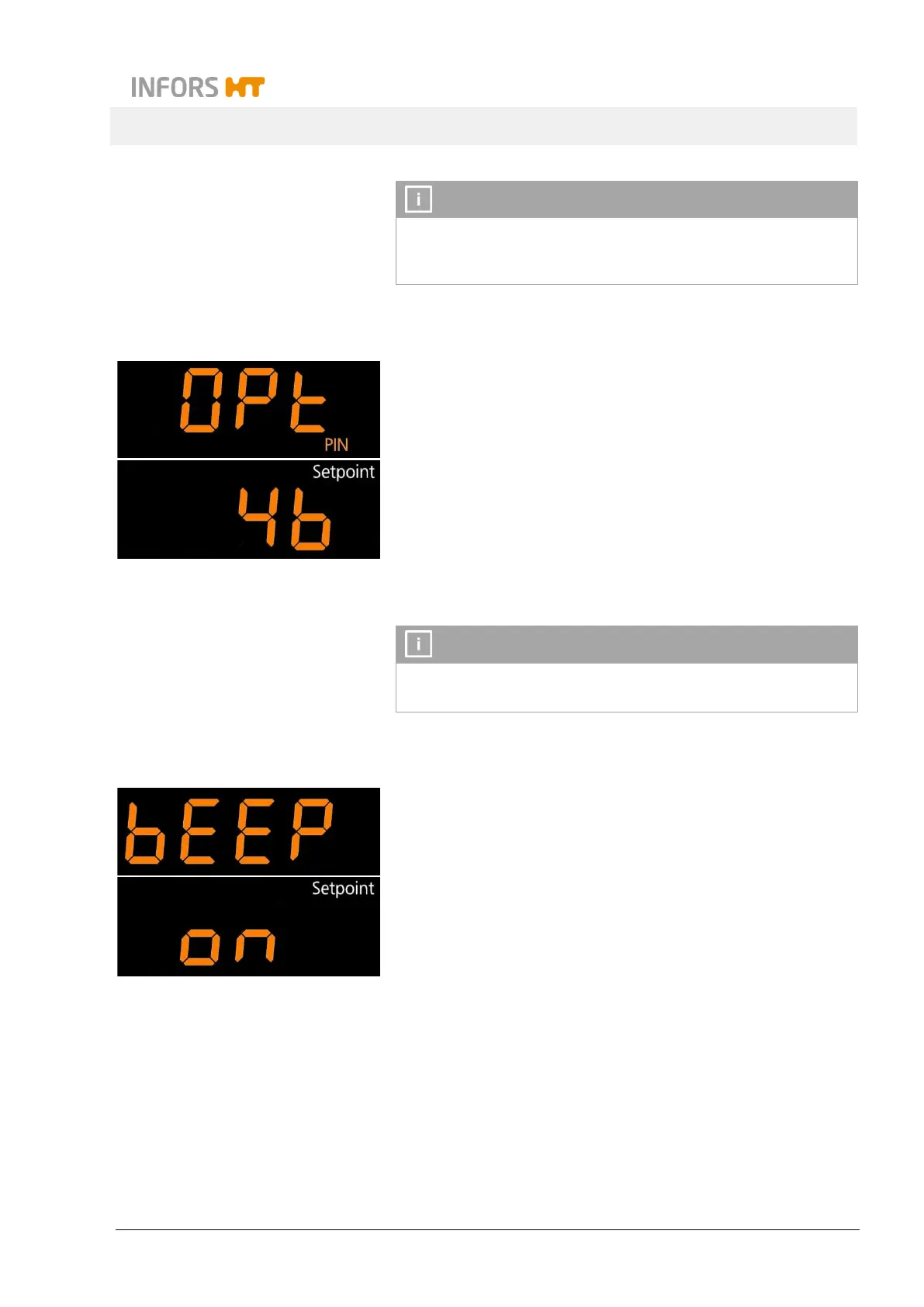
7.7.5 Activating or Deactivating the Key Pad Lock (with a PIN)
To prevent unauthorised persons making entries on the operating
panel, the key pad can be locked using a PIN. To do so, tap the
SET key (the sign Setpoint appears) and then use the ON/OFF
to activate or deactivate the key pad lock.
If the key pad lock has been activated, you can then tap the OP-
TION key followed by the SET
key to enter a PIN (number between
0 and 9999). Once the PIN has been entered, this must be con-
firmed using the ON/OFF key (the message PIN OK appears on
the top display).
By entering the number “1756” (Super PIN), the PIN is deac-
7.7.6 Activating or Deactivating the Key Tone
The key tone (clicking sound when tapping a key) can be activated
or deactivated. To do so, tap the SET key (the sign Setpoint ap-
pears) and then use the ON/OFF key to activate or deactivate the
key tone.



 To Next Page