Multitron - Incubation Shaker
Operation
25 February 2019 Page 69 of 146
7 Operation
7.1 Switching on the Equipment
The equipment can start up automatically, if it was not switched
off correctly beforehand. Any objects sent flying through the in-
terior if the equipment starts up automatically can damage the
equipment as well as the cultivation vessels.
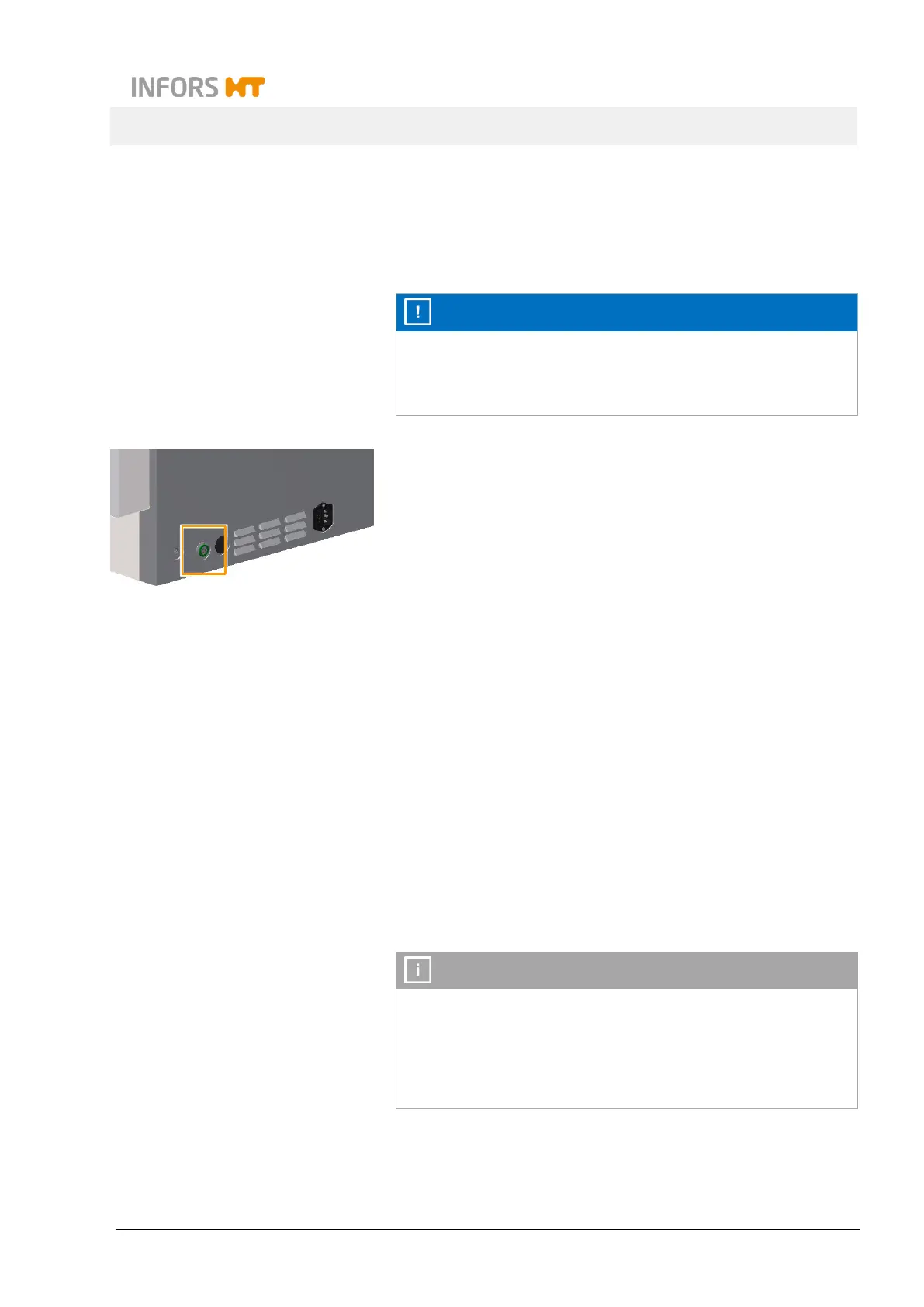
1. Press the main switch on the right side of the casing.
If the equipment was correctly connected to the mains, the
main switch lights up in green after switching on.
The equipment undergoes an initialisation process where vari-
ous messages appear on the alphanumeric display. As soon
as the initialisation process is finished, the equipment is ready
for operation.
7.2 Loading the Equipment
7.2.1 Opening the Door
Door lock
The door can be opened while the equipment is running. When this
happens, the table is stopped automatically and the tray is re-
leased when the door is open completely. If the equipment is oper-
ated at a rotation speed of more than 200 min
-1
, the door opening
is locked temporarily and cannot be opened fully until the table has
come to a full stop. The table will start up again automatically as
soon as the door is closed.
If you wish to stop the table slowly, e.g. to avoid culture liquid
from spilling out, you have to set the Rotation speed parameter
to OFF prior to opening the door. In this case, the table stops
slowly, with the brake force set in the settings menu (see chap-
ter 7.7.4 "Setting the Brake Force for Halting the Table", page



 To Next Page