Multitron - Incubation Shaker
Operation
Page 98 of 146 25 February 2019
7.5.5 Changing Parameter Setpoint Values during Activated Timer Function
Especially during long cultivating processes in the cycle mode it
might be required to change the parameter settings after a certain
time.
Parameters of the active phase
or (in the cycle mode)
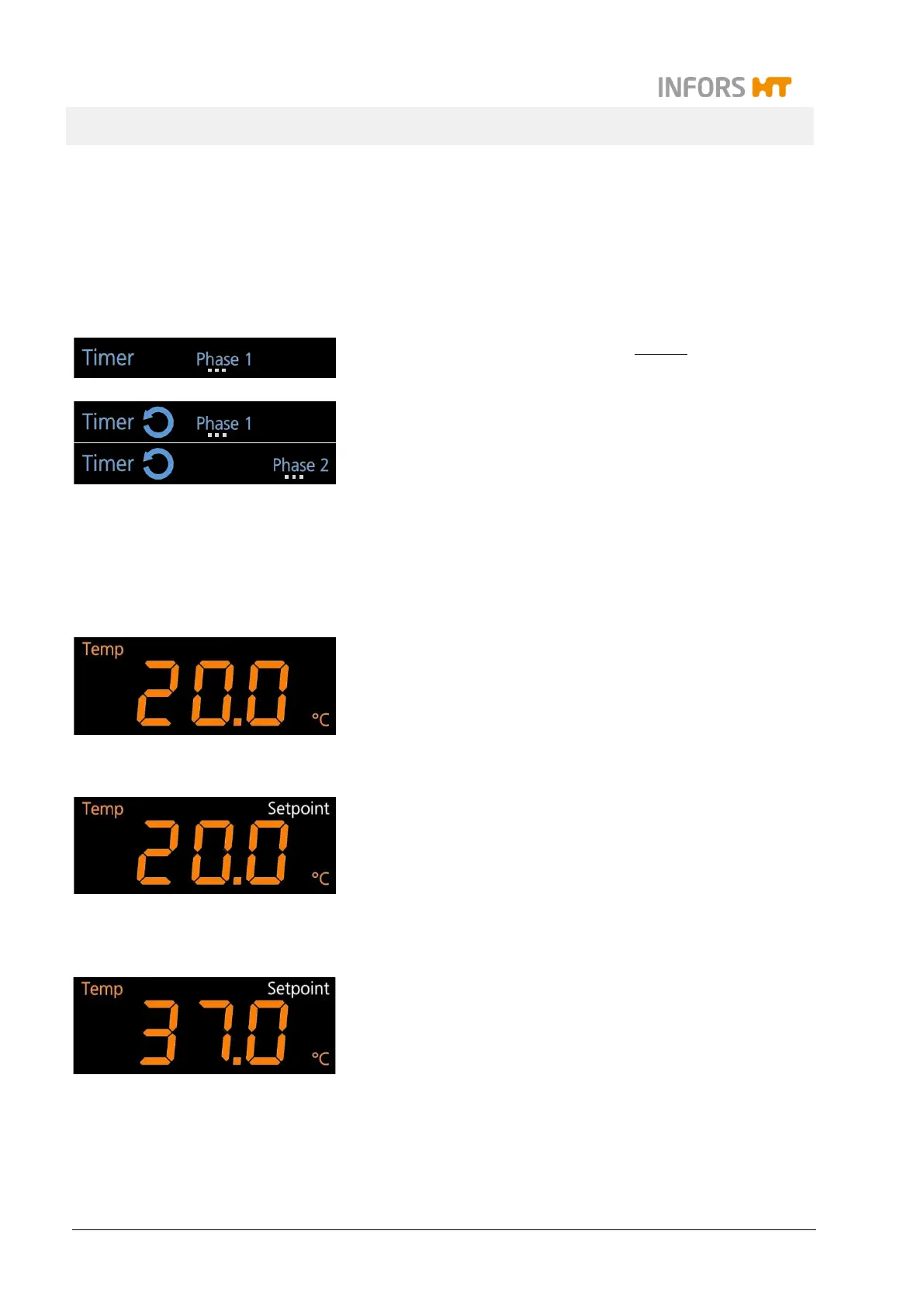
Which phase is active is indicated by the blinking of the symbol
Phase 1 or Phase 2 in the separate timer display area.
To change the setpoint values of the parameters of the active
phase proceed as follows:
Procedure 1. Select the desired pair of parameters by tapping the Select
key – if necessary several times.
In the two alphanumeric display areas the setpoint values of
the selected pair of parameters are shown.
2. Tap the SET key in the upper or lower operation key area.
The sign Setpoint indicates, that a setpoint can be set.
3. Tap the Plus or Minus key in the according setting key area
to set the new setpoint value.
The new setpoint value for the parameter appears on the ac-
cording alphanumeric display.



 To Next Page