Multitron - Incubation Shaker
Operation
Page 104 of 146 25 February 2019
7.7.2 Setting the Upper Limit for the Temperature
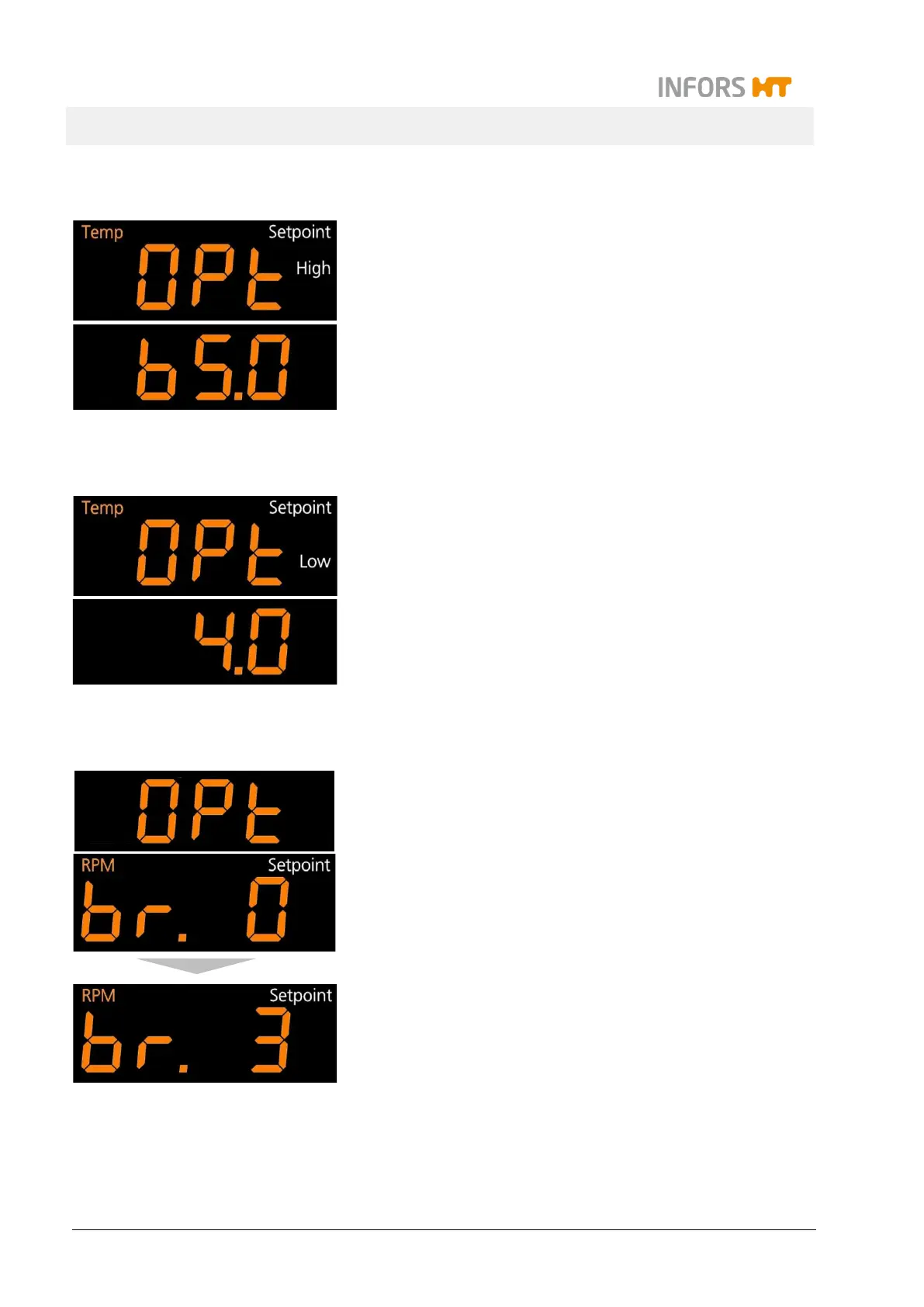
Top display: OPt, Temp, Setpoint and High
The maximum temperature that can be entered as a setpoint can
be restricted. To do so, tap the SET key (the sign Setpoint ap-
pears) and then use the Plus or Minus key to set the desired max-
imum temperature.
Default value: 65 °C
7.7.3 Setting the Lower Limit for the Temperature
OPt
Temp
Setpoint
Low
The minimum temperature that can be entered as a setpoint can
be restricted. To do so, tap the SET key (the sign Setpoint ap-
pears) and then use the Plus or Minus key to set the desired mini-
mum temperature.
Default value: 4.0 °C
7.7.4 Setting the Brake Force for Halting the Table
…
Bottom display: br. 0-3
The brake force with which shaking operation is stopped when
switching off the parameter rotation speed
can be set in four levels.
To do so, tap the SET key (the sign Setpoint appears) and then
use the Plus or Minus key to set the desired brake force.
The levels br. 0 to br. 3 have the following meaning:
At brake force level 0 the table is stopped by reducing the
speed very slowly.
At brake force level 1 the table is also controlled but stopped
a little less slowly.
At brake force level 2 a passive brake is activated by switch-
ing off the motor (factory setting).
At brake force level 3 the motor is short-circuited to stop the
table as quickly as possible.



 To Next Page