Multitron - Incubation Shaker
Operation
25 February 2019 Page 97 of 146
7.5.4 Changing Timer Settings during Activated Timer Function
If it is required to change the duration of the time intervals, both
timers can be reprogrammed. To change the setting of the timers
proceed as follows:
Procedure 1. Tap the TIMER key to select the timer function.
2. Tap again the TIMER key to enter the timer programming
mode.
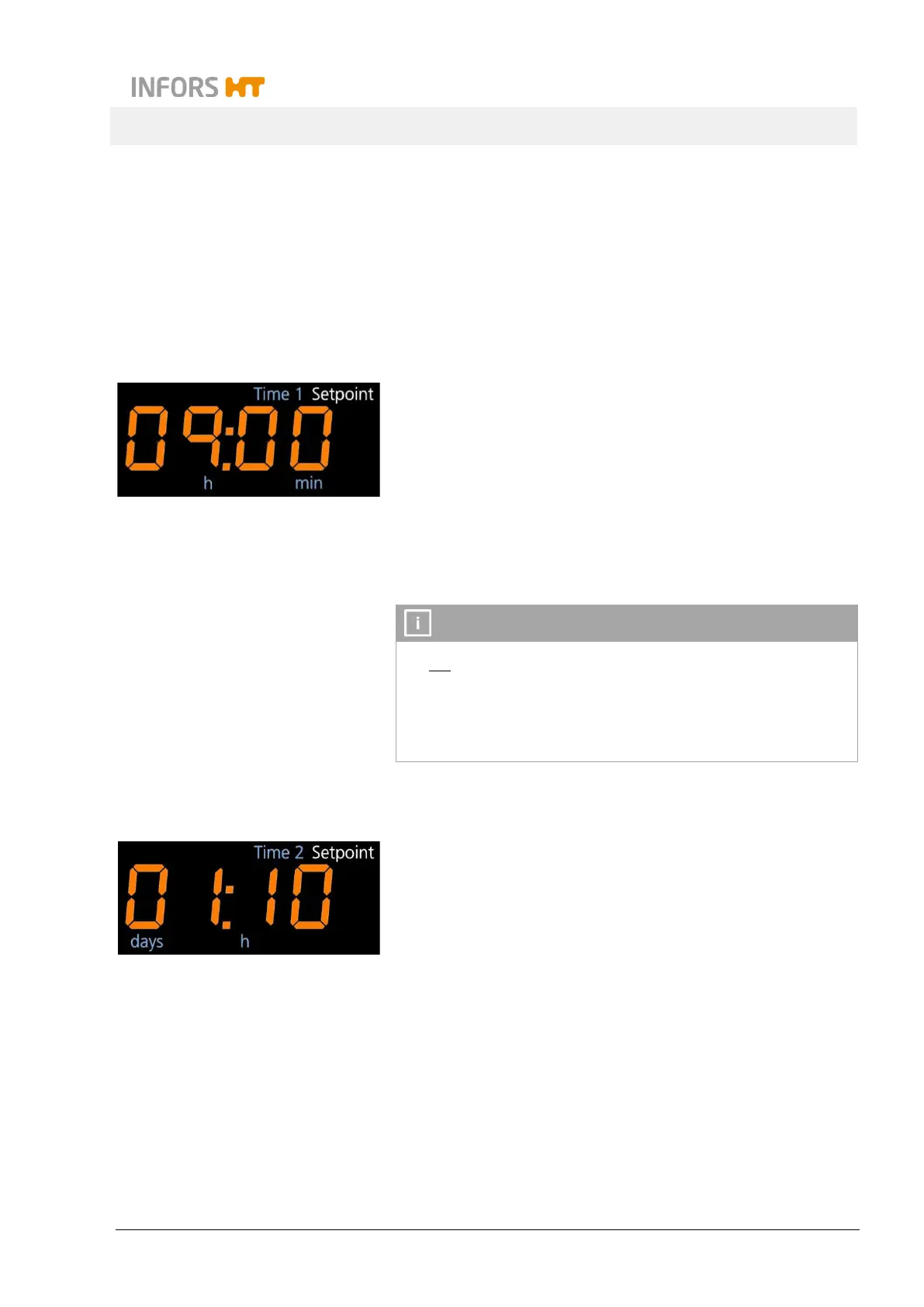
On the upper alphanumeric display the setpoint value last en-
tered for the time interval of the first phase (Time 1) is shown.
The sign Setpoint indicates, that the time can be entered.
3. If required, tap the Plus or the Minus key in the upper setting
key area to set the time for the first phase (Time 1).
Do not tap the ON/OFF key after changing the timer setting, as
this would turn off the timer immediately.
If this happens in the cycle mode with the timer for the first
phase, also the timer for the second phase is deactivated. And if
accidentally the second timer is turned off, it cannot be activated
4. Tap the TIMER key to get to the time settings for the second
phase (Time 2).
On the lower alphanumeric display the setpoint value last en-
tered for the time interval of the second phase (Time 2) is
shown. The sign Setpoint indicates, that the time can be en-
tered.
5. If required, tap the Plus or the Minus key in the lower setting
key area to set the time for the second phase (Time 2).
6. Tap the TIMER key again to quit the programming mode of
the timer.
On the alphanumeric display the remaining time of the active
phase and the message run appear.
7. Tap the Select key return to the normal operating mode of the
display.



 To Next Page