Multitron - Incubation Shaker
Operation
Page 108 of 146 25 February 2019
7.9 Switching Off the Equipment
Parameters, that have not been switched off prior to switching
off the equipment, are automatically activated when the equip-
ment is switched on. This can lead to damages to the equipment
and cultivation vessels.
Always switch off all parameters before switching off the equip-
The parameter setpoints remain stored for approximately one
To switch off the equipment, proceed as follows:
Procedure 1. Switch off all parameters. Make sure that, in addition to the
rotation speed, parameters that are not visible, such as tem-
perature, humidity or CO
2
, are also switched off.
2. Switch off the equipment by pressing the main switch.
3. If you do not intend to use the equipment for a long time, dis-
connect the equipment from the power supply.
7.10 Behaviour in Case of Interrupted Power Supply
If the power supply to the equipment is interrupted during a running
cultivation process (e.g. by flicking the main switch or in case of a
power failure), all parameters and timer setpoints as well as the
residual time of the last active timer phase are stored.
If power supply is restored, the equipment restarts automatically
with the last stored setpoints. If a timer was active prior to the inter-
ruption to power supply, the equipment restarts with the residual
time of the last active phase and the setpoints stored for this
phase.
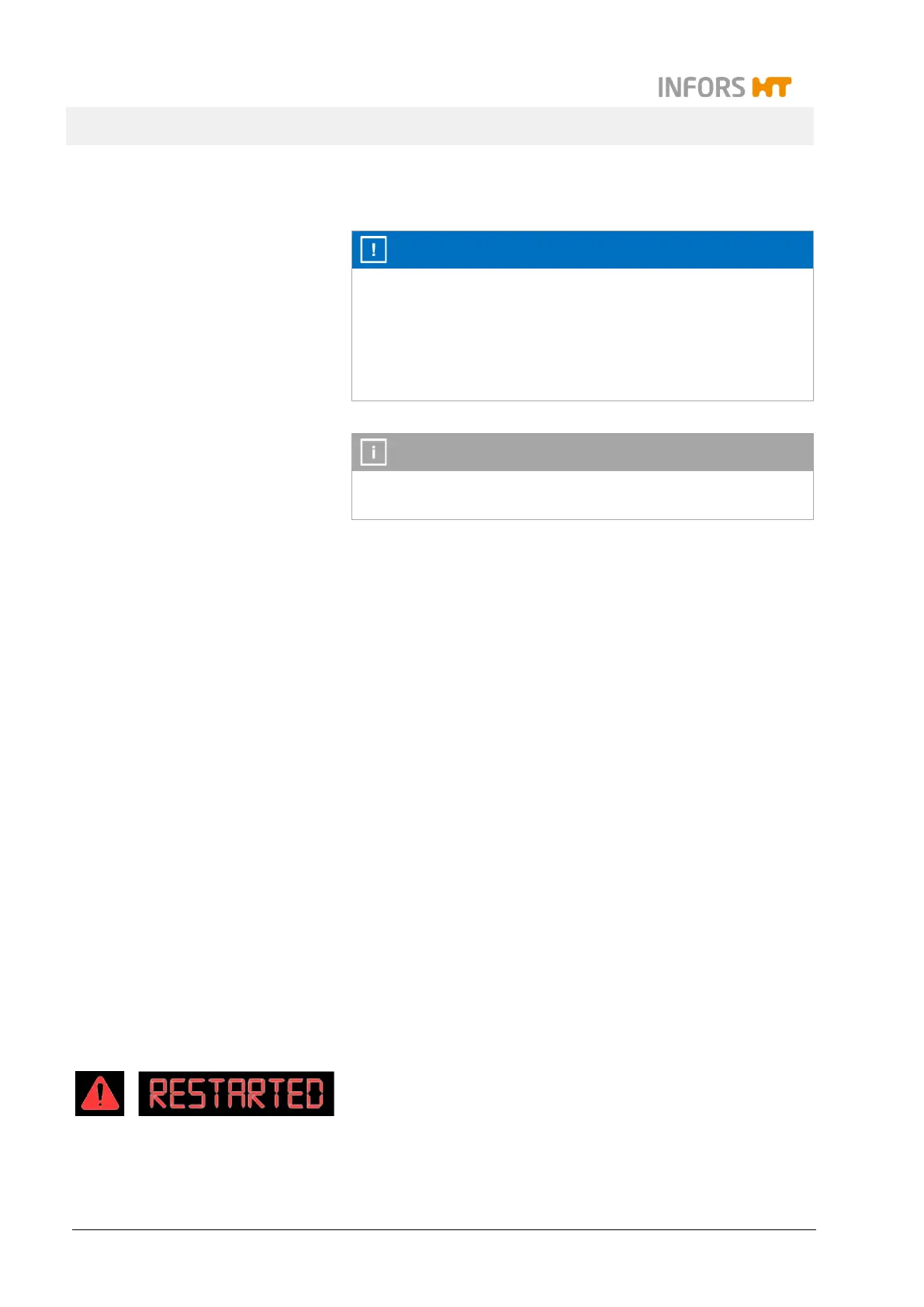
As a warning, the word RESTARTED and the warning icon flash
on the display field with the warning and alarm messages.
The RESTARTED message can be confirmed by tapping any key
and then disappears.



 To Next Page