Multitron - Incubation Shaker
Setup and Function
25 February 2019 Page 29 of 146
3.3.3 Ethernet Interface
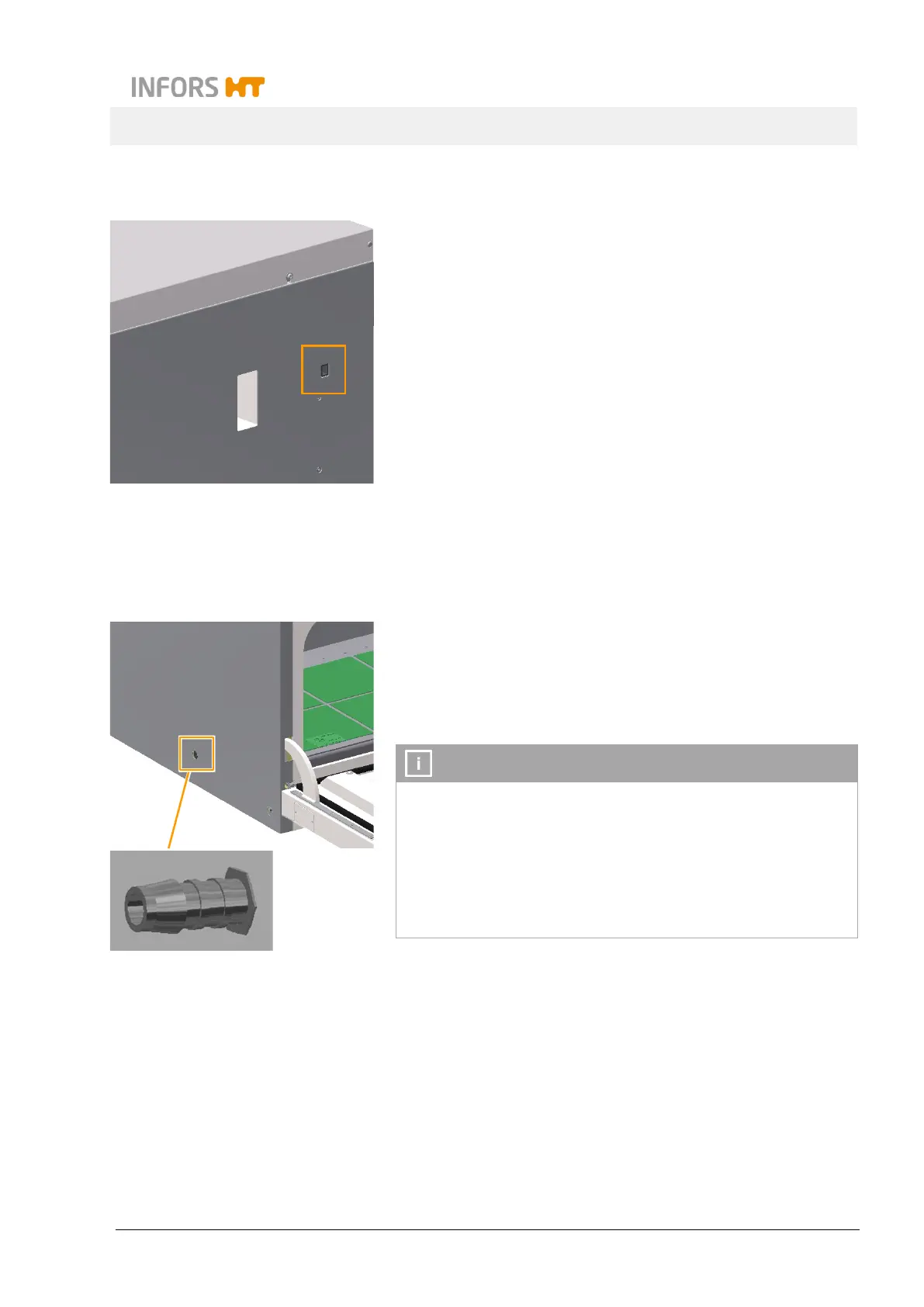
The equipment has an Ethernet interface (RJ45 socket) on its right
side. The equipment can thus be integrated into a network and
controlled using an external computer. To externally control the
equipment, you need the eve
®
platform software for bioprocesses.
The Ethernet interface makes it possible to send and receive data.
For example, setpoints can be sent to the equipment or values
measured by the sensors can be sent to eve
®
. If the equipment is
connected to eve
®
via Ethernet or if the equipment is controlled us-
ing eve
®
, this is displayed on the operating panel.
For more information on the use of the Ethernet interface, see
chapter 7.6 "Using eve
®
to Operate the Equipment", page 101.
3.4 Openings
3.4.1 Discharge Outlet
The opening for discharging leaked liquids, detergents or conden-
sation that has been collected is located at the bottom, on the left
hand side of the casing, close to the centre.
The opening is sealed with a yellow plug. A hose nozzle (¼ inch)
for connecting a hose (Ø 10 mm) is provided.
In case of large fill volumes, we recommend installing the dis-
charge hose to avoid the bearings coming into contact with liq-
uid if a flask breaks.
If safety requirements must be met, e.g. when working with ge-
netically modified organisms, the discharge hose must lead to a
suitable, sealed receptacle. This can be, for example, an empty
chemical container that is sealed with foil.



 To Next Page