Multitron - Incubation Shaker
Operation
Page 80 of 146 25 February 2019
7.3.4 Operating Panel
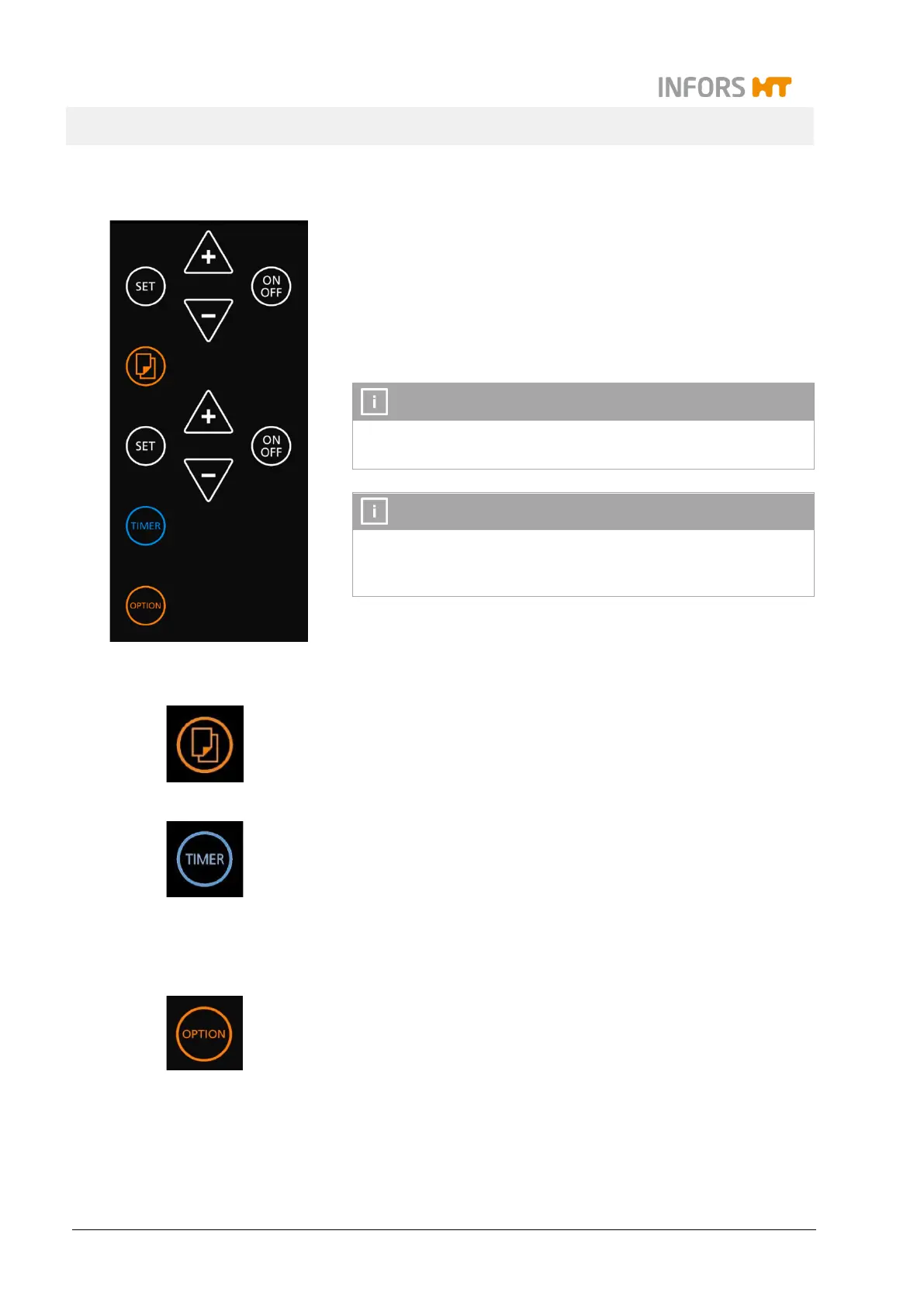
The various keys on the operating panel serve to select and set the
parameters, timers and other functions and modes. On the panel
there are selection keys in orange (parameters, operator mode)
and in blue (timer function) as well as white keys for the setting.
The white keys for the setting exist twice because they are ar-
ranged in an upper and a lower group within the operating
which corresponds with the according display area.
The sensor controlled soft-touch keys are behind a glass cover
and they only need to be touched very gently.
Tapping an arbitrary key on the operating panel turns on the
light inside the incubation chamber. 20 seconds after tapping
the last key it is automatically turned off.
Keys for selecting
With the Select key the parameters and functions are selected
within the timer function or the operator mode.
The symbol of the selected parameter or timer (Time 1 or Time 2)
is displayed in the upper or lower display area.
With the TIMER key the timer function is selected. Afterwards, the
two timers can be programmed using the keys in the upper or
lower operating area.
On both display areas the symbols Time 1 (upper area) und Time
(lower area) are displayed
For detailed information see chapter 7.5 "Timer Function", page
86.
By holding the OPTION key for at least 2 seconds the operator
mode is selected. It allows to change the setup of the equipment.
The OPTION key is also used to select the functions within the op-
erator mode.
For detailed information see chapter 7.7 "Settings Menu (Option
Function)", page 103.



 To Next Page