Multitron - Incubation Shaker
Operation
Page 106 of 146 25 February 2019
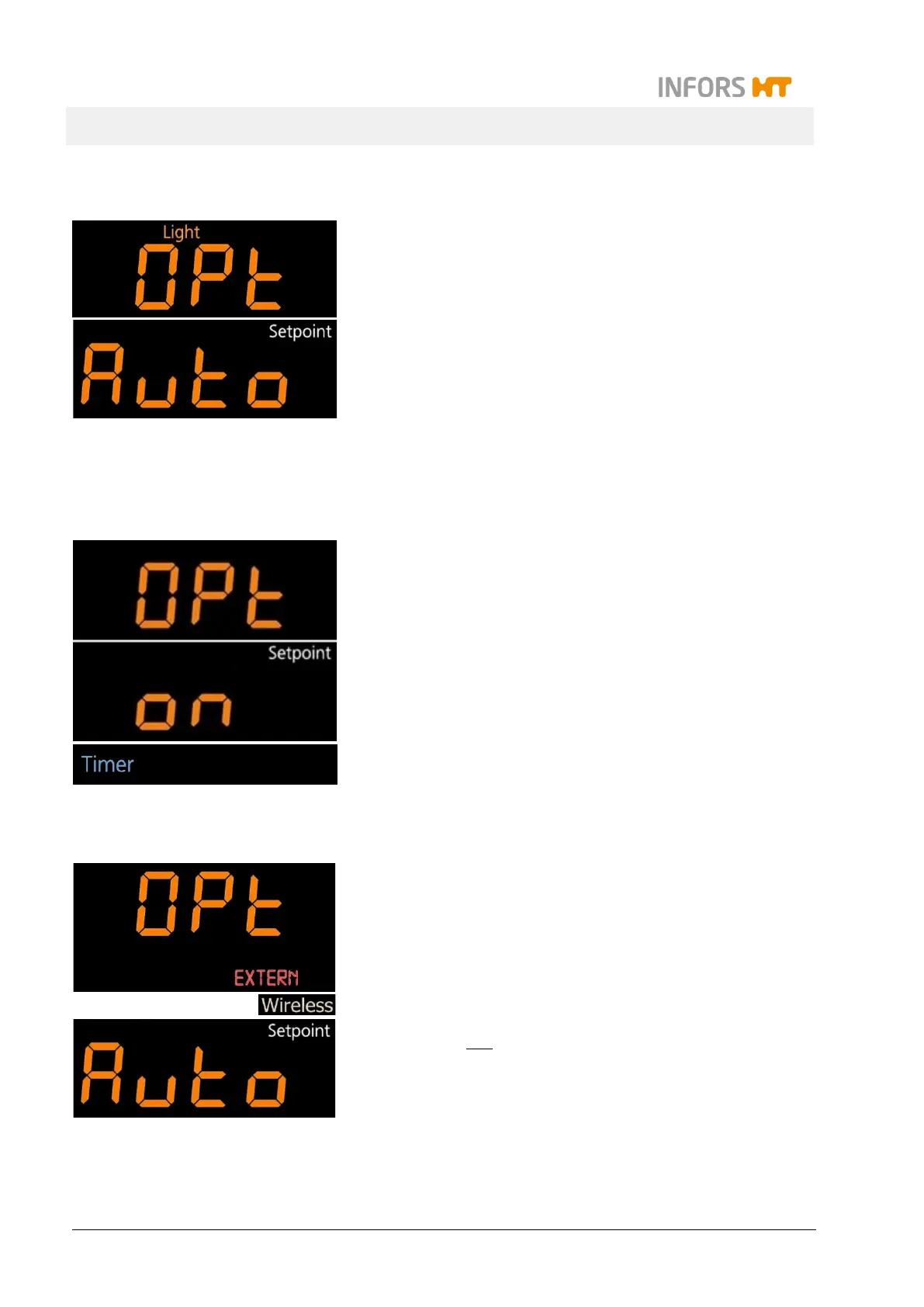
7.7.7 Setting the Interior Lighting
Top display: OPT and Light
The behaviour of the interior lighting can be set.
To do so, tap the SET key (the sign Setpoint appears) and then
use the ON/OFF key to select the desired behaviour.
The following settings are possible:
Auto: The light is activated by tapping any key. After 20 sec-
onds, the light turns off again automatically.
OFF: Interior lighting is deactivated permanently.
7.7.8 Activating or Deactivating the Timer Function
Top display: OPt and Timer
The timer function can be activated or deactivated. To do so, tap
the SET key (the sign Setpoint appears) and then use the ON/OFF
key to activate or deactivate the timer function. If the timer func-
tions is set to OFF, it can no longer be selected by using the
TIMER key.
7.7.9 Setting up Data Exchange via the Ethernet
Top display: OPt, EXTERN and Wireless
You can set whether and in which direction data can be sent via
the Ethernet interface. To do so, tap the SET key (the writing Set-
point appears) and then use the ON/OFF key to select the desired
setting.
The following settings are possible:
Auto: Send and receive data, i.e. information from the equip-
ment can be recorded but commands can also be sent to the
equipment (e.g. changes to the parameters).
on: Only receive data, i.e. only data sent from the equipment
can be recorded.
OFF: The Ethernet interface is deactivated; no communica-
tion can take place.



 To Next Page