Multitron - Incubation Shaker
Operation
Page 70 of 146 25 February 2019
The door can only be opened fully when there is no load on the
half-open door. If the door is pushed down violently, this can
damage the door mechanism.
Door alarm
To prevent the door from being left open unintentionally, the equip-
ment has a door alarm (beeping). This is triggered if the door is left
open for longer than the set time. If no parameter was active prior
to opening the door, the door alarm is not triggered. The time until
the door alarm is triggered can be set in the settings menu (1 to
10 minutes). If necessary, the door alarm can also be deactivated
completely.
Opening the door
At rotation speeds of up to 200 min
-1
, the door can be opened with-
out restrictions. To open the door during operation at higher rota-
tion speeds, proceed as follows:
Procedure 1. Open the door half way and wait until the table has stopped.
You can hear a click when the door opening is released.
2. Open the door completely. If the door does not unlock straight
away, lift it up slightly to take the load off the locking mecha-
nism.
7.2.2 Inserting and Removing the Tray
The tray is affixed to the table in different ways depending on the
throw.
Equipment with 25 mm or 50 mm throw:
The equipment is fitted with a tray lock to hold the tray in place on
the table. To insert and affix the tray, manually move it into the in-
cubation chamber all the way to the limit stop. When you close the
door, the tray is lowered into the locking cones (2) and thus affixed
to the table.
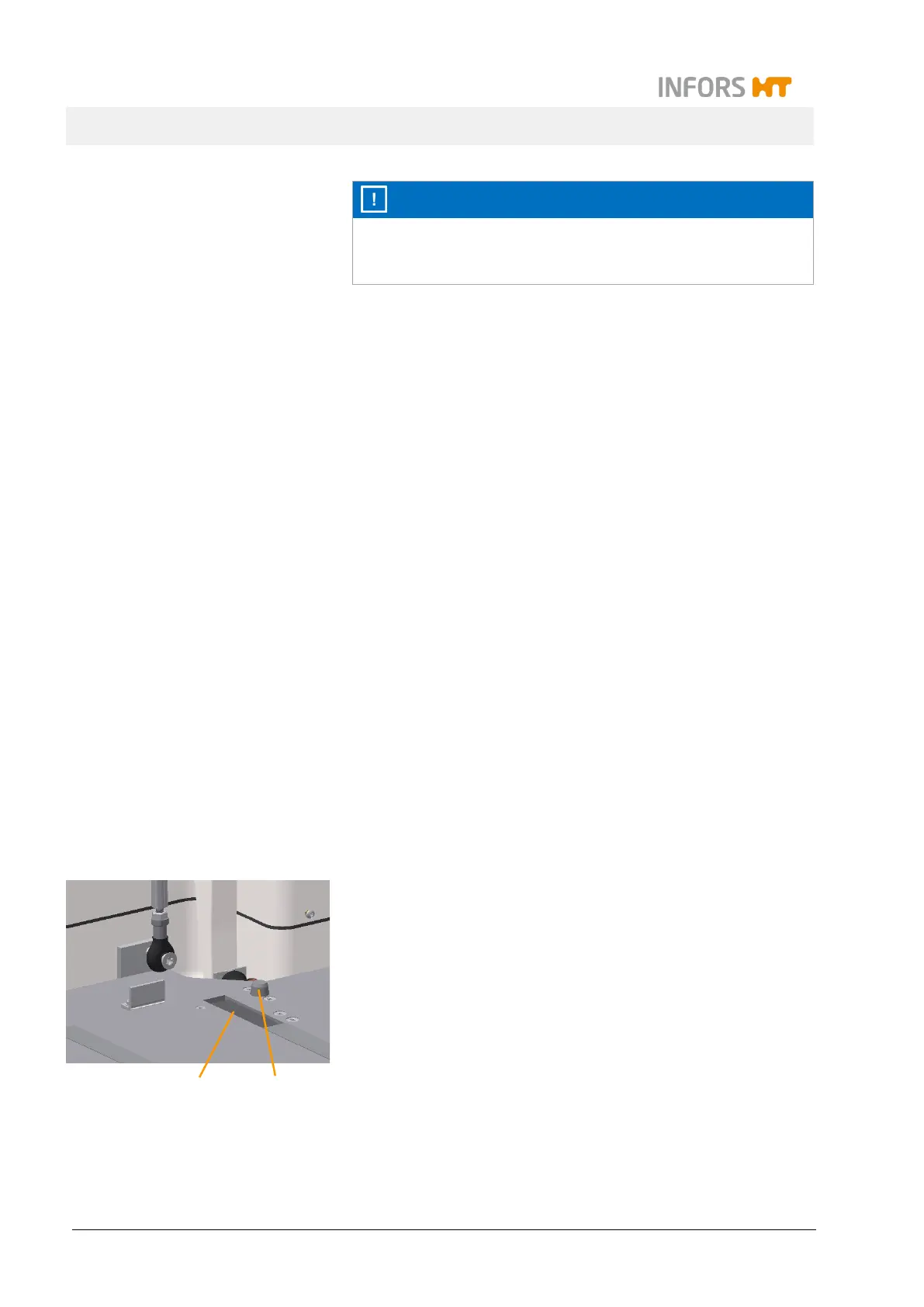
When you open the door completely, the ejection levers (1) under
the table lift the tray out of the table’s locking cones (2). The tray is
now free and can be pulled out of the incubation chamber by hand.
2
1



 To Next Page