Multitron - Incubation Shaker
Operation
25 February 2019 Page 107 of 146
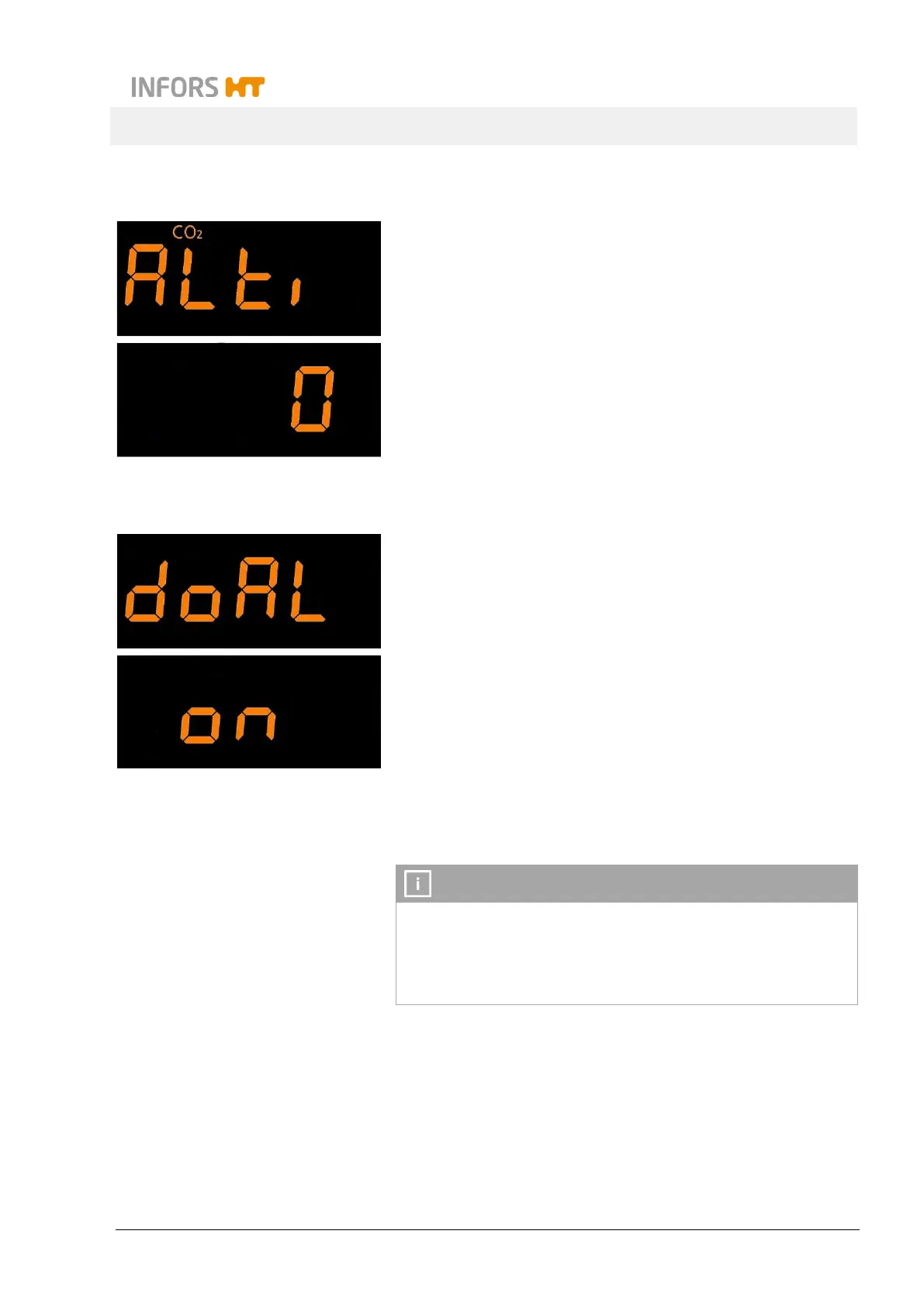
7.7.10 Setting the Height Above Sea Level (Altimeter)
2
The digital CO
2
sensor GMP251 is pressure-dependent. To
achieve precise measuring results, the altitude of the equipment’s
location can be entered. To do so, tap the SET key (the sign Set-
point appears) and then use the Plus or Minus key to set the alti-
tude in meters.
Default value: 0
7.7.11 Activating or Deactivating the Door Alarm
The equipment has a door alarm. This is triggered if the door is left
open for too long. To activate or deactivate the door alarm, tap the
SET key (the sign Setpoint appears) and then use the ON/OFF
key.
The time after which the alarm is triggered can be set. To do so,
tap the SET key again (the sign Setpoint appears) and then use
the Plus or Minus key to set the desired time period (1-10
minutes).
7.8 Setting the Variable Throw
Improper modification of the throw of the equipment with a varia-
ble throw is a safety risk. The throw may therefore only be
moved by personnel that has received appropriate training and
authorisations. If you have any questions, contact your local In-
fors representative (see contact details on page 2).



 To Next Page