Multitron - Incubation Shaker
Options
Page 40 of 146 25 February 2019
4.2.3 Operating the Direct Steam Humidification
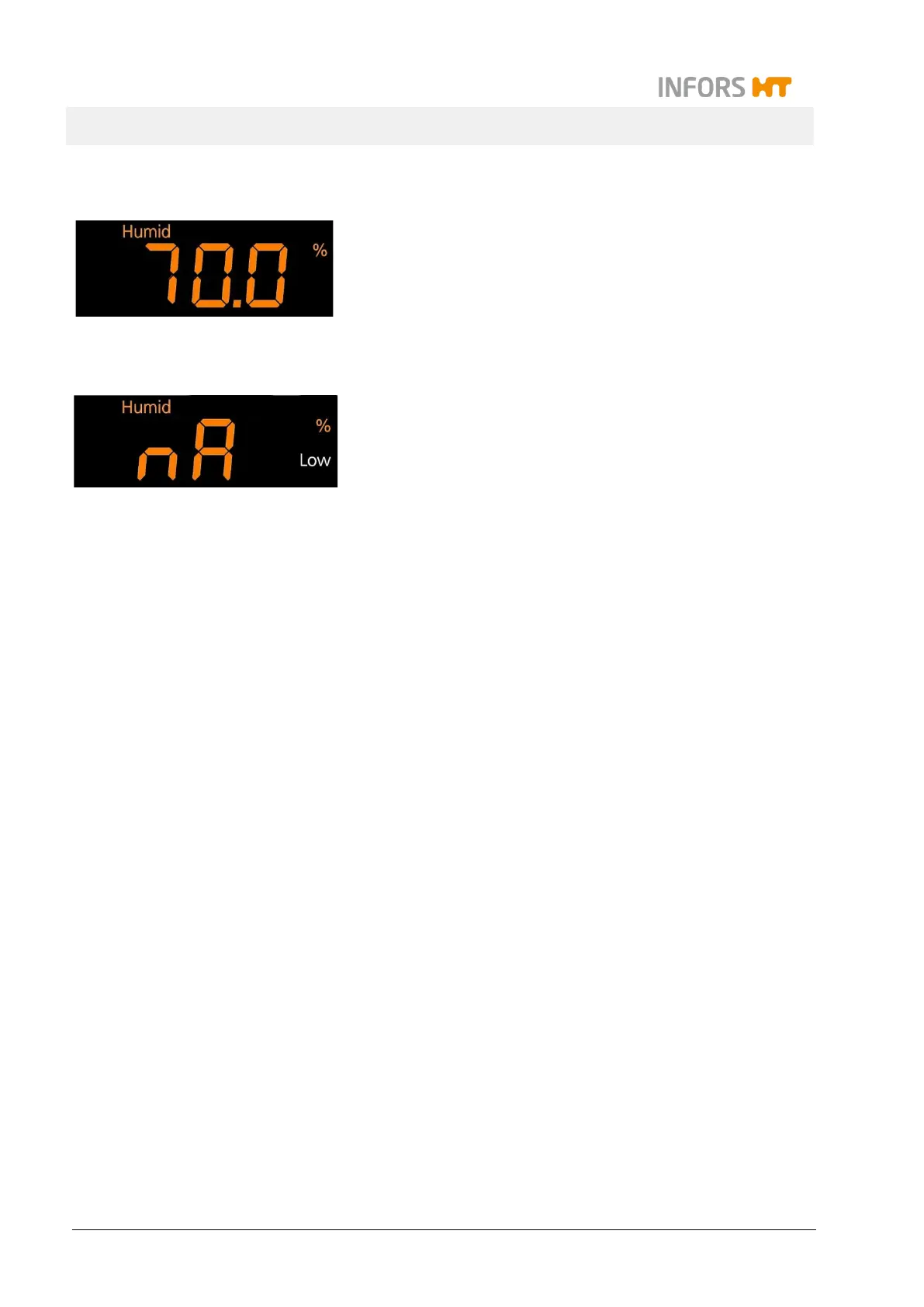
The direct steam humidification is operated using the Humidity pa-
rameter. The bottom of the alphanumeric display shows the value
in % (relative humidity) with the symbol Humid.
After switching on the parameter, it takes approx. 5 minutes for the
steam generator to heat up. During the heating time, the current
actual humidity value and the message Strt are displayed alter-
nately.
To prevent condensation on the walls in the incubation chamber,
the direct steam humidification is only switched on when the set
temperature setpoint (± 1 °C) is reached and stable for at least 30
minutes. During the time until the temperature is stable, the mes-
sage "nA" is displayed.
For a detailed description of how to set and activate the parame-
ters, see chapter 7.4 "Adjusting, Activating and Deactivating Pa-
rameters", page 81.
4.2.4 Specifications and Technical Data
For a detailed description of the technical data and possible humid-
ity values, see chapter 12.4.3 "Direct Steam Humidification", page
136.



 To Next Page