Multitron - Incubation Shaker
Operation
Page 94 of 146 25 February 2019
10. Tap the Plus or Minus key in the corresponding setting key
area to set the desired setpoint values and switch the parame-
ters on using the ON/OFF key.
Starting the timer
11. Tap the TIMER key when all settings for the second phase are
correct
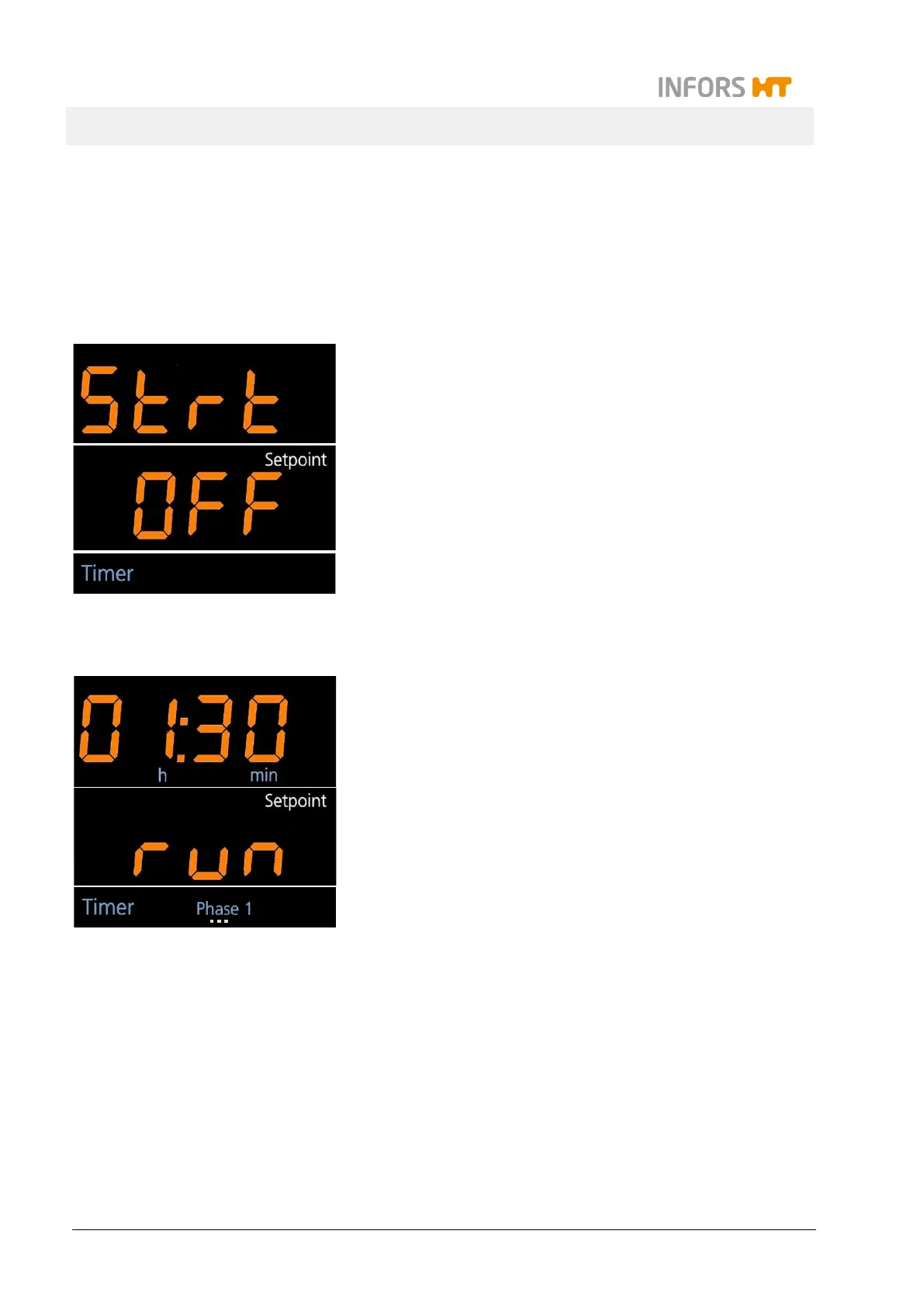
On the alphanumeric displays the messages
Strt
OFF (lower) appear. In the lower display area the white sign
Setpoint is lit up. This means that the timer function can now
be started.
In the separate timer display area the sign Timer is lit up.
12. Tap the ON/OFF key in the lower setting key area to start the
timer function.
On the alphanumeric displays the messages Strt (upper) and
run (lower) appear. In the lower display area the white sign
Setpoint is lit up. The display then changes to showing the re-
maining time of the first phase on the upper and the message
run on the lower alphanumeric display.
In the separate timer display area the sign Timer is lit up. The
blue sign Phase 1 is blinking.



 To Next Page