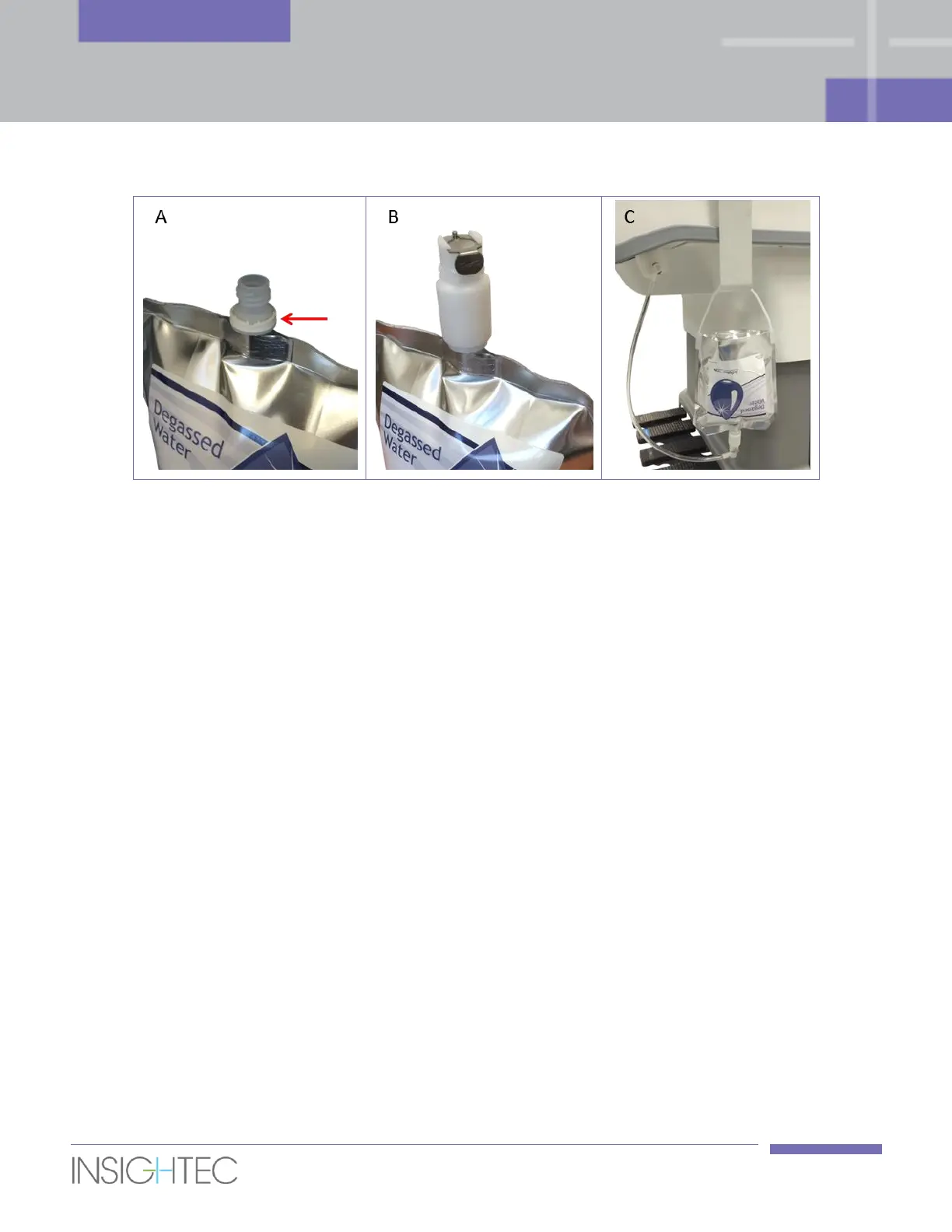
Figure 3-2: Exablate Prostate Preparation of the Water Pouch Assembly
A – Open cap and remove the white ring shown with red arrow (if applicable)
B – Screw and tighten the fitting
C – Connect hose to the fitting and to the table and hang the water pouch
5. Remove all disks or USB devices from the console computer.
6. Turn on the system by pressing the Power On switch located on the operator’s console.
7. The Begin Logon notice appears. Press Ctrl+Alt+Del to access the logon information dialog box. Enter
your username and password. (Windows logon parameters are case sensitive). Click OK to continue.
8. The Exablate application selection window will appear. Click the Treat or Start button of the desired
application, to enter the Start-Up screen and start the treatment (see Figure 3-3).



 To Next Page