94 Micromate Operator Manual – 721U0201 Revision 6
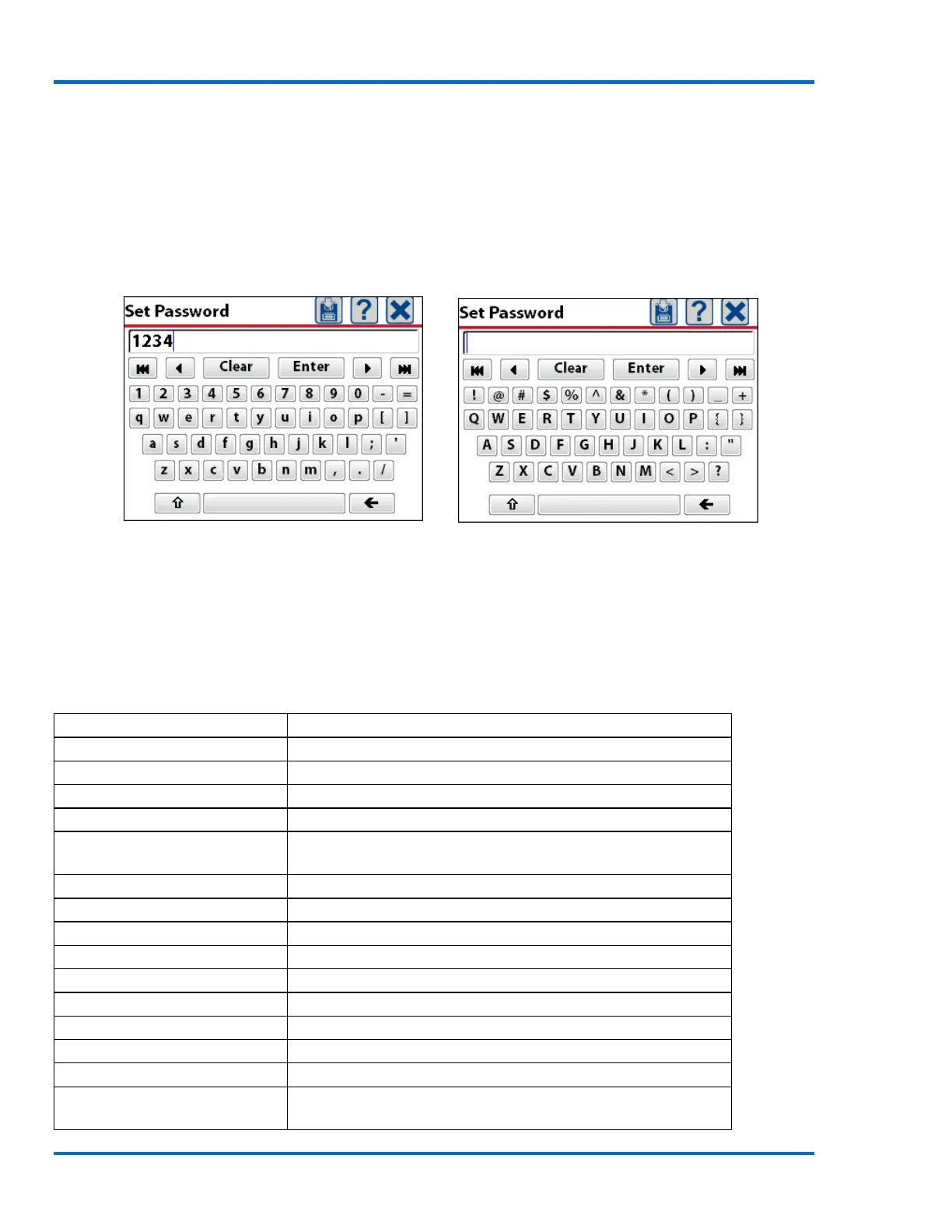
Original Password Password Cleared New Password
c. Remove Password
If the password function is no longer required it can be removed. Select the password function
which will display the keyboard and the current password in the text box. Press Clear on the
keyboard to remove the current password. Press the save icon or Enter on the keyboard to
complete the action and remove the requirement for a password.
Current Password Password Cleared
In the event a password has been entered and forgotten, the Micromate has been programmed
with the default password {3102}. This six character password will override the current password.
11.4.8. Restore Factory Defaults
The Restore Factory Defaults function will reset the current setup file to those originally set by
Instantel at the factory.
Screen saver 2 min, beep on key press, beep when triggered,
English, long text scrolling off
Fixed, 3 seconds, 0.25 second pre-trigger
1024 for ISEE or 2048 for DIN
Location, Client, Company and
General Notes



 To Next Page