28 Micromate Operator Manual – 721U0201 Revision 6
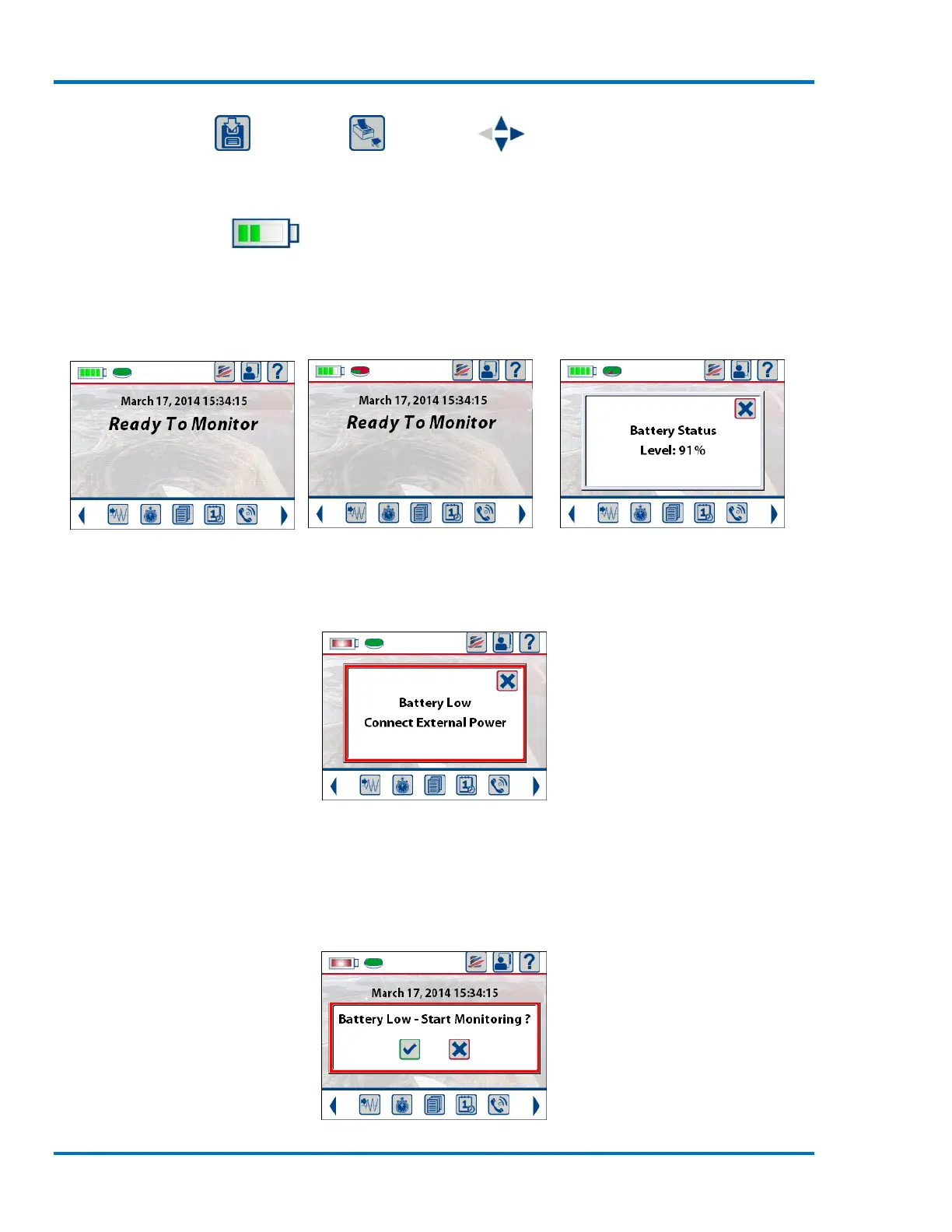
9.1.1. Battery Icon
The Battery icon is located in the top left corner of the display and will change as the battery charge
level changes. If the Micromate is not connected to an external power source the battery icon will
decrease in 25% increments as the battery is depleted. The actual battery status can be displayed
by touching the battery icon.
Battery Fully Charge Battery 75% Charged Result of Touching Battery Icon
When the battery voltage reaches approximately 3.5 volts the battery icon will change from green
to red and a low battery message will be displayed. The Micromate should be connected to an
external power source as soon as possible.
Battery Low Message
The low battery message will remain on the display until it has been acknowledged. If the
Micromate is placed into monitor mode after the low battery message has been acknowledged and
the battery voltage is still between 3.2 and 3.5 volts, the low battery message will be displayed and
must be acknowledged before entering monitor mode.



 To Next Page