18 Micromate Operator Manual – 721U0201 Revision 6
8) Connect the RS-232 to USB cable from the modem to the Micromate.
9) Pass the antenna cable through the access hole of the enclosure and connect it to the
modem.
10) Connect the power adaptors to both the modem and the Micromate.
11) Configure the Micromate for remote access. Refer to section 11.4.4 Auto Call Home for
additional information.
6.3. Round and Irregular Surface Installation
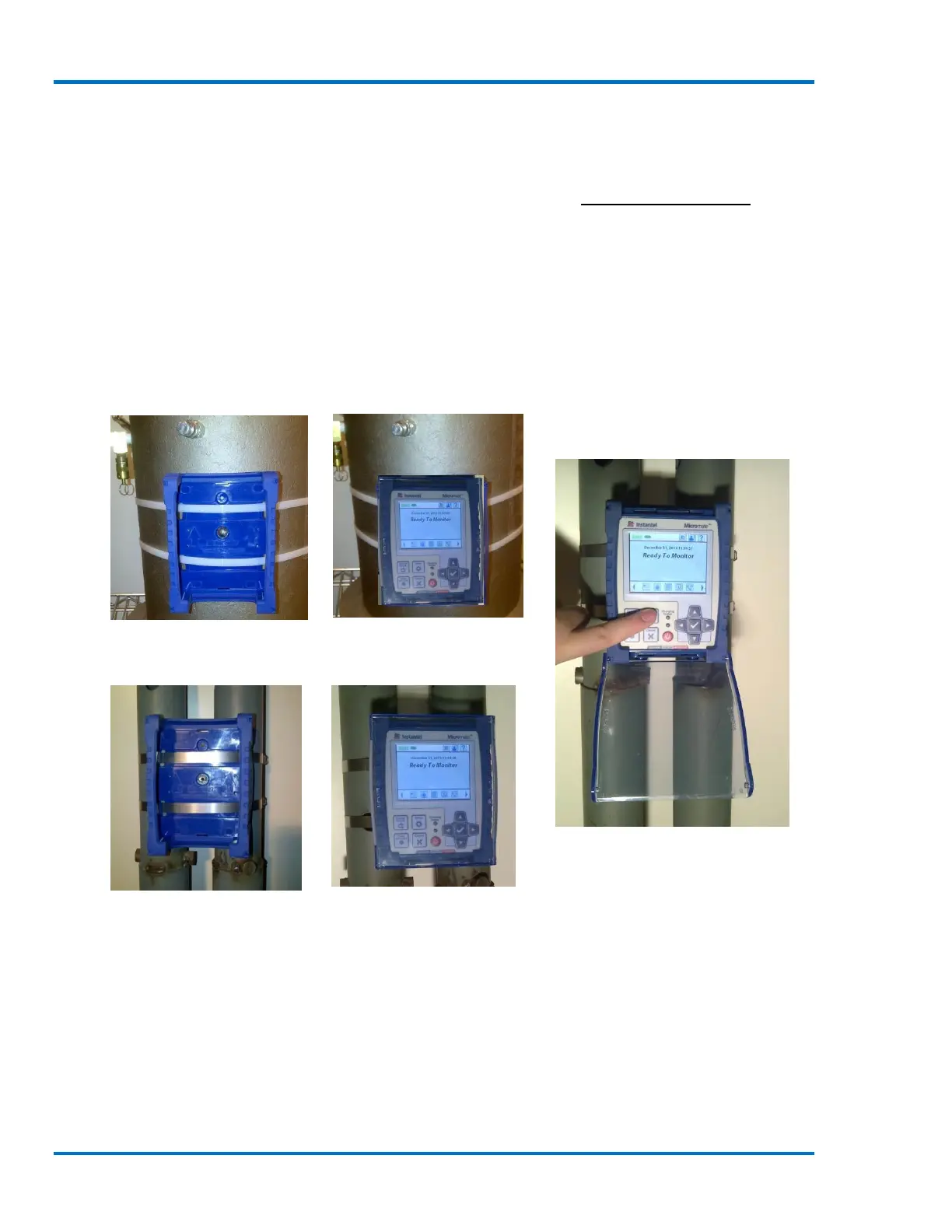
When it is not possible or convenient to use screws to secure the Micromate in place, the
protective boot can be held in place with large plastic tie-wraps or metal straps. The slots in the
bottom of the boot provide space for these straps while not interfering with the installation of the
unit.
Micromate Attached with Plastic Tie-wraps
Micromate Attached with Metal Straps



 To Next Page