Micromate Operator Manual – 721U0201 Revision 6 71
11.1.14. Scaled Distance
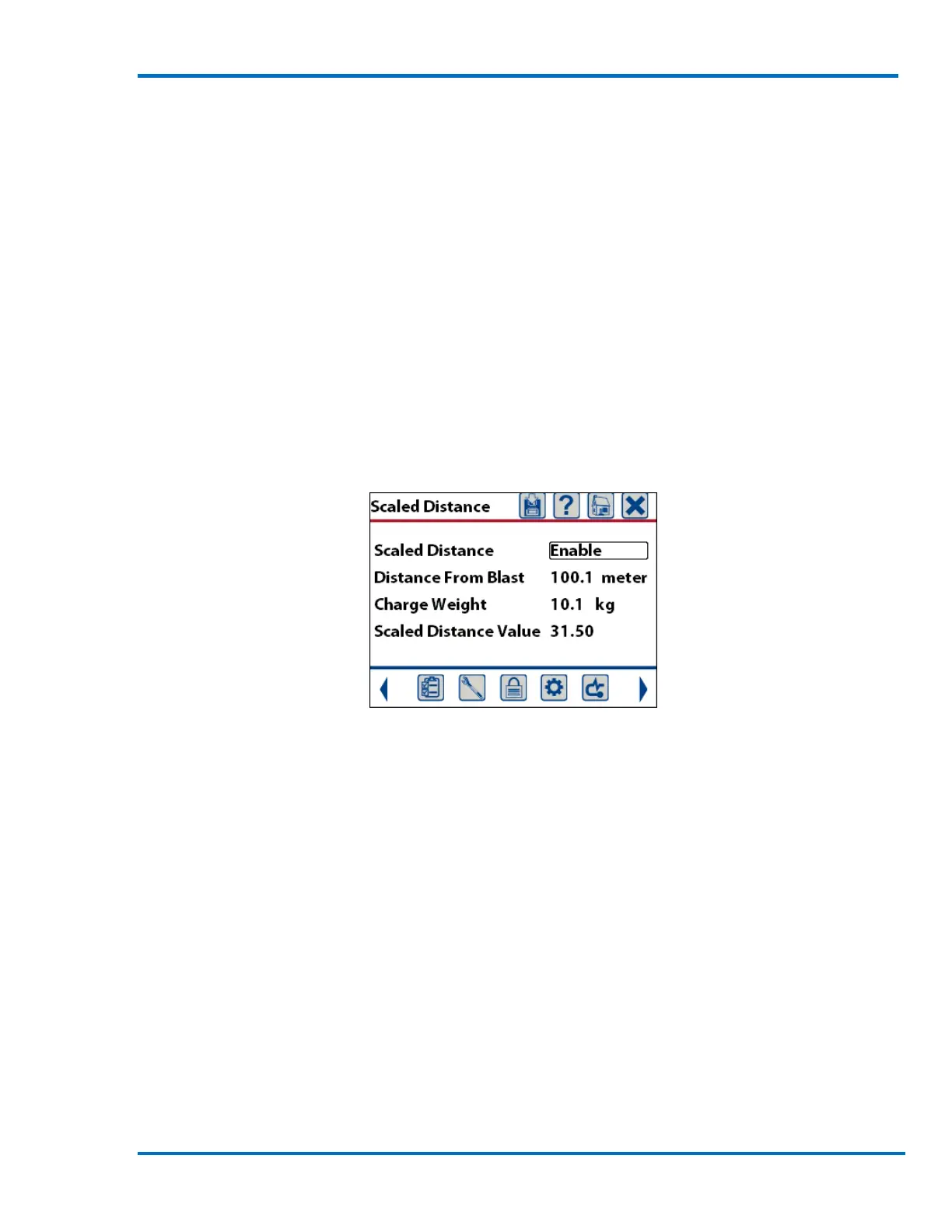
This will display a new window that allows enabling or disabling the scaled distance, entering the
Distance From Blast and entering the Charge Weight. If the scaled distance is enabled it will be
included as part of the event report. If a GPS was used to enter the coordinates of both the Source
and Sensor locations, the Distance From Blast will be automatically calculated from these
coordinates. If this value is manually changed, the GPS coordinates will be reset to zero to prevent
two different distance measurements from being displayed. The distance from the blast will be in
meters and the charge weight will be in kilograms if you are using the metric system. If you are
using the imperial system the distance will be in feet and the charge weight pounds. The charge
weight is generally considered to be the physical weight of the charge detonated within an eight
millisecond time period.
Once this information has been entered the Scaled Distance Value will be calculated. The scaled
distance allows for blasts of different sizes to be more easily compared. It is calculated by dividing
the Distance From Blast by the square root of the Charge Weight.
Scaled Distance Summary Screen



 To Next Page