Micromate Operator Manual – 721U0201 Revision 6 99
4) The Battery Voltage is used to confirm that the internal battery has enough of a charge to
properly record and store data. If the battery has been depleted this test will fail. To
resolve this, connect the Micromate to an external power source.
11.5.5. Disconnect Batteries
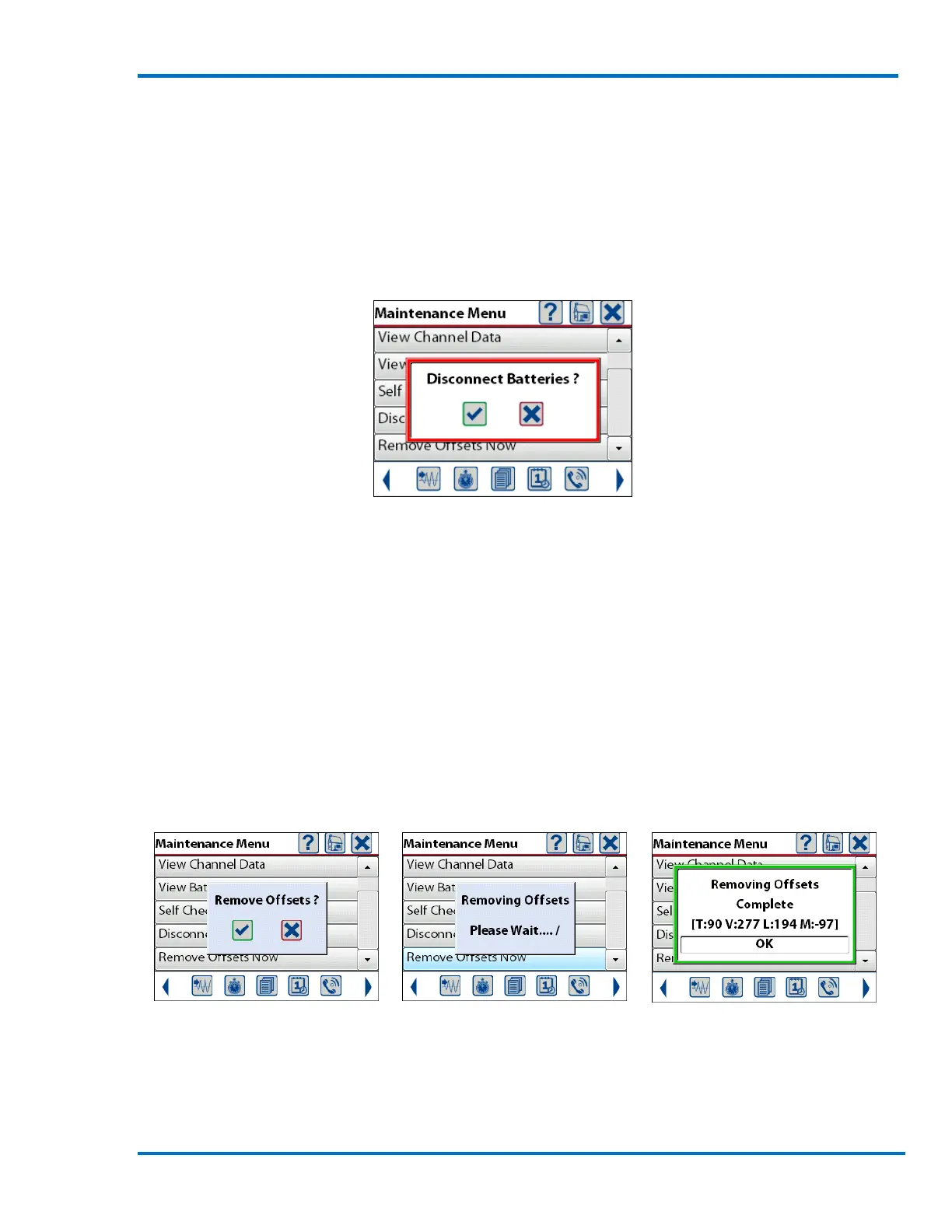
The Disconnect Battery function will electrically disconnect the battery from the unit. If the
Micromate is to be stored for a long period of time, make sure the battery is fully charged and then
perform this command. To avoid accidentally disconnecting the battery you will be asked to
confirm the disconnect battery operation.
Press check mark, cancel key or touch the appropriate button on the display.
NOTE: Disconnect batteries is not available while the Micromate is connected to an external power
source.
11.5.6. Remove Offsets Now
The Remove Offsets menu will monitor the geophone and microphone for 10 seconds and then
analyze the data to determine if there is an offset on any of the channels. If an offset has been
detected, the value associated with this offset will be stored in the unit. This offset will then be
used to correct the data being recorded by adding the stored offset value to the data. This
corrected value is then stored as the event data.
Caution: Ensure there are no vibration or sound signals produced while running this function as it
will negatively affect the results.
Confirm the Command Micromate Analyzing Data Offset Values Calculated
The numbers returned from the Remove Offsets Now function (T:90 V:277 L:194 M:97 in the
example above) are the average values read from the A/D over the 10 second monitoring period.



 To Next Page